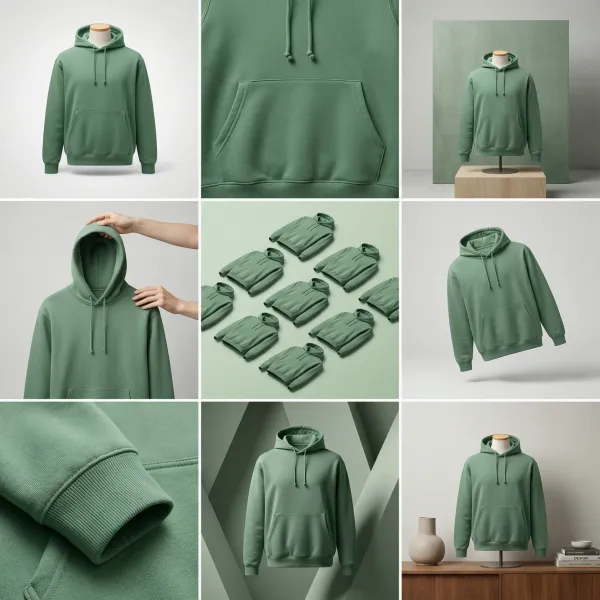
Best AI Creative Tools for Ecommerce Teams in 2026
A practical comparison of Hiding Elephant, Pletor, Canva, Photoroom, Recraft, and Adobe for ecommerce teams that need product context, design control, and batch production.
A practical comparison of Hiding Elephant, Pletor, Canva, Photoroom, Recraft, and Adobe for ecommerce teams that need product context, design control, and batch production.
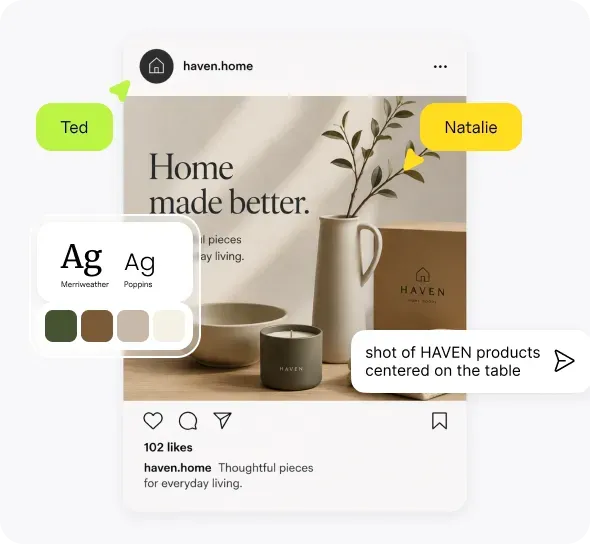
The agency advantage is not a clever prompt. It is a reusable production system that protects each client's brand while preserving the studio's creative judgment.
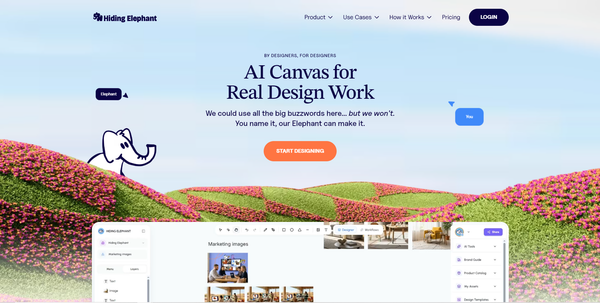
Compare the best AI design tools for image generation, hands-on editing, vector work, brand consistency, and creative workflow automation.
Our product grew into a full AI design workspace. Our brand and marketing had not caught up. Here is why we rebranded, what changed, and why Ellie still feels personal, friendly, and on your side.
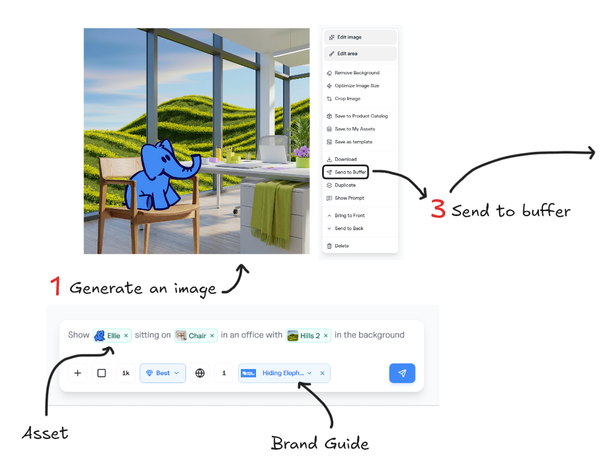
Design, automate, and share to your social channels in one flow. The Buffer integration sends single images, batches, or video scenes straight from Hiding Elephant, with captions written from your brand context.
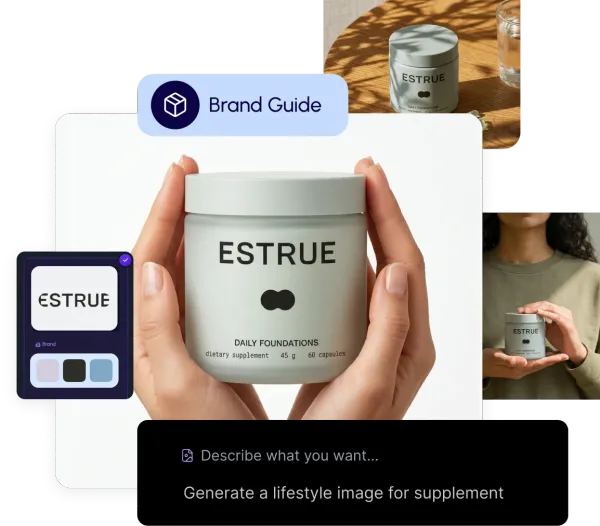
Brand Intelligence brings brand guides, product catalogs, assets, and Ellie together so generations stay on-brand and on-product, with help for captions when you publish.
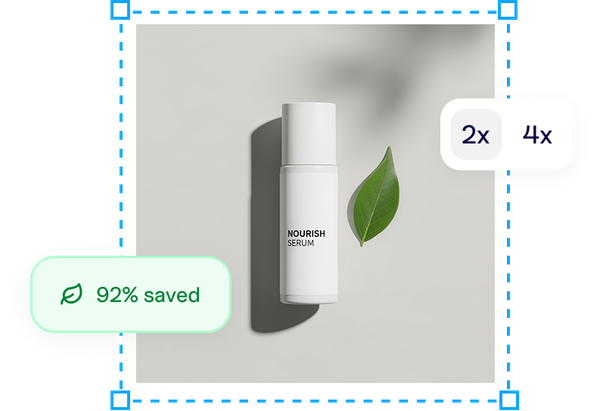
Upscale, remove backgrounds, reframe, optimize, and vectorize with Hiding Elephant image tools. Use the free public tool pages, or open the same tools in your dashboard when you need a quick one-off without building a full workflow.
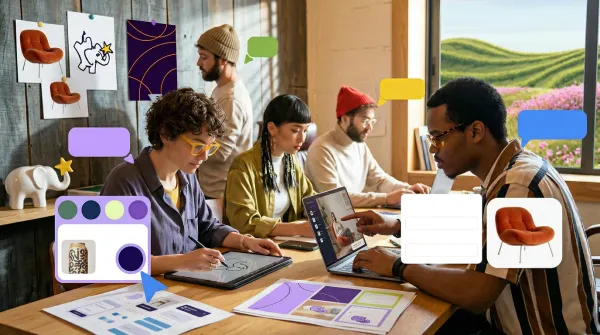
Last year, we started crossing the bridge from AI logo tool to AI design workspace. Today, we are on the other side. And this is only the beginning.
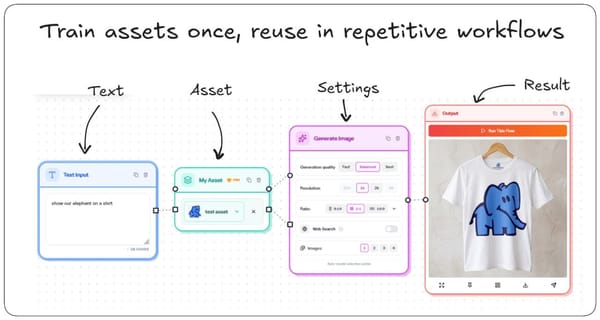
Discover community workflows, duplicate proven recipes into your account, and save your own templates to the gallery when a process is worth sharing or reusing.
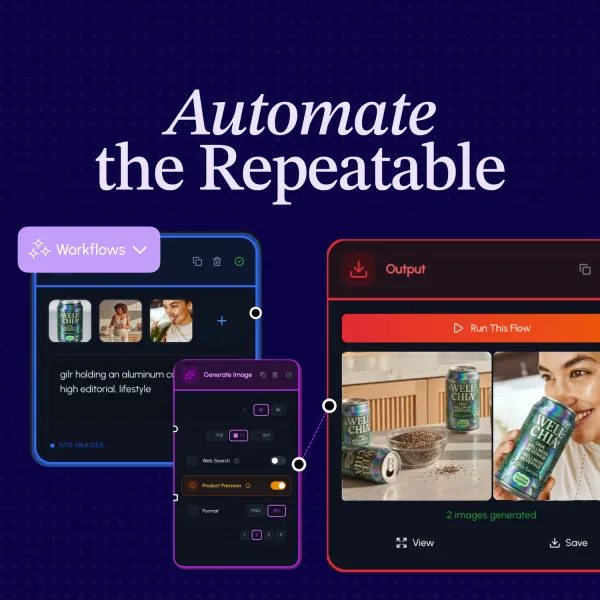
The real strength of Hiding Elephant is the loop between Designer and Workflows: explore on the canvas, scale with automation, then bring hero results back for a precise finish.
Meet Ellie, the built-in AI assistant in Hiding Elephant. Chat, explore ideas, and get help without leaving your workspace for another AI tool.
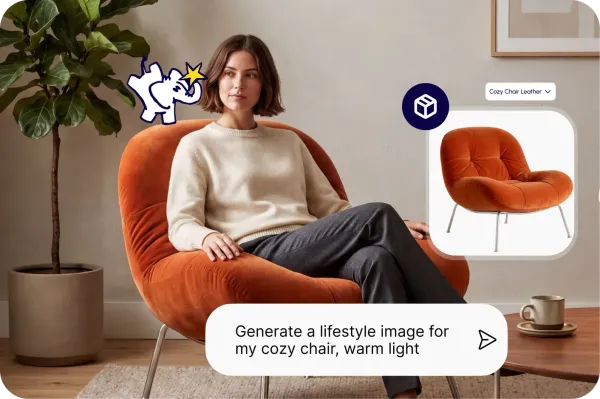
Save real product records, photos, SKUs, and instructions once, then use them when creating ecommerce images, ads, and workflow batches.
Product
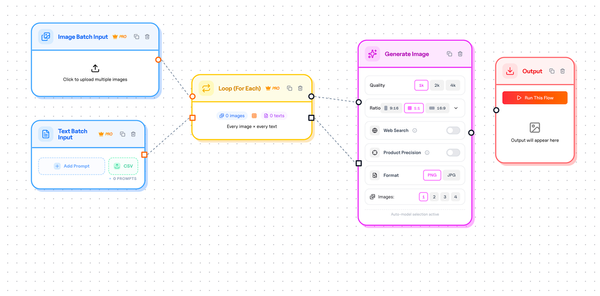
Create short AI video scenes inside Hiding Elephant workflows for ads and social. Text-to-video and image-to-video clips you can stitch into longer edits, without opening a full video suite.
Product
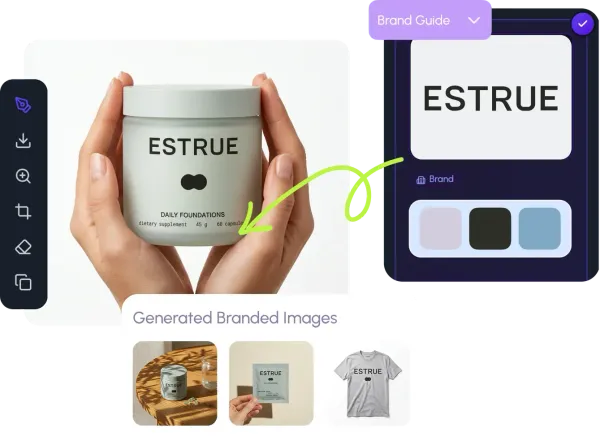
Brand guides keep logos, colors, and brand rules in one place. Artwork style guides capture artistic looks. Both help generations stay consistent without rewriting the same instructions every time.
Product
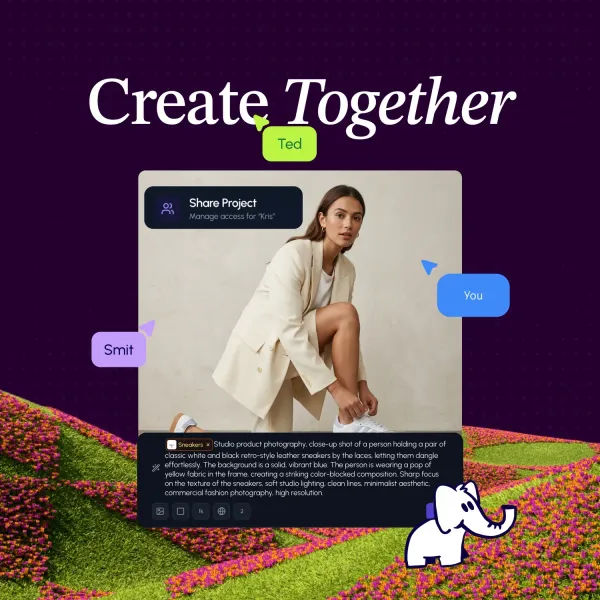
Work on the same board with other people in real time: generate, edit, and run workflows together. Share a public link, invite someone with the right access, or collaborate inside a team workspace.
Product
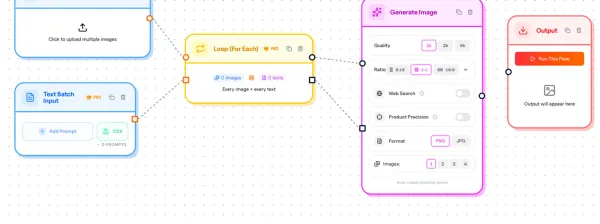
A major launch: every project now has Designer and Workflows, plus a shared gallery. Explore one idea, scale it with automations, or pull a batch result back into Designer when it needs a precise finish.
Product
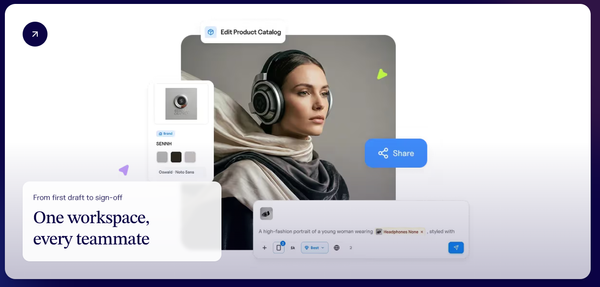
Hiding Elephant workspaces give your team one shared home for projects and creative work, so everyone starts from the same place.
Product
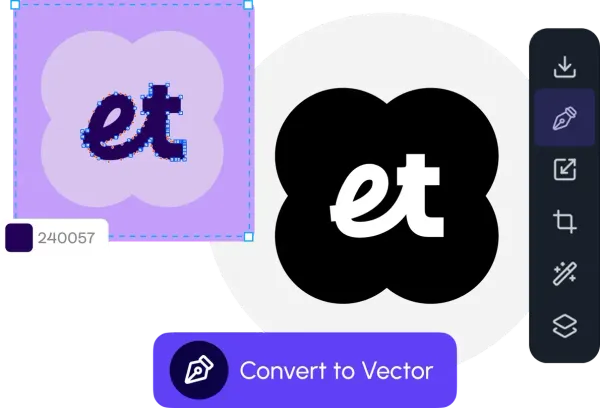
Building on Hiding Elephant 2.0, Vector Canvas V2 deepens the finishing tools: faster drawing, clearer controls, and more precise path editing when AI gets you close.
Product
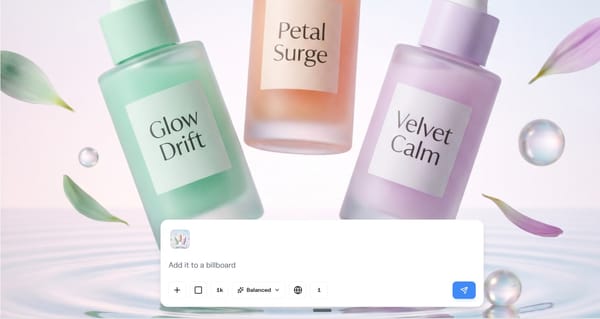
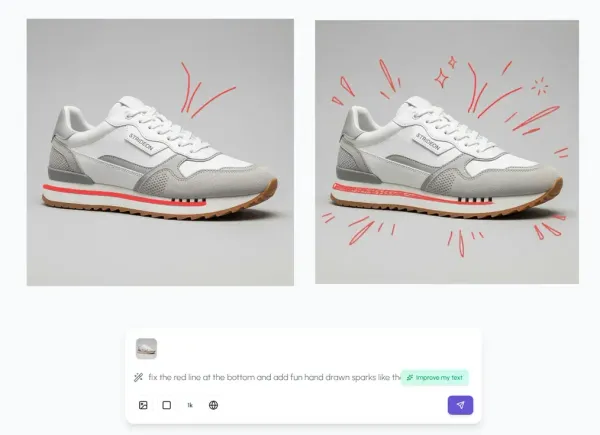
Edit the image you already have on the canvas: double-click to refine it, or brush an edit area when you only want to change one precise part.
Product
We started with logos. Then we saw the bigger opportunity: one AI design workspace for the whole creative journey, from first idea to finished work.
ai logos
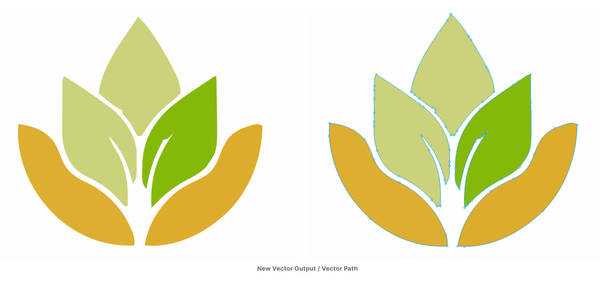
Hiding Elephant's new vectorization engine delivers clean, simplified vector paths from AI-generated logos—making editing faster, easier, and more precise for professional designers.
ai logos
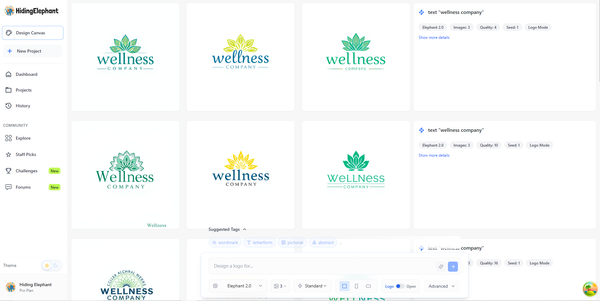
We’ve improved the Feed view for faster, cleaner browsing on all devices. Enjoy a responsive layout, expandable prompt details, smoother infinite scroll, and a more polished experience. Prefer freeform exploration? Switch to Canvas view for a flexible, creative workspace.
ai logos
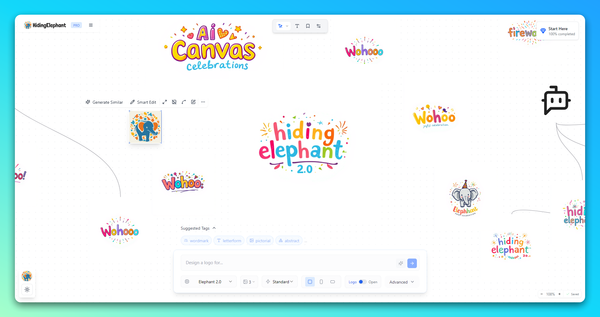
From a smarter prompt bar to a fully vector-based canvas, version 2.0 is packed with features that make designing with AI faster, more intuitive, and way more fun. Here's everything that's new—and what’s coming next.
ai logos
Imagine making images fast like ⚡Midjourney, vector editing like a pro in ✏️Illustrator, and collaborating just like in 🤝Figma—all in one place.