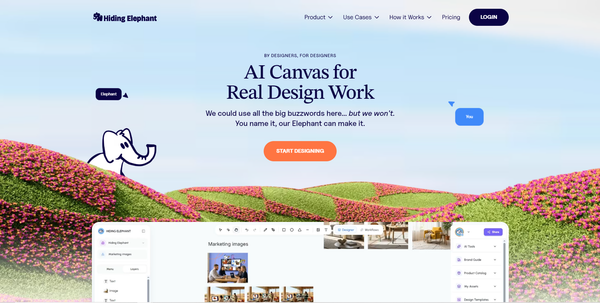
Image Tools That Finish the Job
Upscale, remove backgrounds, reframe, optimize, and vectorize with Hiding Elephant image tools. Use the free public tool pages, or open the same tools in your dashboard when you need a quick one-off without building a full workflow.

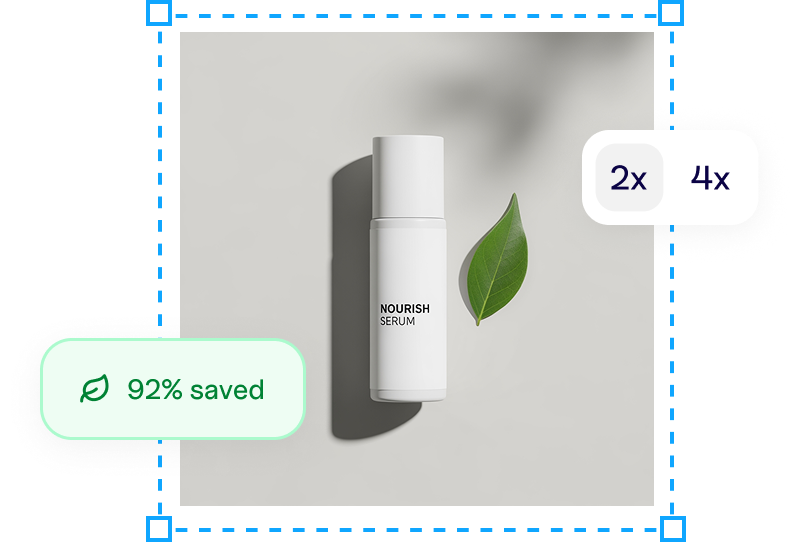
Not every image job needs a full workflow. Sometimes you just need to clean a product shot, enlarge a thumbnail, or crop a creative for Instagram before you move on.
Hiding Elephant has a set of image tools for those finishing steps. You can use them in two ways:
- Free public tool pages under /tools, useful when you want a quick result or want to share a tool link
- The same tools inside your dashboard, for quick access when you are already signed in and do not want to assemble a whole automation for one task
When the job repeats across dozens of assets, put it in a workflow. When it is a one-off, open the tool.
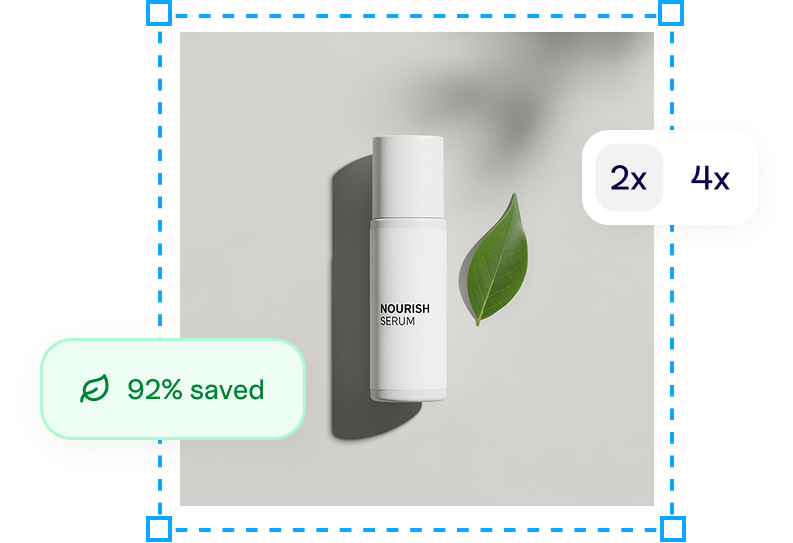
Background remover
What it does: Removes the background from an image so the subject stands on its own.
Usually used for: Product cutouts, cleaner marketplace listings, collage layouts, and any asset that needs a transparent or replaceable background.
Try the free background remover, or open it in your dashboard.

Image upscaler
What it does: Enlarges an image with AI so you get more resolution for export or placement.
Usually used for: Making small source files usable in ads or listings, sharpening exports, and preparing assets that need to look clean at a larger size.
Try the free image upscaler, or use the dashboard upscaler.
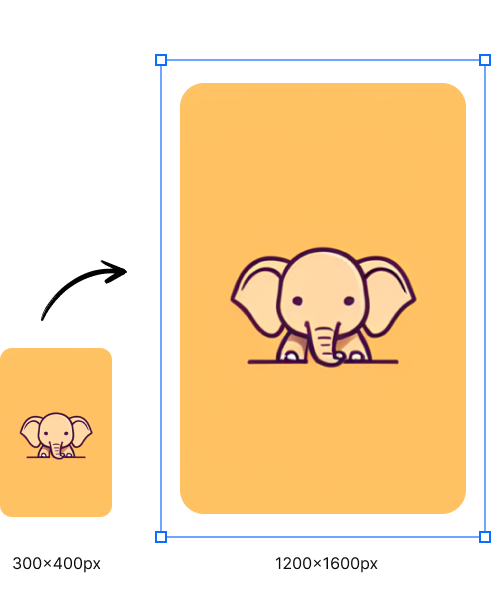
Image reframer / resizer
What it does: Reframes and resizes an image for a target aspect ratio or channel size, instead of leaving you with a crude crop.
Usually used for: Turning one creative into Instagram, Stories, display, marketplace, or other channel sizes without rebuilding the layout from scratch.
Try the free image reframer, or open the dashboard resizer.
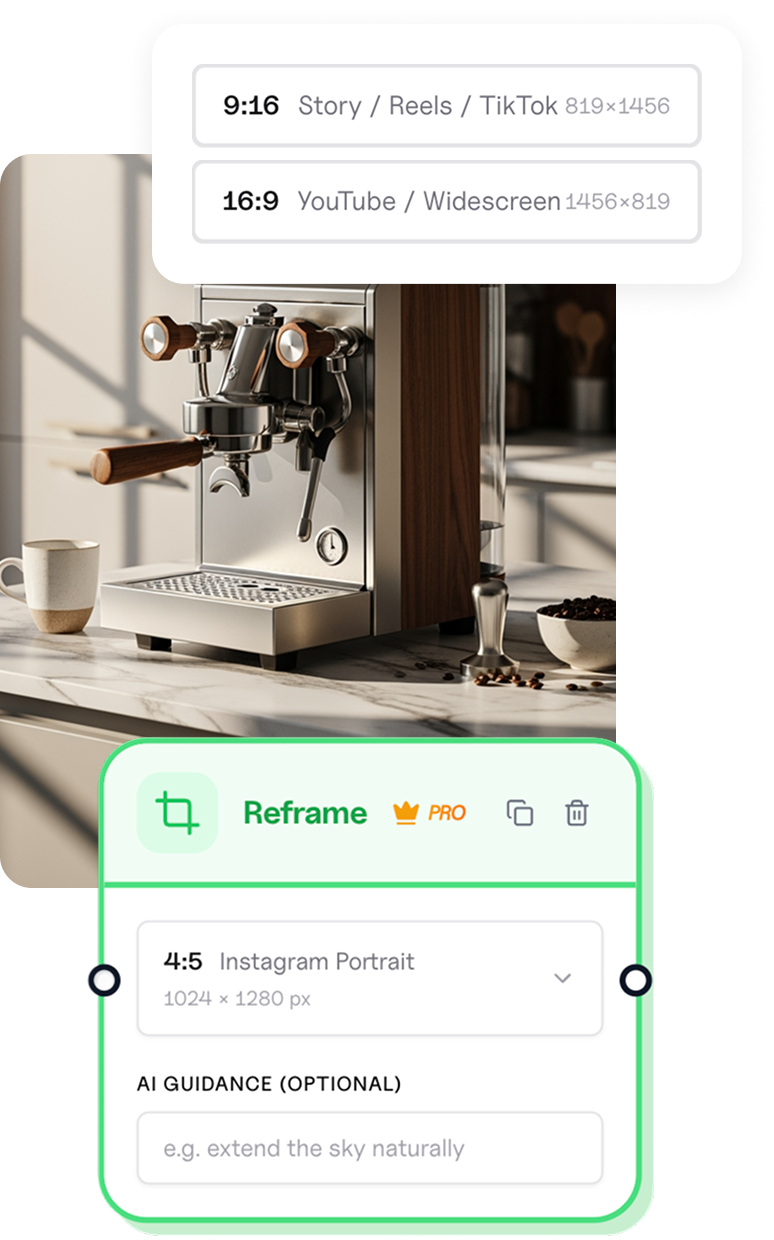
Image optimizer
What it does: Compresses and converts images so files are lighter and easier to deliver.
Usually used for: Preparing web and marketplace assets, reducing upload weight, and converting formats when a channel wants something smaller or more efficient.
Try the free image optimizer, or use it from the dashboard.
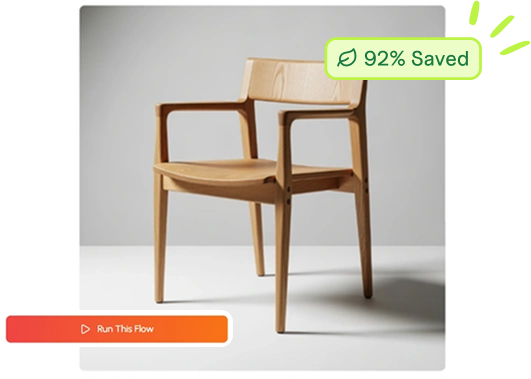
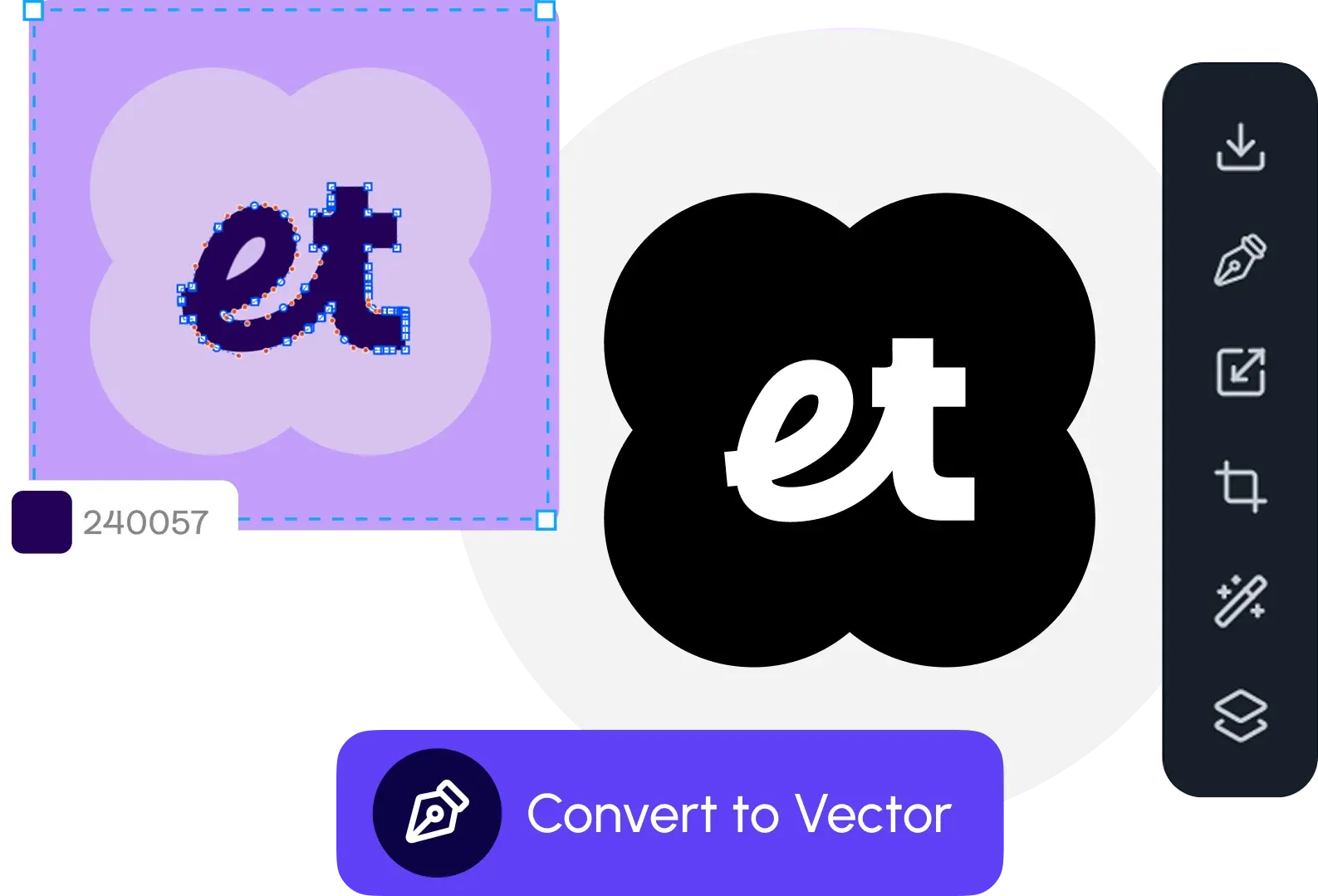
Image vectorizer
What it does: Converts a raster image into vector-style output you can scale and edit more cleanly.
Usually used for: Logos, icons, simple artwork, and marks that need to stay sharp at different sizes.
Try the free image vectorizer, or open the dashboard vectorizer.
Public tools, dashboard tools, and workflows
These three layers are meant to fit different moments:
| Need | Best place |
|---|---|
| Quick one-off, maybe from a shared link | Public /tools pages |
| Signed-in finishing work without building a flow | Dashboard tools |
| The same cleanup across many SKUs or prompts | Workflows |
The tools are not a separate product story from the rest of Hiding Elephant. They are the practical layer between "almost done" and "ready to use," whether that next step is a listing, an ad, or a canvas layout.
Browse all of them on the tools hub, or jump straight into your account when you already know which finishing step you need.