Where We're Headed: From AI Logo Tool to AI Design Workspace
We started with logos. Then we saw the bigger opportunity: one AI design workspace for the whole creative journey, from first idea to finished work.
Every product reaches a moment when the original idea is no longer big enough to hold what it has become.
This is ours.
We started Hiding Elephant with one clear mission: help designers create original logos with AI, then give them the tools to make those ideas their own.
It was focused. It was useful. And it opened a much bigger door.
Because the moment a logo is finished, the next question arrives.
What does the campaign look like?
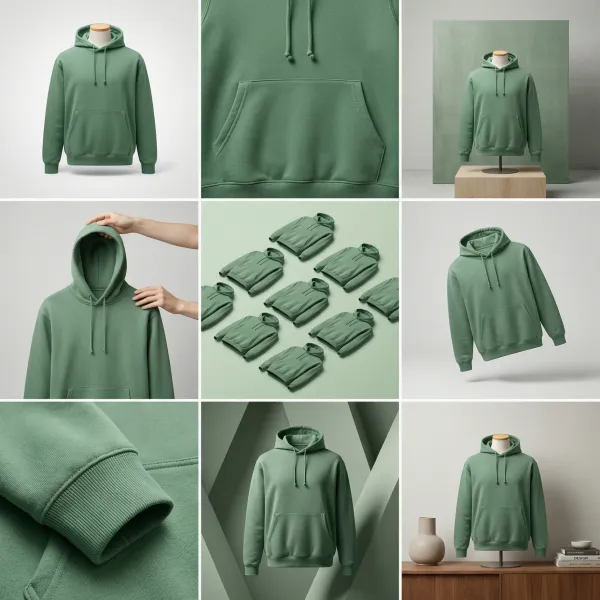
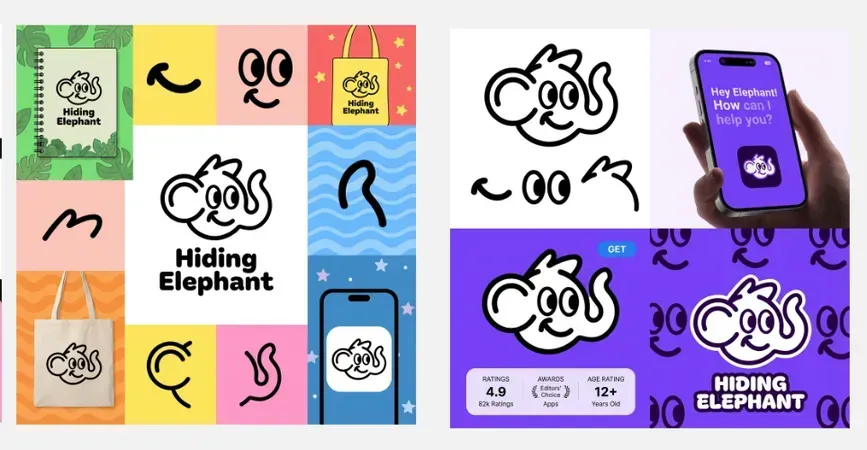
What about the product images? The launch assets? The social posts? The twenty variations due next week?
The logo was never the whole job. It was the beginning of the job.
So we are building for everything that comes next.
We are crossing a bridge
Hiding Elephant began as an AI logo tool.
We are becoming an AI design workspace.
Not a logo maker with a longer menu. Not another place to generate an image and immediately export it somewhere else.
A real creative space.
One place to explore an idea, shape it, keep it consistent, scale it, work on it together, and get it out into the world.
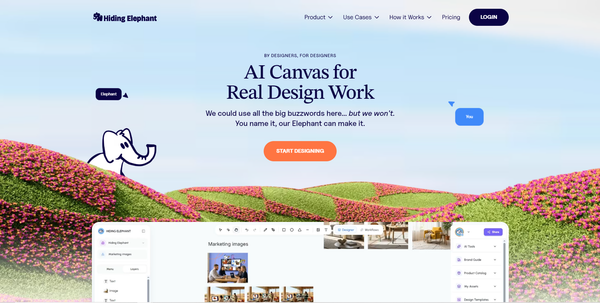
Hiding Elephant 2.0 laid the first span of that bridge. It brought generation and editing onto one unlimited canvas.
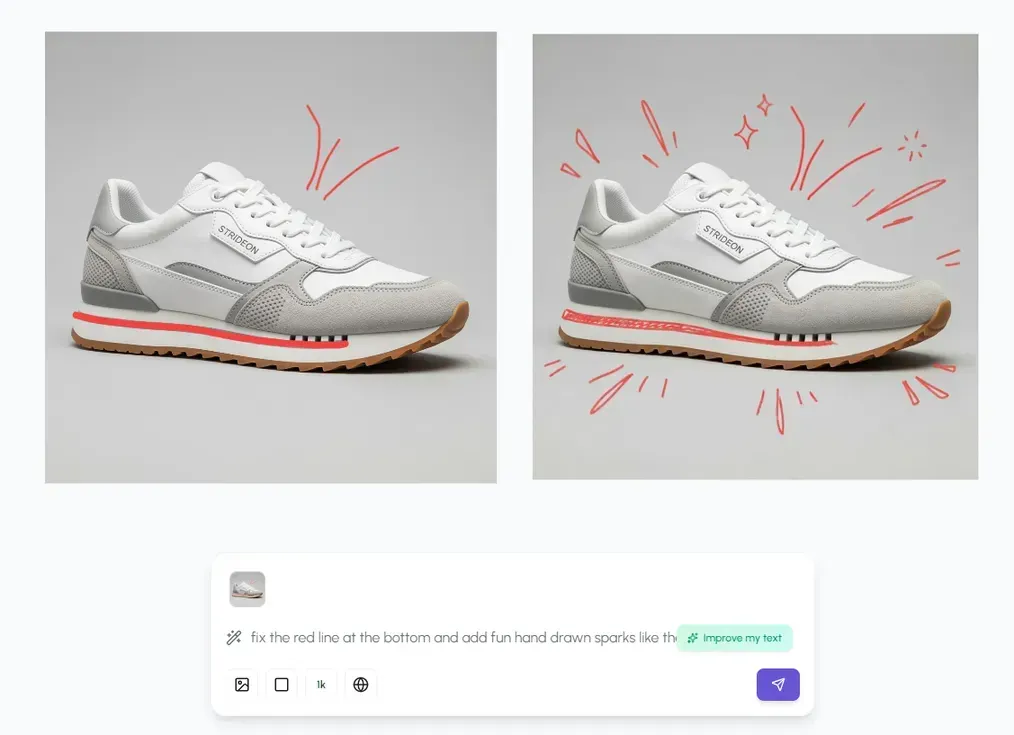
That changed the question.
It was no longer “how do we generate a better logo?”
It became “how much of the creative process can happen here?”
Our answer is simple.
More of it. Much more.
The prompt is only the first step
AI makes starting feel almost instant.
That is exciting. But designers know the truth: starting was never the whole problem.
The work happens after the first result.
You choose a direction. Fix what is wrong. Push what is interesting. Add structure. Bring in the brand. Try the real product. Make another version. Ask for feedback. Prepare every format. Then do it all again for the next brief.
The prompt gives you a possibility.
The rest of the process turns it into design.
That is the loop Hiding Elephant is growing around.
From possibility to something you can ship
AI can get you surprisingly far. The final stretch still needs a designer.
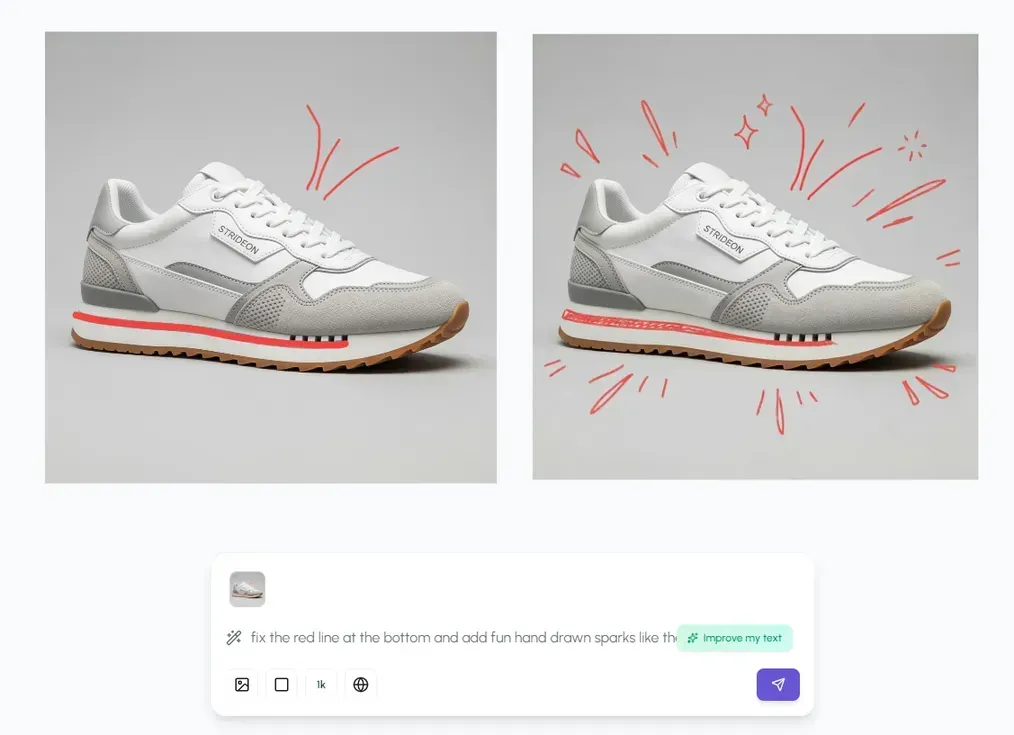
Paths. Shapes. Type. Layers. Layout. Cleanup. Tiny decisions with a huge effect.
Those tools should live beside generation, not behind an export button. Your idea should stay editable from the moment it appears to the moment you decide it is done.

That belief shaped our canvas. It also shaped the work behind our improved image-to-vector engine.
AI brings speed.
Designers bring taste, judgment, and the final say.
The workspace needs both.
From one good image to a visual world
A strong image is useful.
A visual direction you can carry across a whole brand is much more powerful.
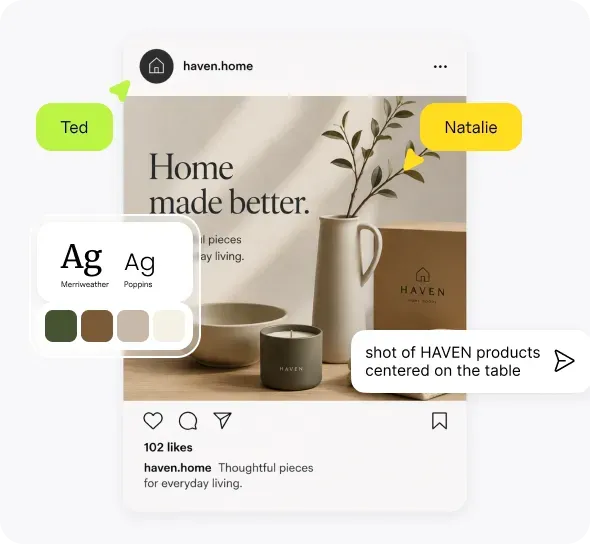
Teams do not want endless disconnected generations. They want work that looks like them. Their colors. Their products. Their references. Their rules.
That context should live inside the creative process.
Not in a forgotten folder. Not in a document someone has to find. Not pasted into every prompt from scratch.
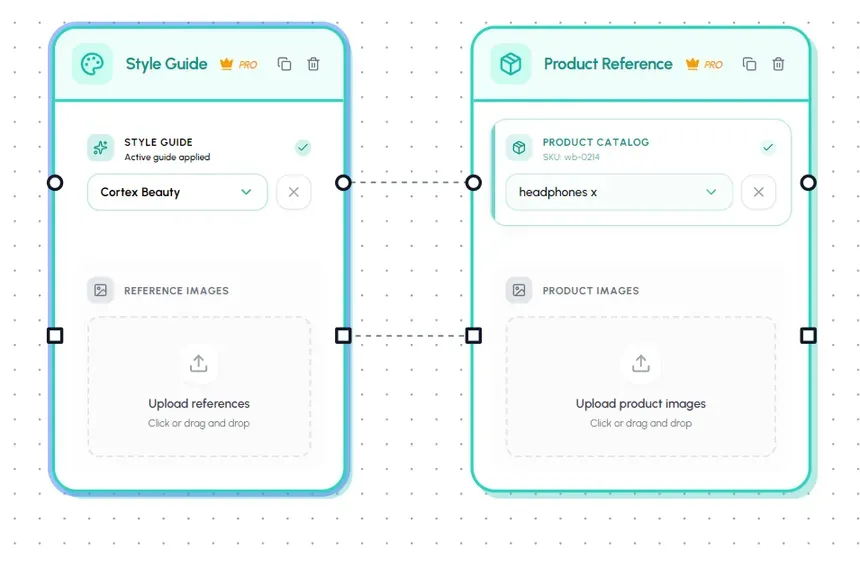
We are building towards a workspace that understands what you are making and what it belongs to.
So each new piece can feel connected to the last one.
From making one to making many
Then comes the sentence every designer knows.
“Great. Can we do this for the rest?”
The rest of the products. The rest of the campaign. The rest of the formats.
This is where creative work can turn into repetitive work very quickly.
We think the winning process should become reusable.
Find a direction once. Build a system around it. Run it again when the catalog grows, the channel changes, or the next campaign begins.
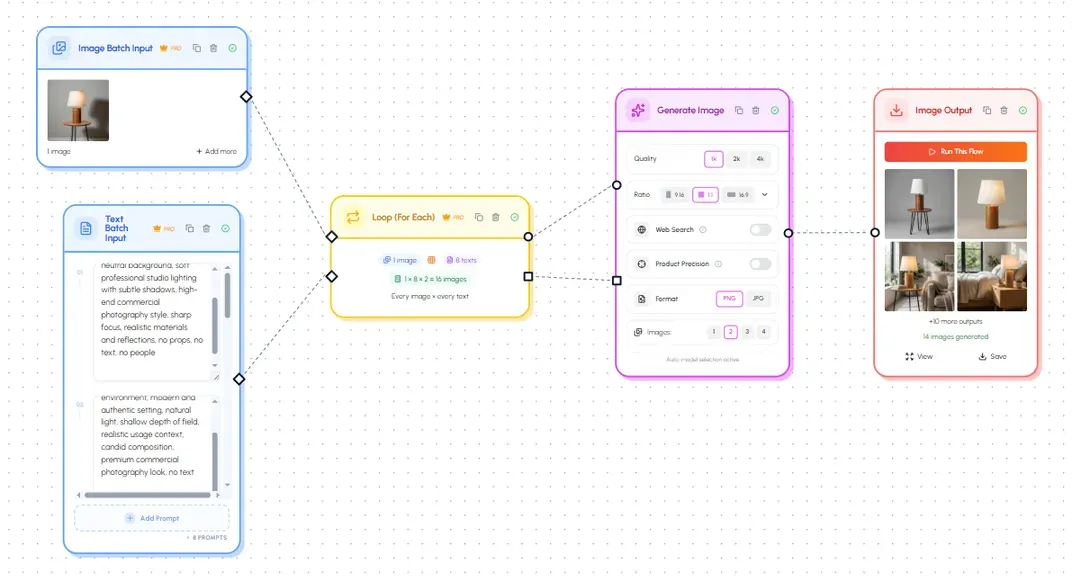
The future is not a choice between hands-on design and automation.
It is a loop between them.
Explore freely. Find what works. Scale it. Bring the best results back for a careful finish.
The machine handles the repetition. The designer keeps the direction.
From your canvas to your team's space
Creative work rarely stays solo.
Someone joins the project. Someone leaves a note. Someone asks for a change. Someone needs the final asset right now.
That work should happen around the design itself.
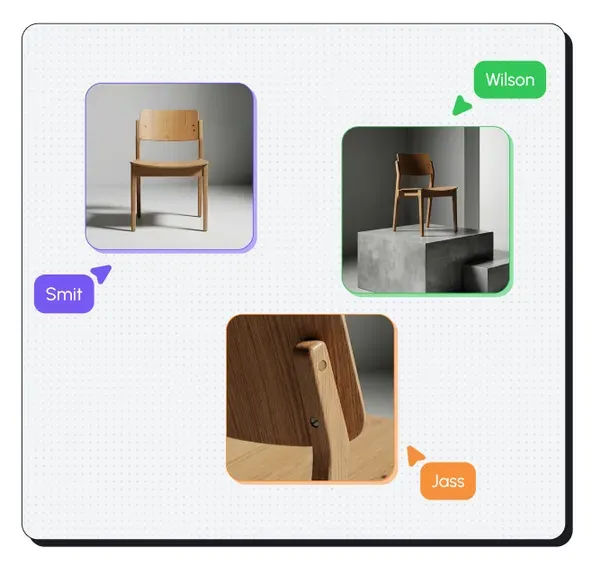
We are building shared spaces where teams can create, review, and move work forward together.
No screenshot archaeology.
No guessing which version is actually final.
No creative process scattered across five tools that barely know one another.
One continuous creative journey
This is the destination:
Explore → refine → ground → scale → collaborate → deliver.
One idea can move through that whole journey without losing its context or breaking your flow.
That is the difference between an AI logo tool and an AI design workspace.
One helps you create a mark.
The other helps you build everything around it.
Logos are still part of the story
We are proud that Hiding Elephant started with logos.
Logo design taught us what matters. Original directions matter. Vector control matters. Small details matter. The designer needs room to make the work theirs.
None of that is going away.
But logos are becoming one room in a much larger creative home.
The canvas is another. Brand and product context are another. Automation and collaboration will open even more.
We are not leaving the original idea behind.
We are following it to its full potential.
Built for people with real work to finish
This workspace is for designers who want AI speed without giving up control.
It is for marketing and ecommerce teams who need more creative work than the calendar seems willing to allow.
It is for agencies moving between brand systems, client feedback, production, and delivery.
It is for anyone whose problem is not finding one idea, but turning that idea into a complete, consistent body of work.
This is where we are headed
The bridge will not appear overnight.
We will build it in public. Piece by piece. Real launches. Real creative problems solved.
The direction is already clear.
Generation and craft belong together. Brand context should travel with the work. Repetition should become a system. Teams should share the same creative space. Delivery should feel like the end of the flow, not the start of another scavenger hunt.
And through all of it, one belief stays exactly where it has always been:
AI should enhance designers, not replace them.
The best creative work still comes from people.
We are building the workspace that helps them make more of it.
Update: we crossed the bridge
This post was our direction in June 2025.
Since then, the canvas has grown. Editing, brand and product context, workflows, live collaboration, team spaces, image tools, and publishing have come together inside one connected product.
The AI design workspace is no longer where we are headed.