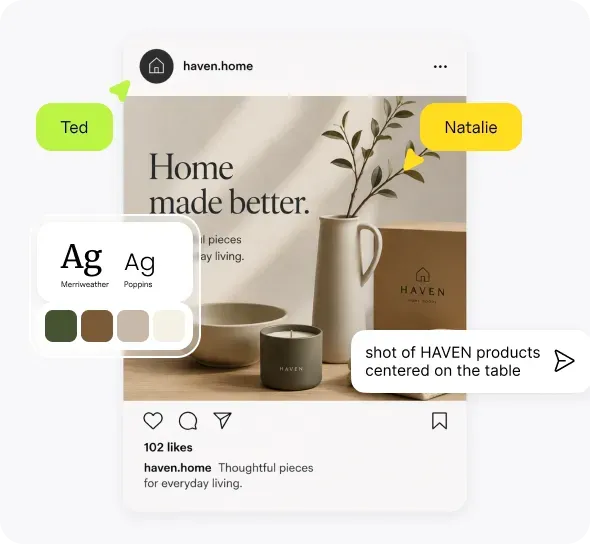
Chat with Ellie in Your Workspace
Meet Ellie, the built-in AI assistant in Hiding Elephant. Chat, explore ideas, and get help without leaving your workspace for another AI tool.

Creative work has a habit of splitting across tabs. One for the canvas. One for ChatGPT or Claude. One for notes. One for "wait, what was that prompt idea again?"
We wanted a simpler version of that day: stay in Hiding Elephant, keep creating, and still have somewhere to think out loud.
That is why Ellie is now available as a chat companion in your workspace.
Why we added a built-in assistant
A lot of the early work of a project is not exporting files. It is exploring:
- What direction should this campaign take?
- How would I describe this product in a prompt?
- What am I missing before I generate fifty variants?
Those questions used to send people to another AI tool. That is fine, but it breaks flow. You leave the workspace, lose context, and come back with a half-copied answer.
Ellie is there so you can chat and explore ideas without leaving the product that already holds your projects, canvas, and workflows.
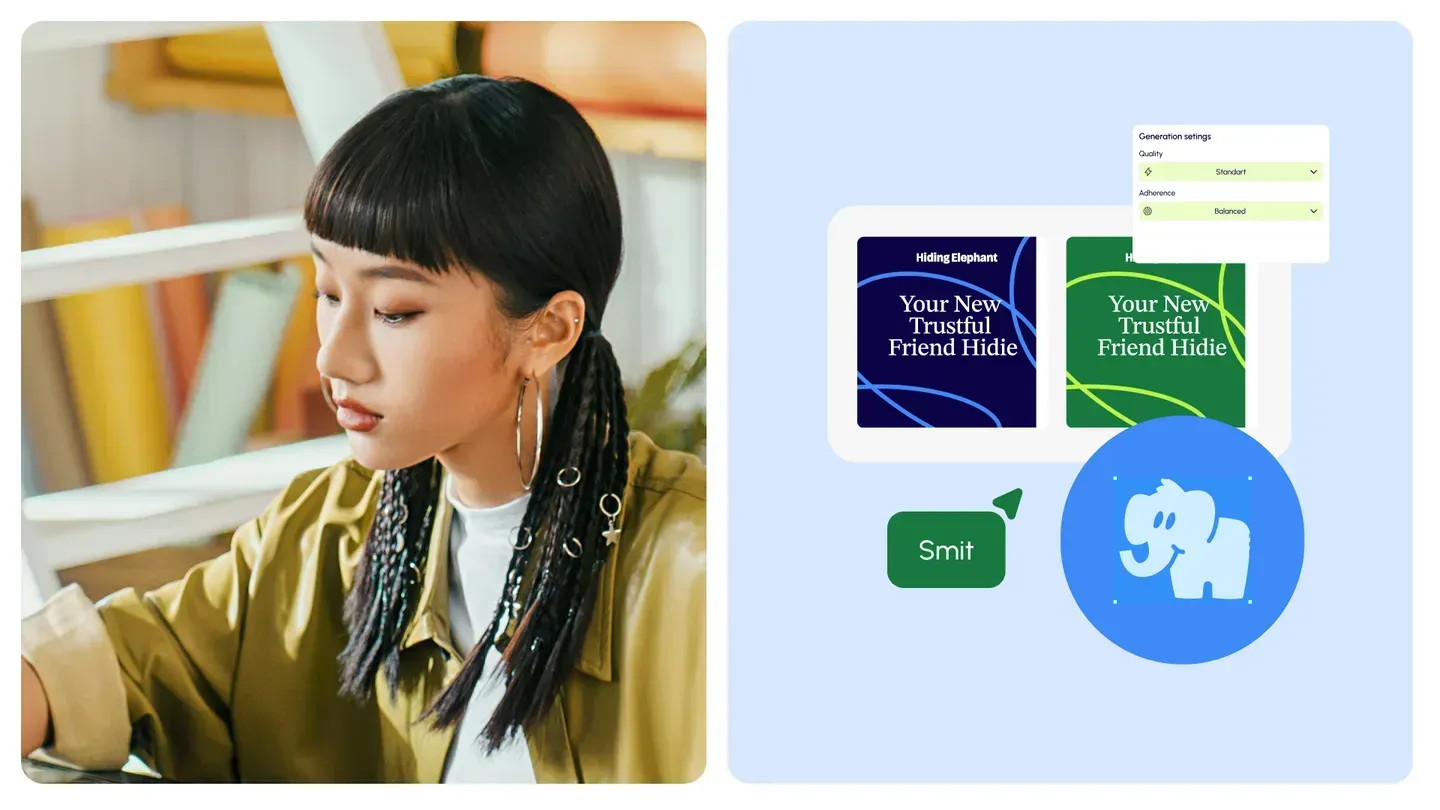
What Ellie is good for
Think of Ellie as a creative companion inside the workspace, not as a replacement for every specialist tool.
Useful moments:
- Brainstorming campaign or product visual directions
- Turning a rough idea into clearer prompt language
- Asking how a feature works while you stay on the page
- Exploring options before you commit credits to a big batch
You still make the creative decisions. Ellie helps you get to a clearer starting point faster.

Keep the conversation where the work lives
The practical benefit is simple: fewer context switches.
You can open your project, talk through an idea with Ellie, then move straight into the canvas or a workflow without rebuilding the thought process in another app.
That matters more as the workspace grows. Brand guides, product catalogs, templates, and team projects already live here. An assistant that lives here too keeps the creative loop in one place.
Try chatting in the workspace
Open your dashboard, start a conversation with Ellie, and use it the next time you would have opened a separate AI chat just to think.
Ask a question. Explore a direction. Then stay and make the work.