From Design Canvas to Workflow Canvas
The real strength of Hiding Elephant is the loop between Designer and Workflows: explore on the canvas, scale with automation, then bring hero results back for a precise finish.

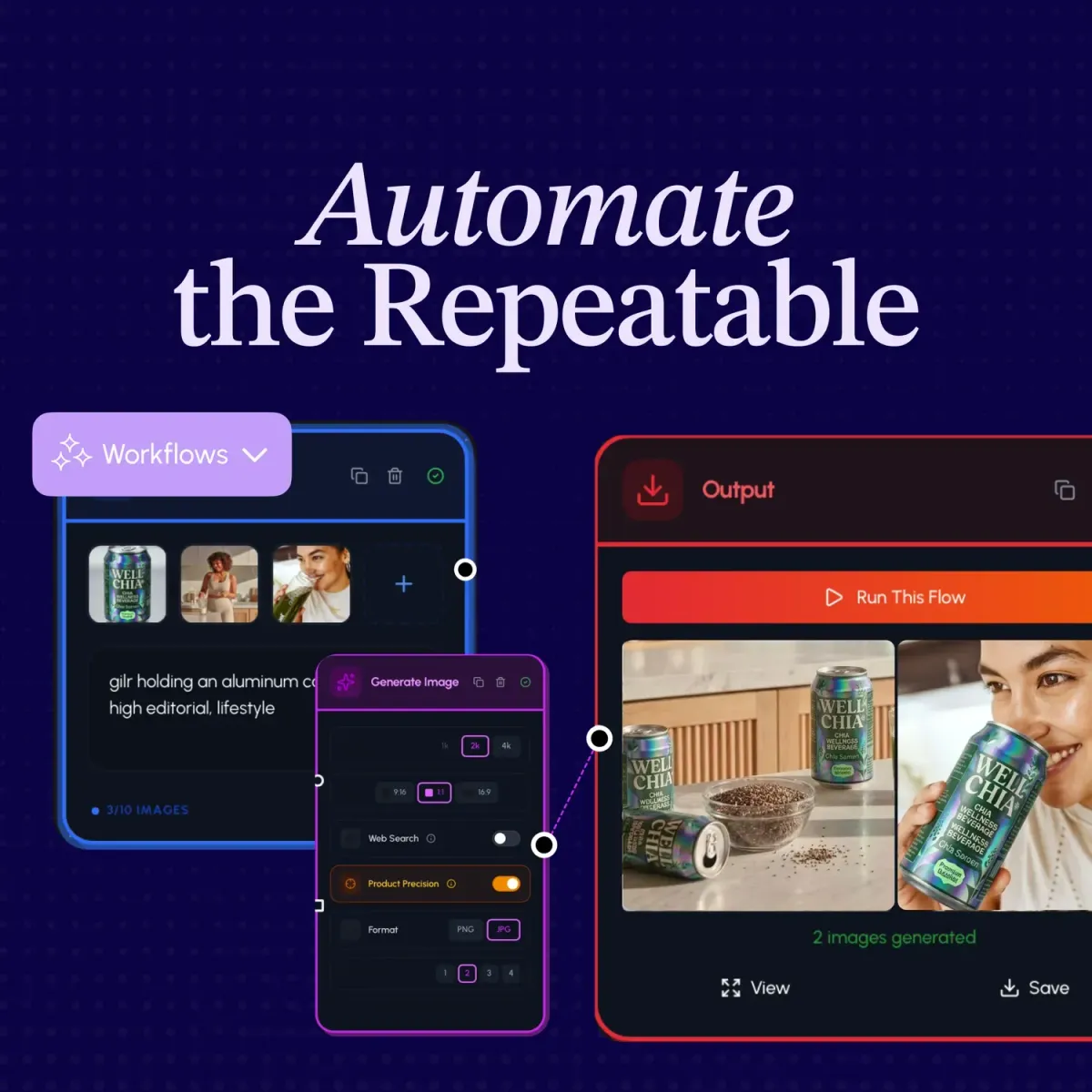
Most creative tools ask you to choose a lane.
Either you explore carefully in a design surface, then leave to automate later. Or you jump into automation early and lose the craft that made the idea good.
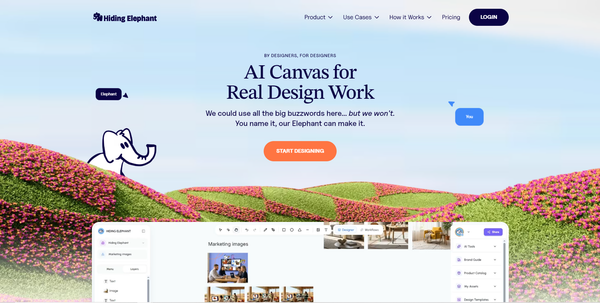
Hiding Elephant is built around a different shape: the design canvas and the workflow canvas as two views of the same project.
Two views, one project
In every project you get:
- Designer, for exploring, arranging, editing, and finishing
- Workflows, for turning a proven process into a visual automation
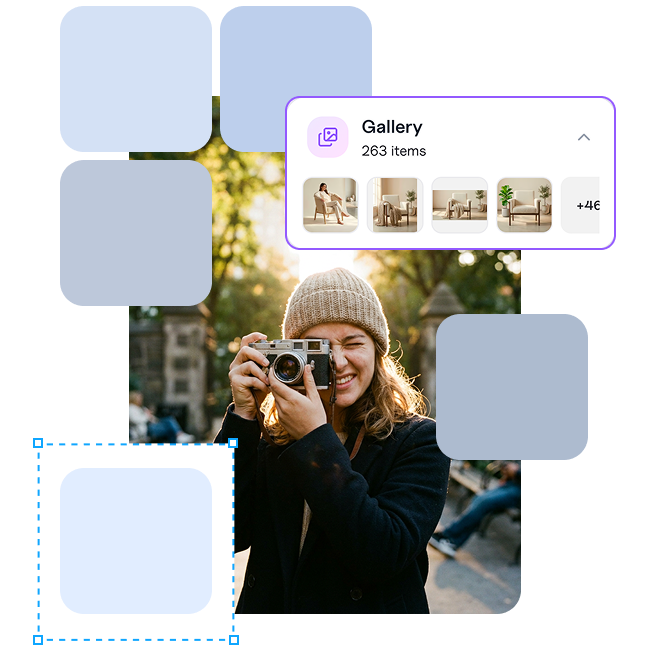
Between them sits a shared gallery. That gallery is the practical bridge. What you make on one side can feed the other without export/import theater.
This is the product strength we keep coming back to. Not "we have a canvas" and "we have workflows" as separate boasts. The point is how easily work can mature from exploration into scale, then come back for a precise finish.
A production loop that feels natural
Here is the loop in plain terms:
- Explore in Designer until something clicks.
- Use that direction as the start of a workflow.
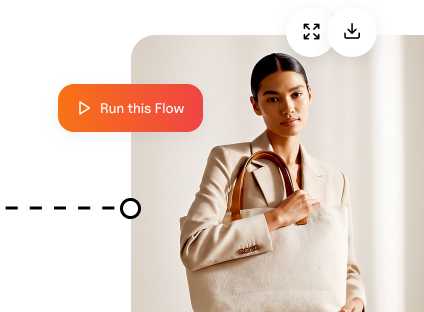
- Run the automation across prompts, products, sizes, or scenes.
- Review outputs in the shared gallery.
- Pull the best results back into Designer when one image deserves more care.
You are never trapped in automation-only mode. You are also never stuck remaking every variant by hand after a good idea appears.
When to stay in Designer
Stay on the canvas when the work still needs judgment:
- Finding the first strong direction
- Cleaning a hero asset with Magic Edit or vector tools
- Laying out a campaign board
- Making the one version that has to be perfect
Designer is where taste and precision matter most.
When to switch to Workflows
Switch to Workflows when the direction is clear and the next problem is volume:
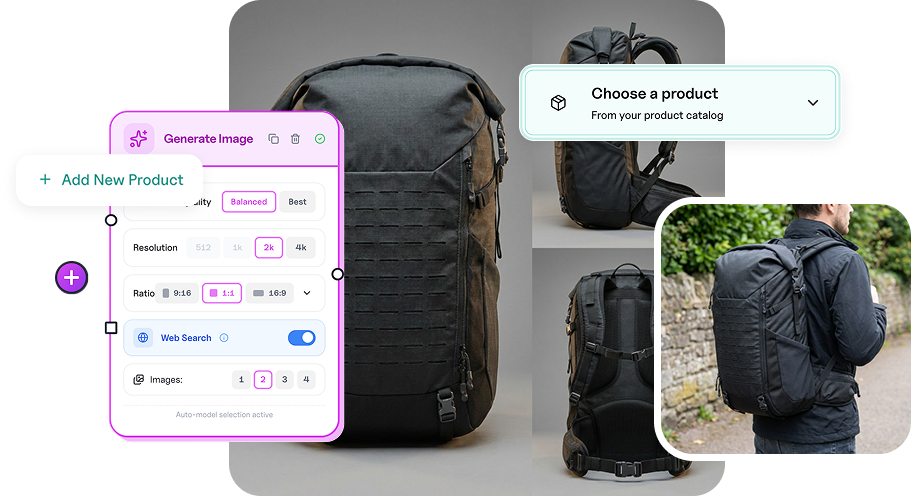
- Dozens of SKUs from the product catalog
- Channel sizes from one creative
- Short video scenes next to stills
- Weekly processes your team should not rebuild from scratch
That is also where the public workflow gallery helps. Borrow a starting recipe, or save your own template once the loop is proven.
Why this matters for real teams
Agencies, ecommerce teams, and in-house marketers rarely need either pure craft or pure automation. They need both in the same week.
A campaign starts messy. Then it becomes a system. Then one output becomes the hero again. Tools that force a hard split between those modes create busywork. Tools that keep them connected create momentum.
Try the loop on one project
Open a project. Make something promising in Designer. Flip to Workflows and scale the part that should be repeatable. Bring the best result back when it needs a sharper finish.
If you want the launch story behind automation, read Automate Creative Production with Workflows. If you want the broader automation picture, see workflow automation.
Explore. Automate. Finish. Stay in the same project the whole time.