Automate Creative Production with Workflows
A major launch: every project now has Designer and Workflows, plus a shared gallery. Explore one idea, scale it with automations, or pull a batch result back into Designer when it needs a precise finish.

Today we're launching workflows. This is the big one.
Here's the problem it solves. You find a look that works. A product shot, an ad style, a campaign direction. And then you need it again. Across 40 products. In 6 sizes. For 3 channels. Same steps every time, and every one of them done by hand.
That's where creative hours actually go. Not into the idea, but into repeating it.
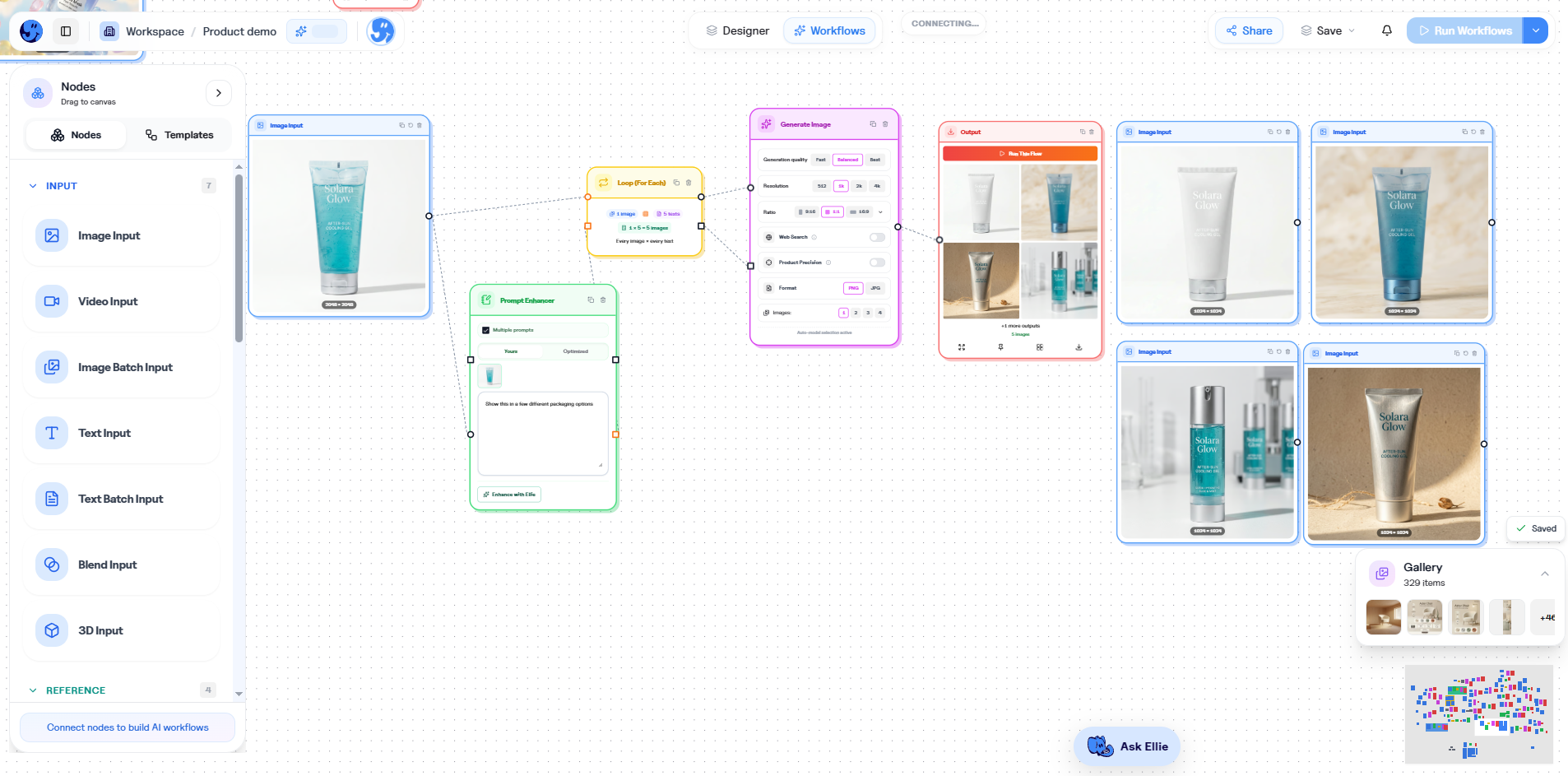
Every project now has two views
Here's the part we're most excited about.
Every project in Hiding Elephant now has Designer and Workflows, side by side:
- Designer is where you explore, craft, and finish with precision
- Workflows is where you turn a proven process into a visual automation
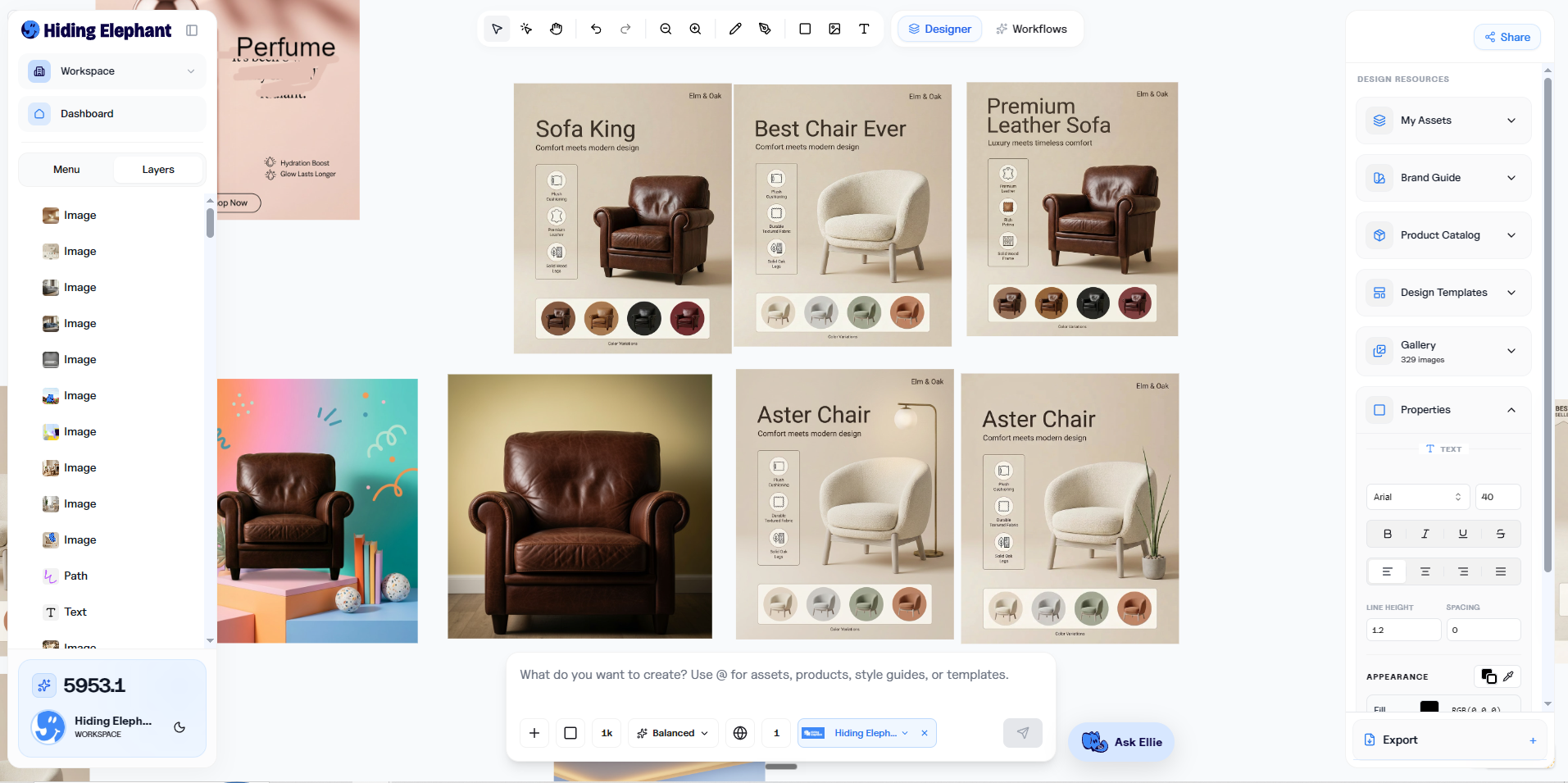
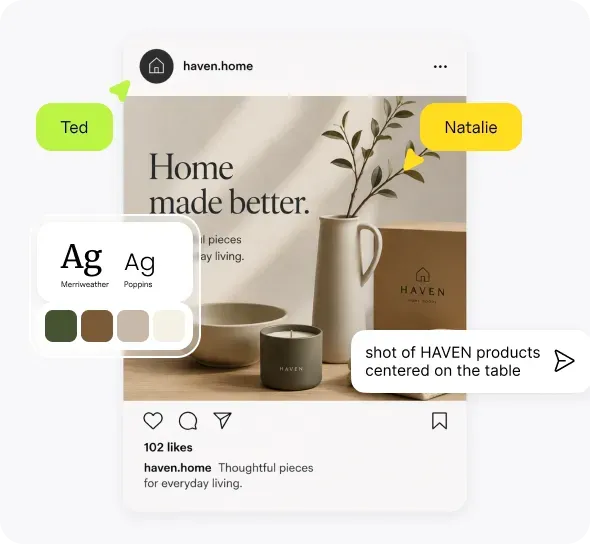
Designer view: design the image and the concept.
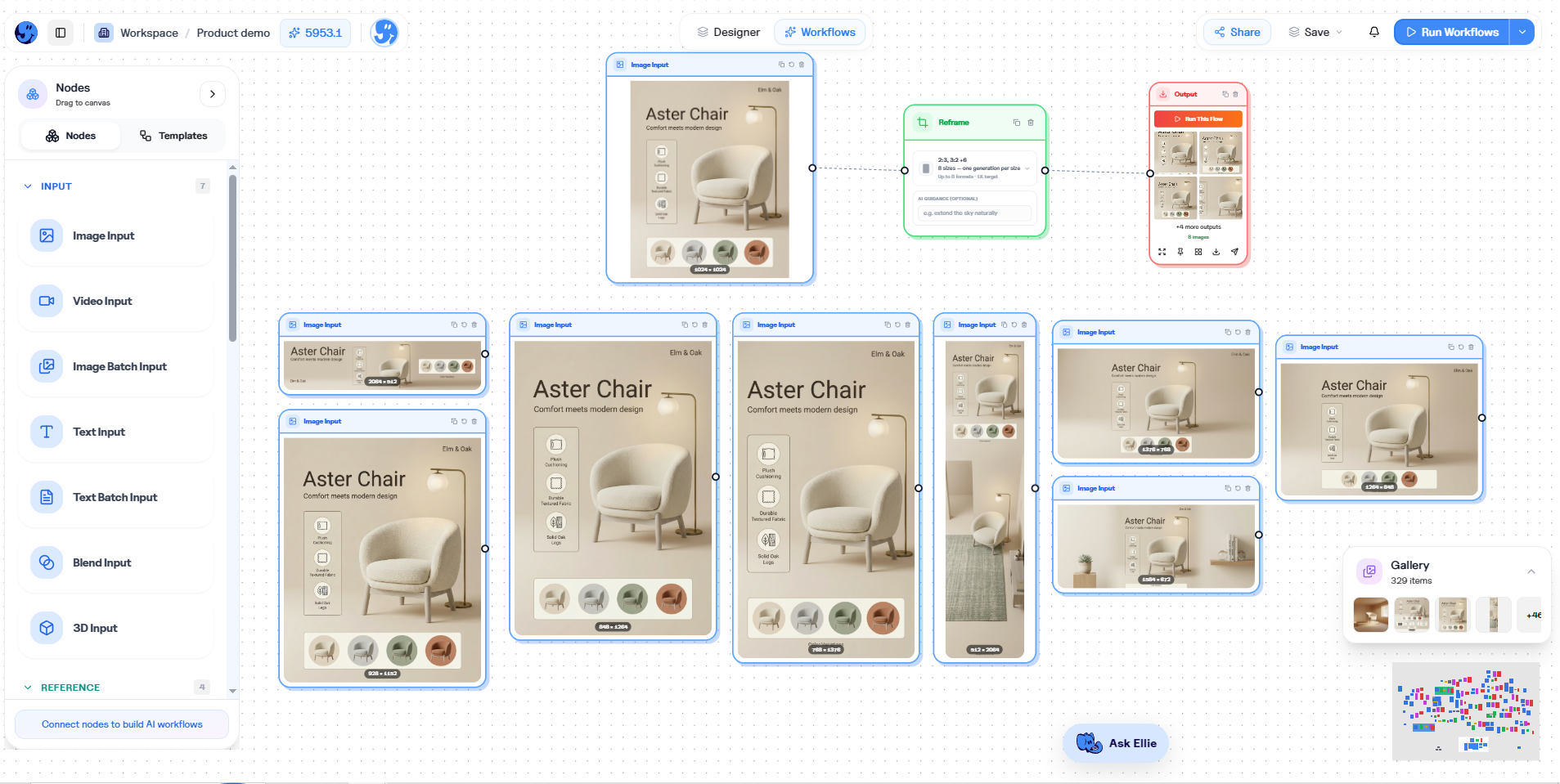
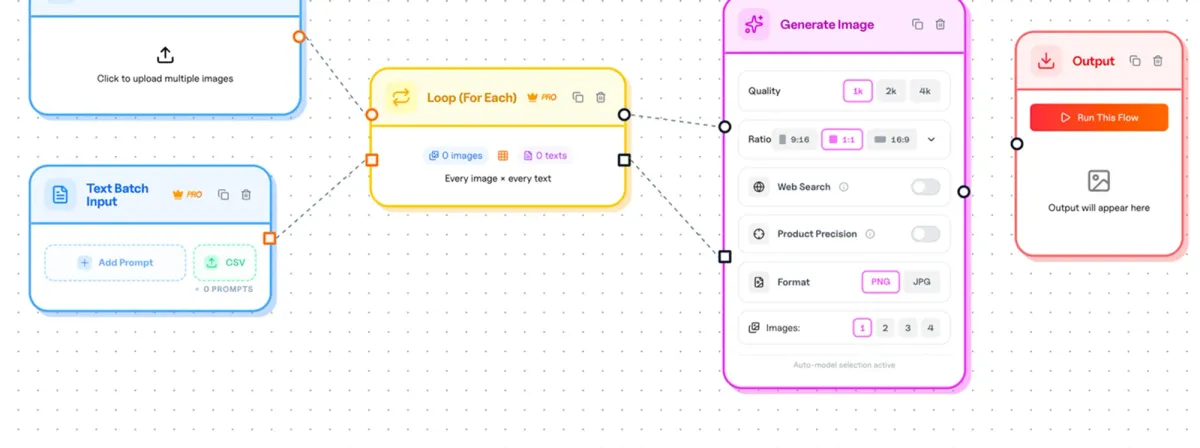
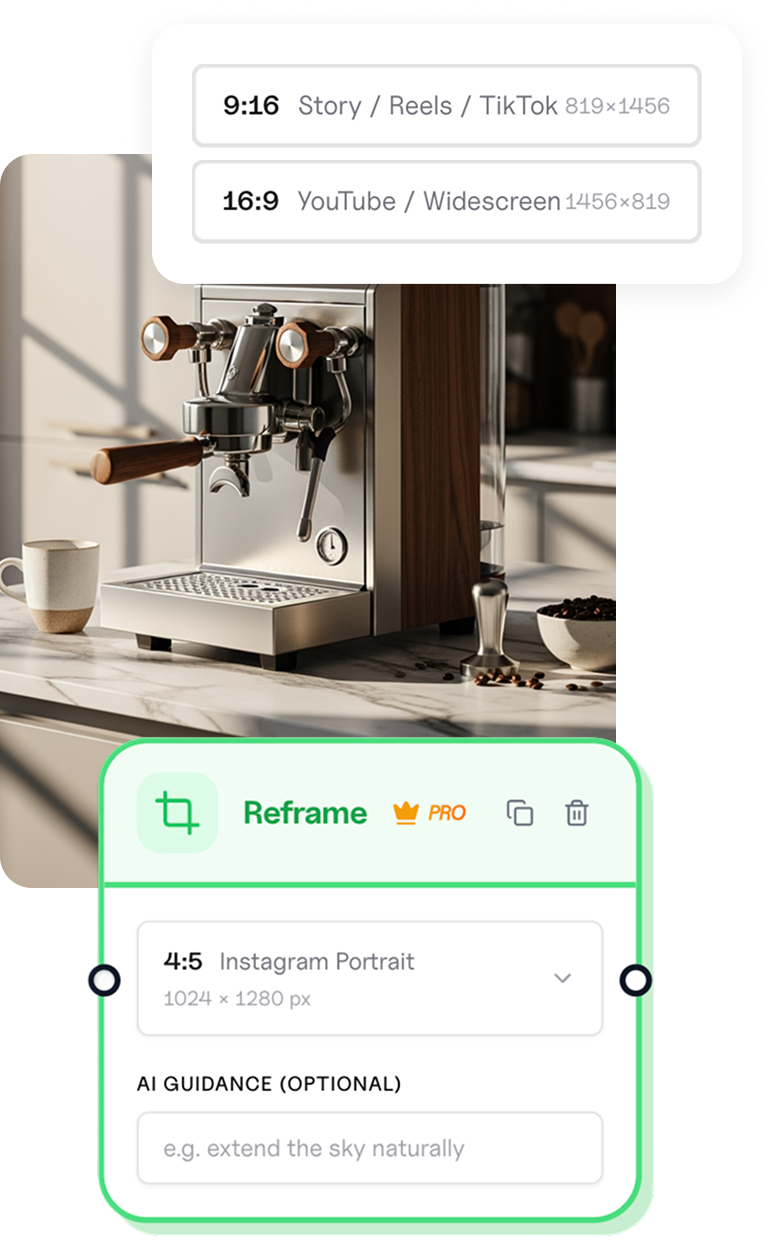
Workflows view: automate repetitive tasks like reframing.
They're not separate products. They're two views of the same project, connected by a shared gallery in the middle.
So the loop goes both ways. Generate something great in Designer, then flip to Workflows to scale it across prompts, products, and sizes. Or run a big batch, spot the one image that deserves extra love, and open it in Designer with the full finishing toolkit.
No exporting. No re-uploading. No "which tool has the latest version?" The gallery is the same on both sides.
Why we built it
One-off creative work is fun. Production is where the hours go.
You find a look that works. Then you need it again across products, prompts, sizes, or campaign variants. Same steps. Different inputs. Over and over.
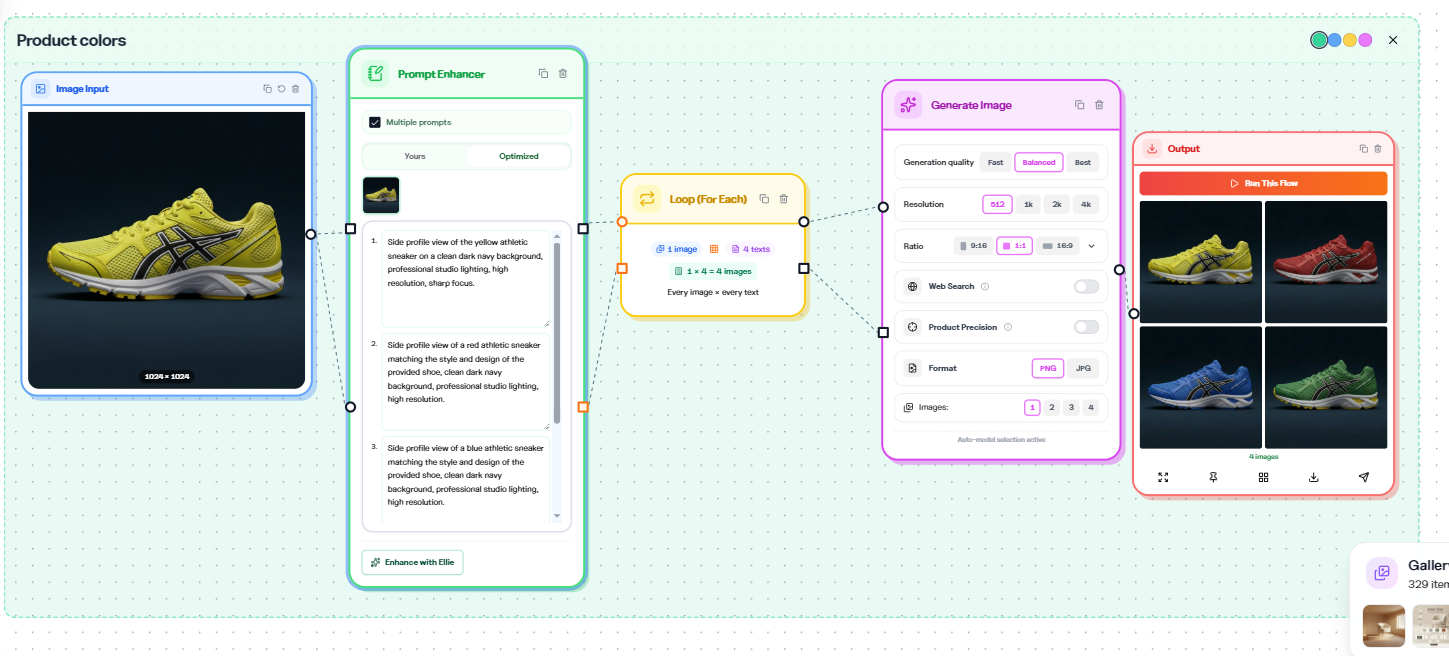
That's usually where teams get stuck:
- Remaking the same process by hand
- Losing consistency when people rebuild from memory
- Strong ideas that never reach full volume
- Choosing between craft and throughput
Workflows are how we stop that tradeoff.
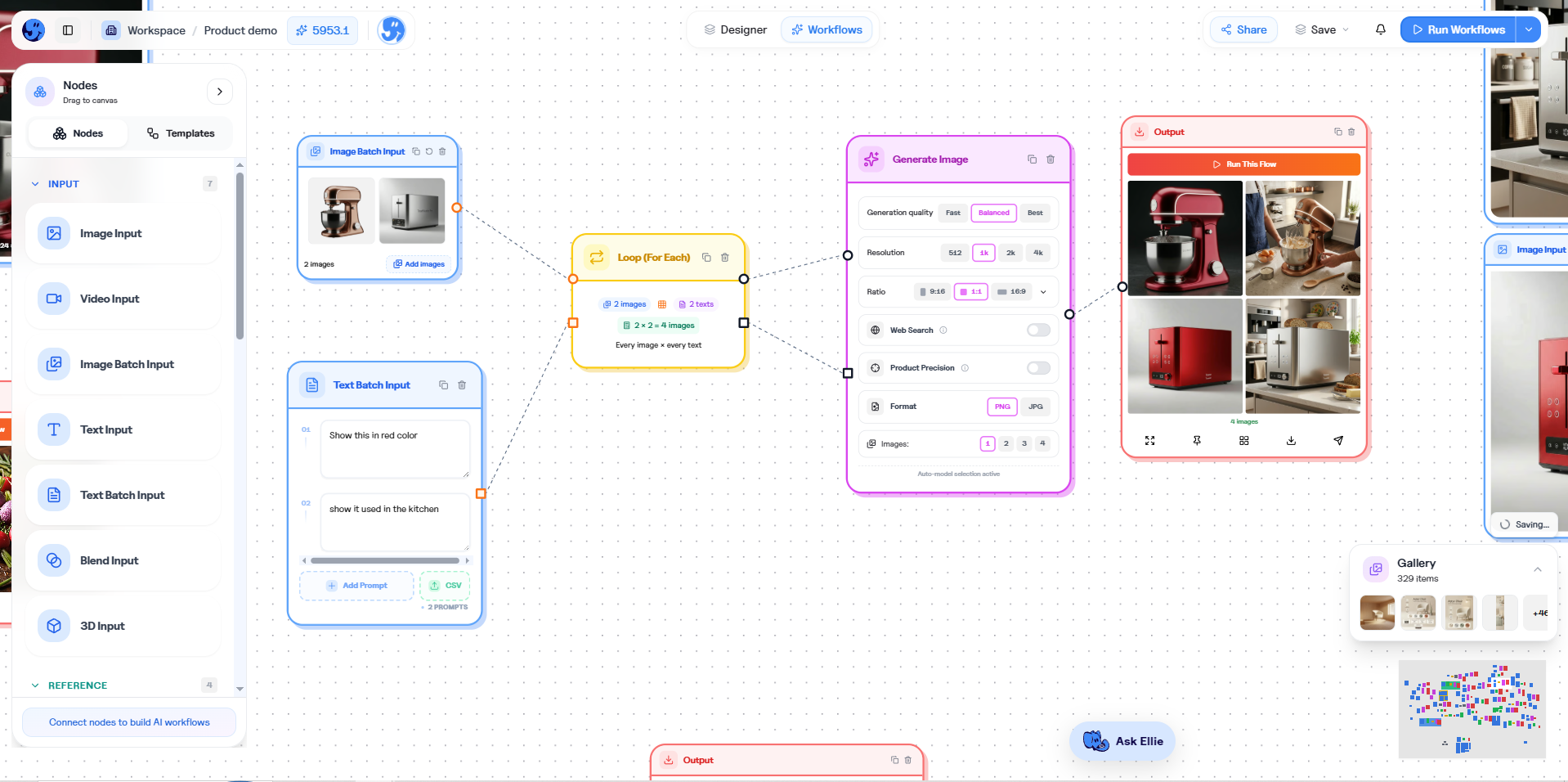
What a workflow actually is
A workflow is a visual automation you build by dragging and connecting steps:
- Generate images from prompts or inputs
- Run editing and processing steps
- Resize and reframe for different channels
- Process many items in one batch
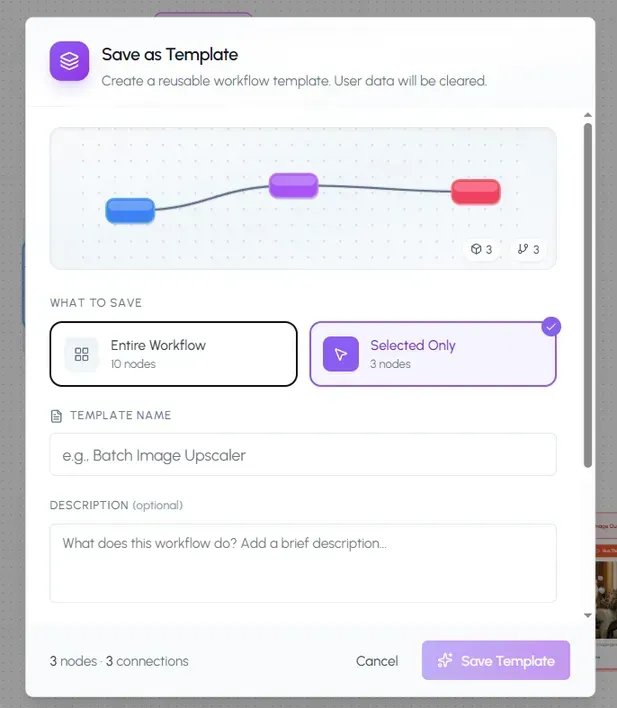
- Save the whole thing as a template you can run again
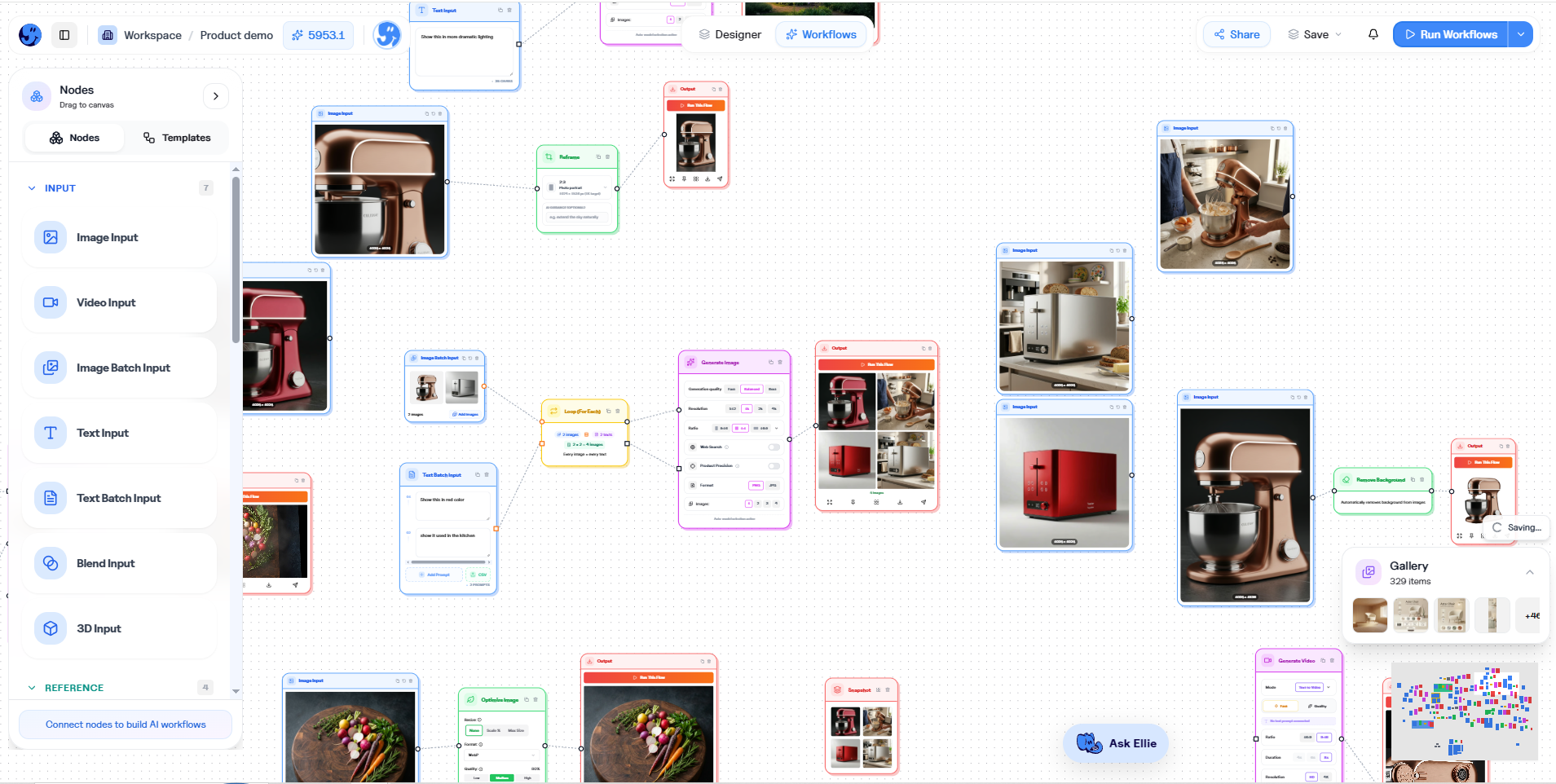
In plain terms: design the flow, not every single click.
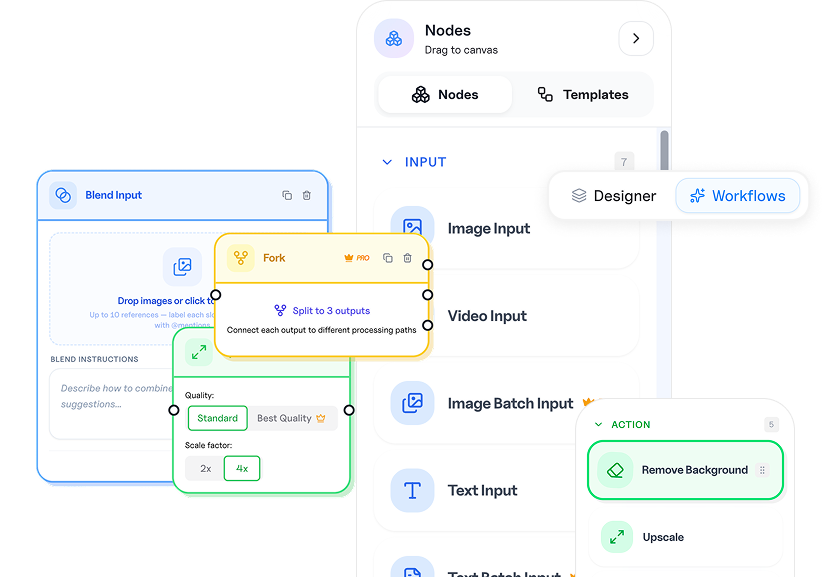
From one strong idea to hundreds of outputs
Here's how it feels in practice:
- Explore in Designer until something clicks
- Use that direction as the start of a workflow
- Run it, and review the outputs in the shared gallery
- Need more? Run it again with new inputs
- Pull any single result back into Designer when it needs a sharper finish
You're never trapped in automation-only mode. And you're never stuck remaking every variant by hand.
Find the look. Automate the repetition. Refine the heroes.
Why this launch is a big deal
Everything we've shipped this year has been building toward this:
- Generate and refine on the canvas
- Improve what you already like with Magic Edit
- Finish with precision through Vector Canvas V2
- Bring your team into one home with workspaces
All of that made one-off work better. Workflows make the work after the work better: the 40 variants, the weekly batch, the resize marathon nobody enjoys.
When a good process becomes a system you can rerun, your team stops paying for the same clicks twice. That's the difference between a design tool and a creative production workspace.
Where workflows shine
- Hundreds of variants from one strong creative direction
- Batch edits across a whole set of assets
- Channel-ready sizes from a single creative system
- Weekly pipelines your team runs again and again
- Agency and ecommerce work that needs consistency at speed
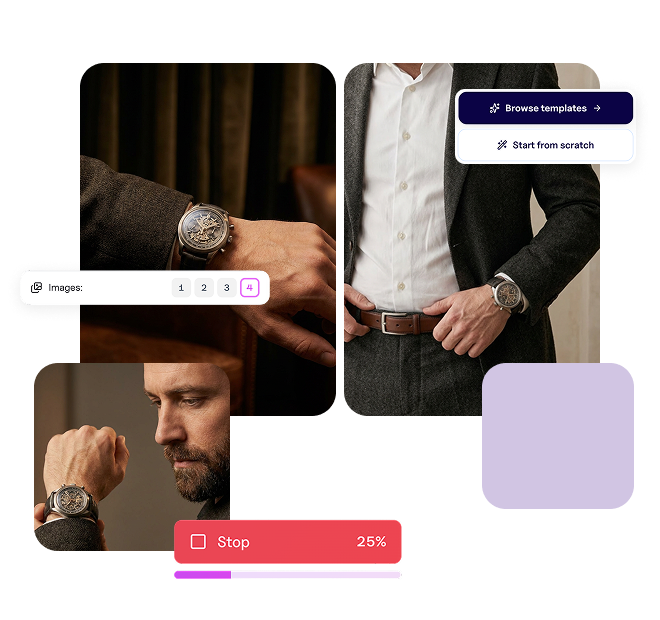
And because Designer is right there in the same project, the best outputs don't have to stay "good enough from the batch." Open one. Clean it up. Push it further.
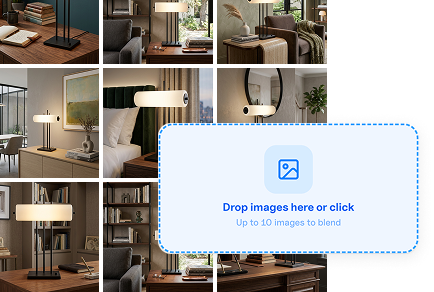
A peek inside the builder
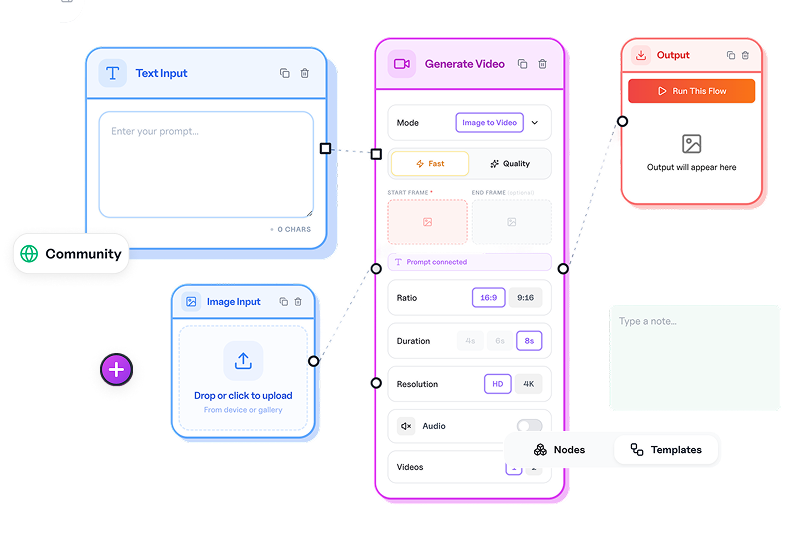
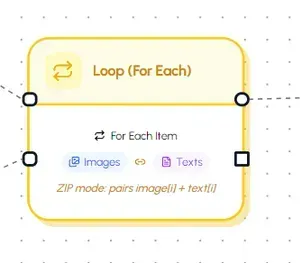
Under the hood, workflows are a node-based system: inputs, generation, processing, loops, and outputs, connected into one visible path.
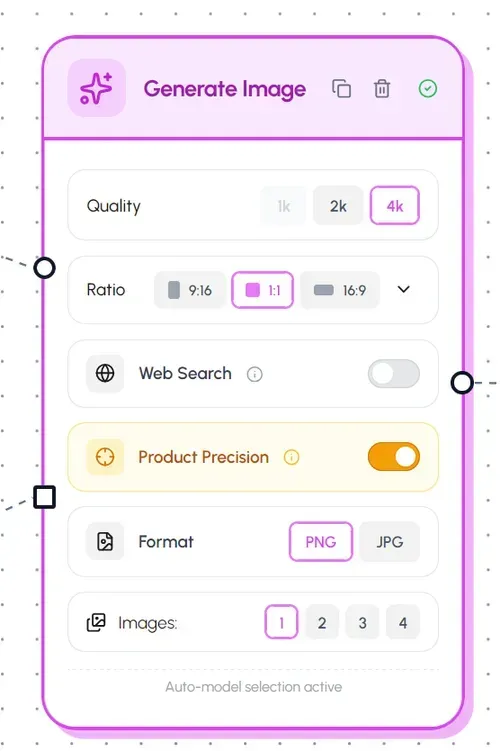
You can see the structure of the work. Adjust a step. Add loop logic when volume matters. The whole production system stays visible, instead of living in someone's head or a messy checklist.
Need every social size from one strong asset? Build reframing into the flow itself, so channel prep is part of the system, not a separate scramble at the end.
And when a flow is proven, save it as a template. The next run starts from something that already works.
Who will feel this most
- Ecommerce and marketing teams producing listing, ad, and social variants at volume
- Agencies packaging repeatable creative systems for clients
- In-house teams that finally found a look that works and now need it everywhere
- Anyone with a strong Designer process who's tired of running it manually
Try it
Open a project, switch between Designer and Workflows, and build your first automation. Or start from workflows.
For the bigger picture, read workflow automation and the workflows feature overview.
Explore in Designer. Scale in Workflows. Share one gallery.
That's the production workspace we're building, and this launch is a major piece of it.