How Design Agencies Can Build Reusable AI Workflows Without Making Every Client Look the Same
The agency advantage is not a clever prompt. It is a reusable production system that protects each client's brand while preserving the studio's creative judgment.

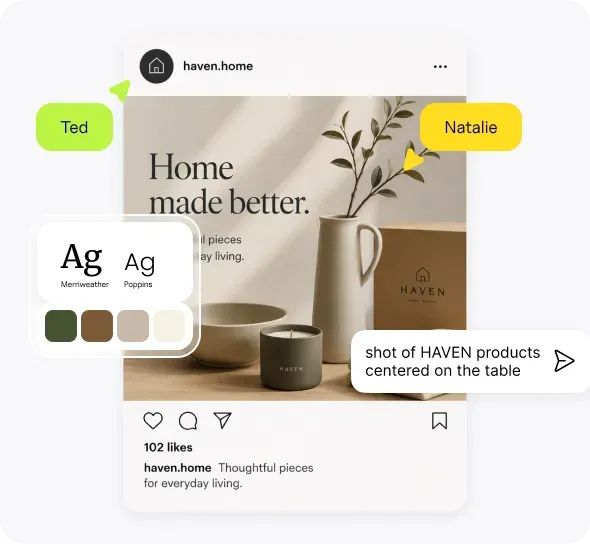
Design agencies repeat more work than they like to admit.
Every client is different, but the production process often includes the same steps: collect the brief, find references, explore directions, prepare the first round, apply feedback, create format variations, export files, and deliver the work.
AI can accelerate several of those steps. It can also create a new problem.
If an agency treats AI as a pile of prompts, references, and one-click presets, client work gets generic. Worse, assets and visual rules from one client can leak into another.
The solution is not to avoid reusable AI workflows for design agencies. It is to be precise about what the agency reuses.
Reuse the production thinking, not the client's visual identity.
Quick answer
A reusable AI workflow should standardize the production process while keeping each client's brand, brief, references, assets, and approvals separate.
The agency can reuse:
- Production stages
- File preparation
- Generation and editing steps
- Review checklists
- Format adaptation
- Export settings
- Delivery structure
The agency should not automatically reuse:
- Brand references
- Visual styles
- Product imagery
- Logos
- Client-specific prompts
- Approved copy
- Creative direction
The goal is to package the agency's operational knowledge without flattening its creative work.
A prompt library is not an agency workflow
Prompt libraries are useful for remembering language that produces certain effects. They are not enough to run client work.
A prompt does not know:
- Which logo version is approved
- Which visual references belong to the client
- Whether the campaign should feel premium or playful
- Which product details must stay accurate
- Which formats are required
- What the client rejected last round
- Which outputs need legal or brand review
- Where the final files must go
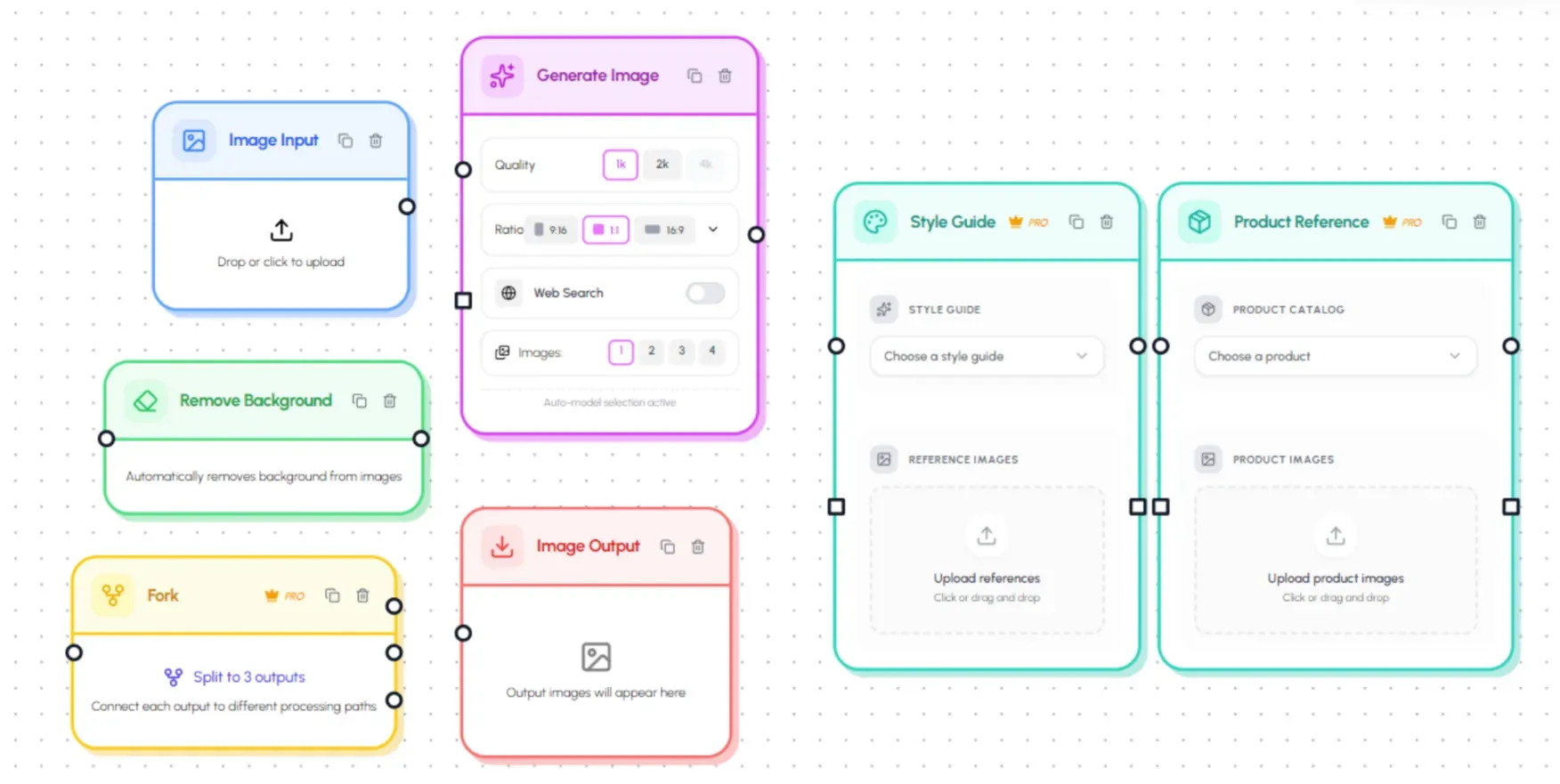
A real workflow connects those decisions and assets to the steps that produce the deliverable.
That is why the market is moving beyond standalone prompting. Figma Weave describes a workflow as a creative system where style, references, and prompts are defined upfront and reused by the team. FLORA lets teams combine reusable workflows with batch inputs. Kittl packages designer-built workflows so people can start from a tested structure rather than a blank prompt.
The important question for an agency is not simply, "Can we reuse this?"
It is, "Which parts are safe and useful to reuse?"
Reuse the process, not the client identity
Consider an agency producing monthly social campaigns for a financial company, a sports brand, and a children's education product.
All three clients may need:
- A campaign concept
- Six social posts
- Three paid-ad formats
- A website banner
- A review round
- Final files
The production structure is similar. The creative identity is not.
The financial company may need conservative typography, restricted claims, and a defined approval path. The sports brand may use energetic photography, high contrast, and aggressive cropping. The education brand may rely on illustrated characters, accessible colors, and friendly language.
A useful reusable workflow handles the common production steps while loading the correct context for each client.
Step 1: Create a separate source of truth for each client
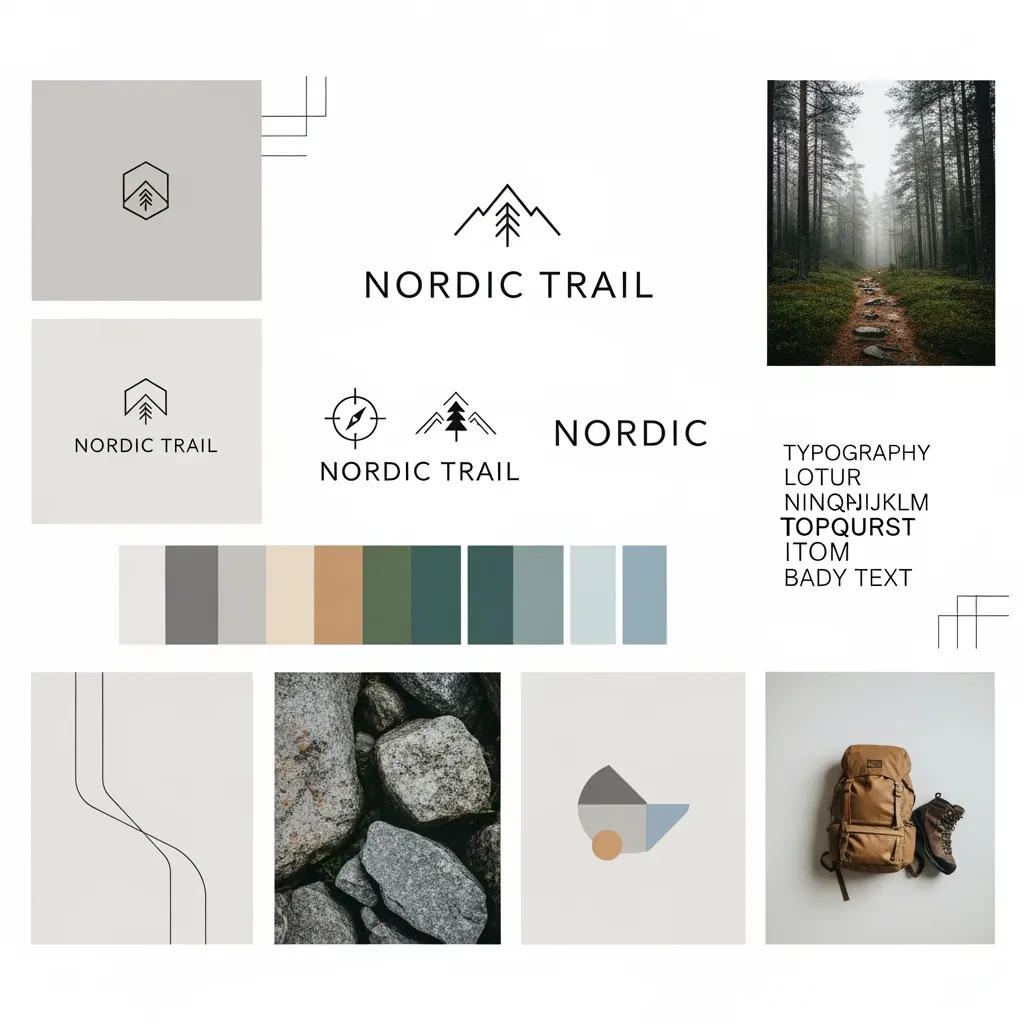
Every client should have a clearly separated collection of approved context.
At a minimum, include:
- Current logos
- Brand colors and fonts
- Brand guidelines
- Approved visual references
- Existing campaigns
- Product or service information
- Tone and messaging rules
- Required disclaimers
- Export requirements
- Named reviewers
- Notes from previous feedback
Canva covers part of this with multiple Brand Kits that can be assigned to particular teams, clients, campaigns, folders, and groups. That distribution model is more mature than most AI-native tools.
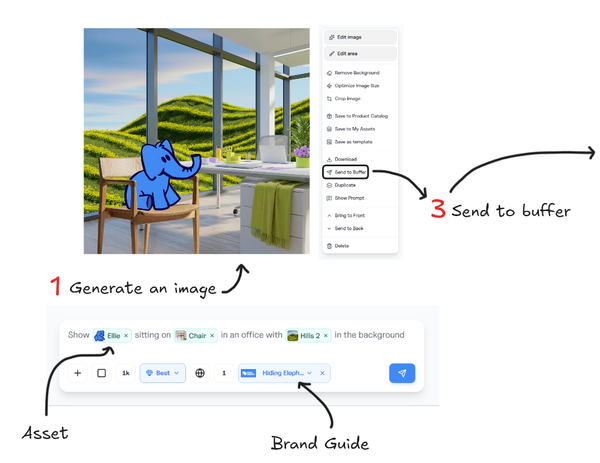
Hiding Elephant's Brand Intelligence combines brand guides, products, assets, and reusable instructions. The exact structure will differ between platforms. The operating rule should stay the same:
A teammate should not need to remember which assets belong to which client.
Keep separation visible
Do not rely only on filenames such as final-logo-v3-new.png.
Use explicit project names, client workspaces, folders, brand records, and access settings. Label workflow templates with both the client and the use case:
- Northwind: Monthly LinkedIn Campaign
- Ridge Athletics: Product Launch Variations
- BrightPath: Course Promotion Assets
A generic template called "Social Media Generator" is easier to misuse.
A shared workflow also does not automatically stop someone from attaching the wrong client's assets. Naming, access, and a review step still have to do that job.
Step 2: Start with one recurring deliverable
"Automate our agency" is not a workable project.
Choose one deliverable the team already produces repeatedly:
- Monthly social campaign
- Product launch asset set
- YouTube thumbnail system
- Blog header production
- Paid-ad variations
- Marketplace listing images
- Client presentation mockups
- Event campaign adaptations
The best first workflow has:
- Clear inputs
- Repeated steps
- A recognizable finished output
- Enough volume to justify automation
- A designer who already understands the process
Avoid beginning with the agency's most bespoke branding engagement. Identity work depends on discovery, judgment, and strategic decisions that should not be forced into a rigid production system.
Step 3: Separate fixed rules from variables
For a recurring client campaign, some decisions stay constant. Others change with every brief.
| Fixed for the client | Changes by campaign |
|---|---|
| Approved logos | Campaign message |
| Brand colors | Product or service focus |
| Typography rules | Photography |
| Required disclaimer | Offer and dates |
| Output dimensions | Visual concept |
| File naming | Campaign copy |
| Review owner | Audience or market |
The workflow should protect the fixed rules while making the campaign variables easy to replace.
This reduces two common problems:
- A teammate rebuilds the entire process for every brief.
- The team locks too much of the creative direction, and every campaign starts looking identical.
Brand consistency does not mean repeating the same composition forever. It means creating different work within recognizable boundaries.
Step 4: Develop the direction before automating production
The first round still needs a designer.
Use AI to explore multiple directions, then evaluate them with the same standards the agency would apply to manually created concepts:
- Does it answer the brief?
- Does it feel specific to the client?
- Is the visual hierarchy clear?
- Can it support the required message?
- Can the direction work across formats?
- Is there enough flexibility for revisions?
- Can important elements remain editable?
Our design agencies page frames this as exploring more directions, selecting the strongest, and then polishing the winner.
That order matters. Automation should scale an approved direction, not multiply an unresolved idea.
Test the direction across the hardest formats
Before building the complete workflow, test the concept in:
- The smallest format
- The widest format
- The format with the most text
- The version with the least visual material
- Any regulated or high-visibility placement
A concept that only works as a large landscape image is not ready to become a multi-channel campaign system.
Step 5: Turn repeated production into a workflow
Once the concept is approved, map the production steps.
A campaign workflow might include:
- Select client brand context
- Add campaign brief and source assets
- Generate controlled visual variations
- Select a direction
- Apply brand treatment
- Add accurate copy as editable text
- Produce required aspect ratios
- Optimize files
- Route outputs for review
- Return exceptions for manual editing
- Export approved deliverables
Hiding Elephant connects Designer and Workflows in the same project. That supports a useful division:
- Designer is where the agency explores, composes, and finishes
- Workflows is where the agency repeats defined production steps
- The shared project gallery keeps outputs close to the work that created them
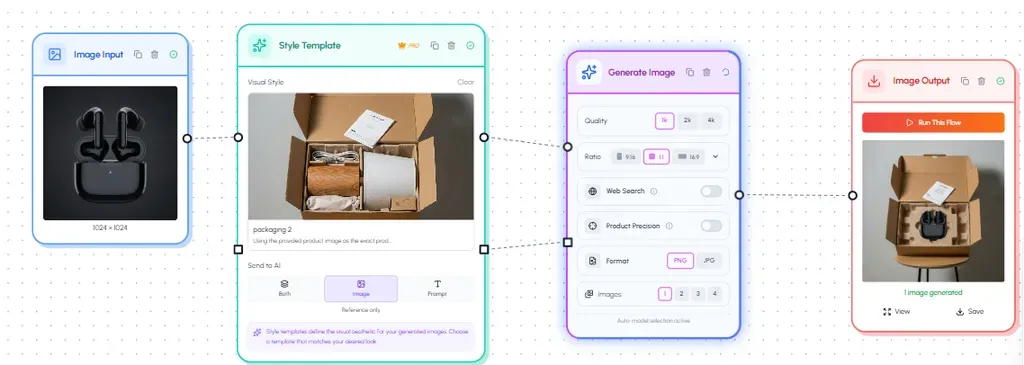
Other tools take different approaches. Figma Weave and FLORA emphasize flexible node systems. ImagineArt lets agencies create brand-specific generation workflows. Krea lets teams share private workflow apps. Magnific Spaces supports a broader mix of image, video, audio, and assistant nodes. ComfyUI offers the deepest low-level control for technical teams.
There is no single correct architecture. The workflow should match the agency's actual production process and the technical level of the people expected to run it.
Hiding Elephant is not trying to replace every tool a studio already uses. Recraft is stronger for native AI vector generation. Figma has a much larger installed agency ecosystem. Canva has more mature Brand Kit distribution. ComfyUI provides deeper technical control. Complex final illustration, typography, retouching, or print preparation may still need specialist software.
The distinction we care about is the loop: create a direction, automate the repetitive production around it, then return exceptions to an editable canvas.
Step 6: Put review points inside the workflow
Automation should not mean automatic approval.
Define review points before the team runs a large batch.
Creative review
Check concept, composition, visual hierarchy, brand fit, originality, and overall craft.
Accuracy review
Check product details, logos, claims, dates, prices, disclaimers, and text.
Production review
Check dimensions, safe areas, file format, resolution, compression, naming, and export destination.
Then classify outputs so the next step is clear:
- Approved
- Needs a minor edit
- Needs regeneration
- Needs client review
- Rejected
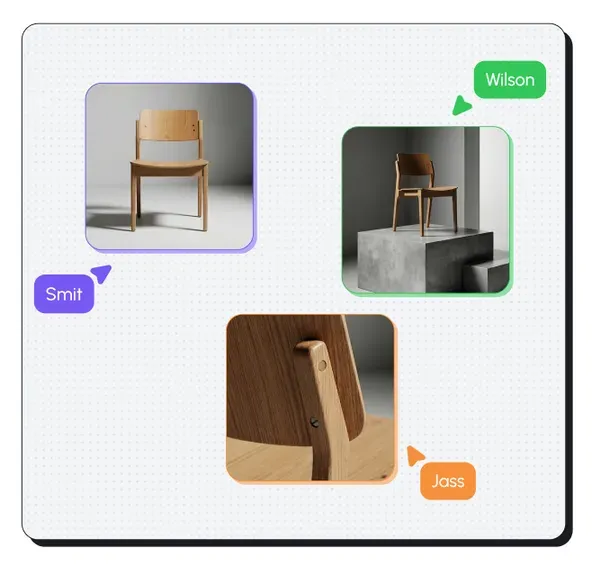
Hiding Elephant supports this with comments, live canvas collaboration, and share links. It does not offer formal enterprise approval systems, audit trails, or governance comparable to Typeface. If that is a hard requirement, treat Hiding Elephant as the production workspace and keep the approval system where it already lives.
A workflow that generates 100 images but leaves someone to inspect an unorganized download folder has only automated half the job.
Step 7: Keep the outputs editable
Clients change their minds. Dates move. Offers change. A headline gets shorter. A logo needs to move two pixels.
If every correction requires a new generation, the workflow stays fragile.
For professional production, keep important elements editable whenever possible:
- Headlines and body copy
- Logos
- Calls to action
- Legal text
- Shapes and backgrounds
- Vector illustrations
- Layout elements
- Masks and crops
Recraft recently added direct anchor-point editing for native AI-generated vectors. Adobe offers editable vector generation inside Illustrator. Canva is also moving toward converting flat images into editable layers.
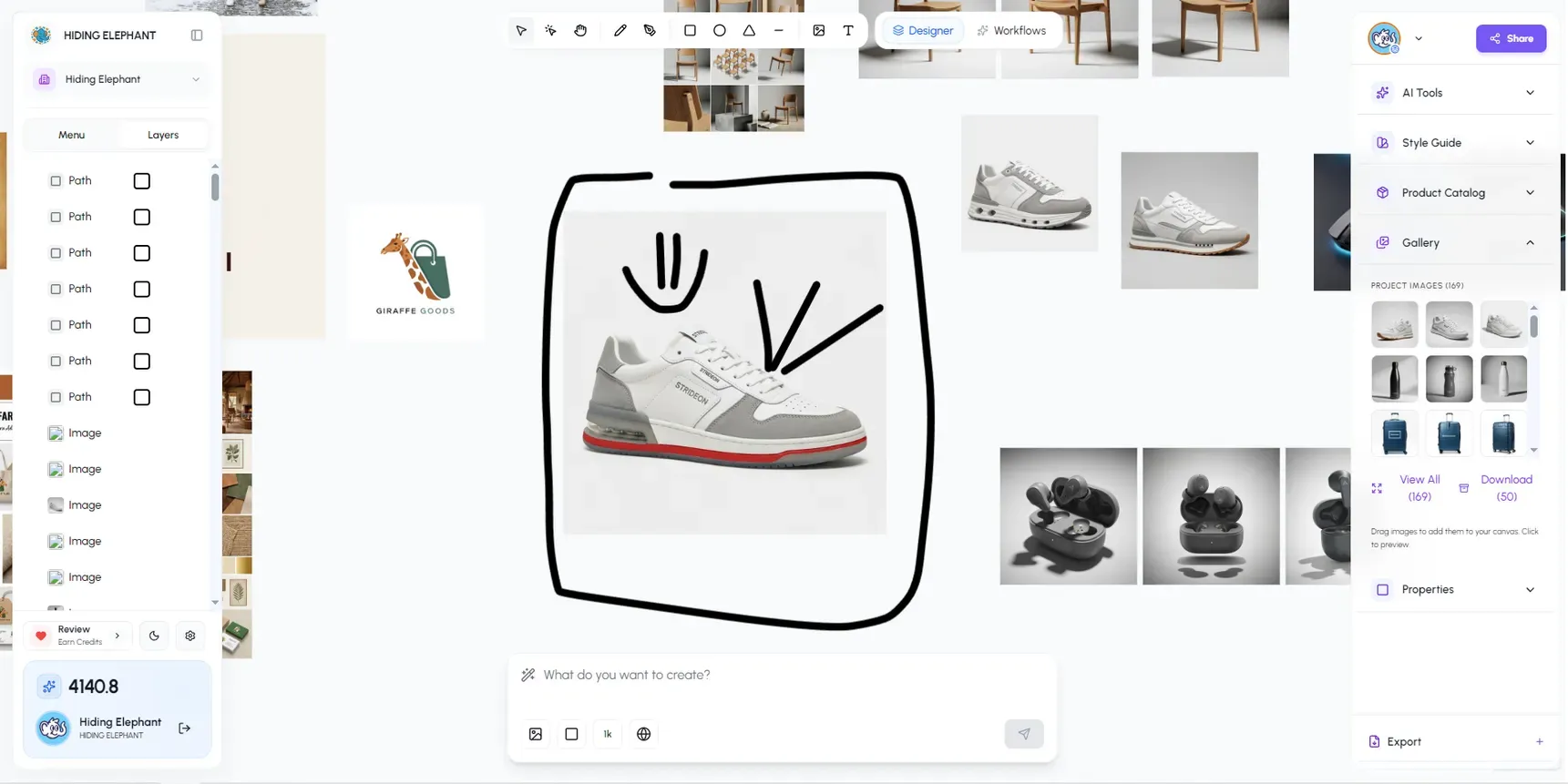
Hiding Elephant's Vector Canvas V2 focuses on finishing AI-assisted work with path, shape, layer, typography, and composition controls. That is the right place to handle exceptions after a batch run.
The agency should still choose the right representation for the job. A photograph should not be converted into thousands of vector shapes simply because SVG sounds more editable. A logo or icon should not stay trapped inside a flattened raster campaign image.
Step 8: Save and version proven workflows
A workflow becomes valuable when someone other than its creator can run it correctly.
Document:
- Purpose
- Client
- Required inputs
- Optional inputs
- Expected outputs
- Review points
- Known failure cases
- Workflow owner
- Last update
- Approved version
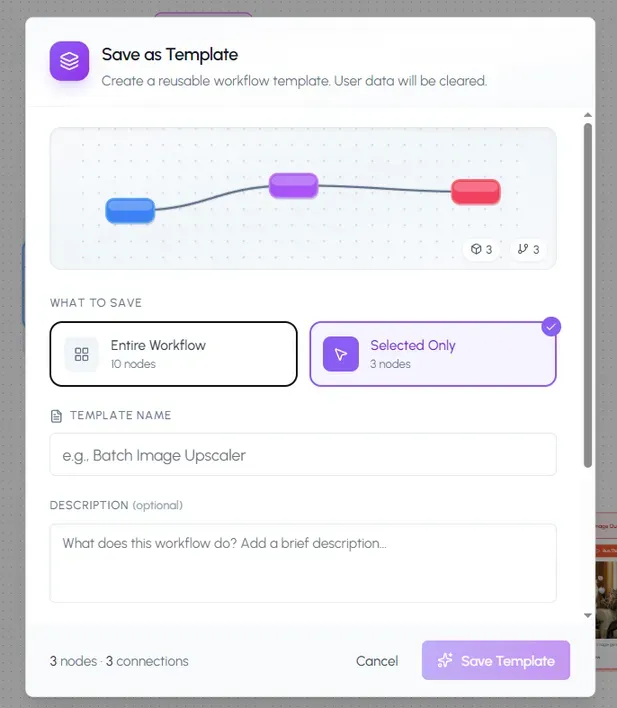
The public workflow gallery is useful for duplicating, adapting, and saving workflows. For agency work, client-specific workflows should be treated as internal production infrastructure, not published community templates.
Do not overwrite a stable workflow during an active campaign. Duplicate it, test the new version, and replace the approved workflow only after review.
Practical example: three monthly client campaigns
Imagine an agency creating monthly campaigns for three clients.
The agency builds one general production pattern:
- Load client context
- Add monthly brief
- Explore three creative directions
- Select one direction
- Produce six social assets
- Adapt them into paid formats
- Review
- Finish exceptions
- Export
The production pattern is reusable. Each implementation stays separate.
Client A: Financial services Restrained visual system, editable disclaimers, formal approval, no invented performance claims.
Client B: Sportswear Product-led imagery, energetic cropping, multiple colorways, paid-social variations.
Client C: Education Illustration system, accessible typography, friendly voice, character consistency.
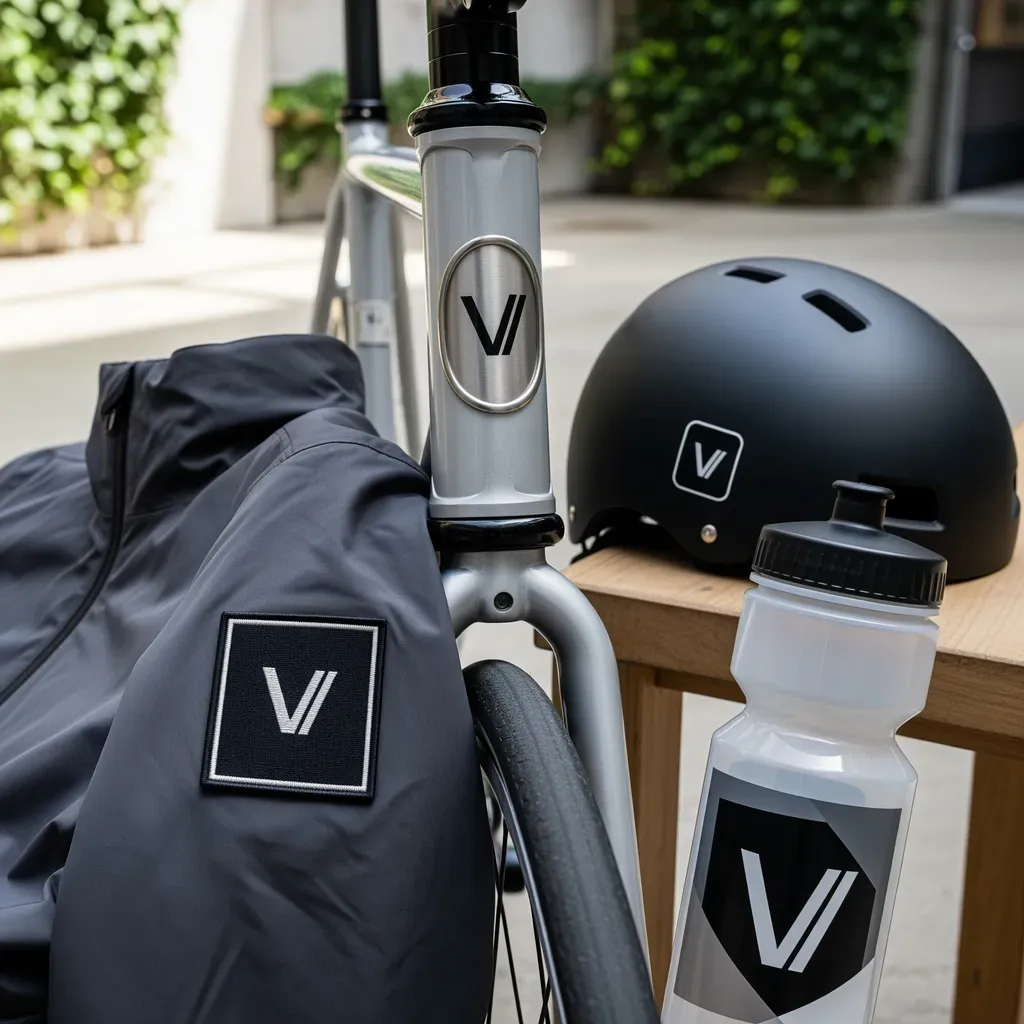
The agency saves time because it no longer rebuilds the production path. It does not save time by giving all three clients the same aesthetic.
Templates, workflows, and brand systems are different
This is the distinction most tool pages blur.
| System | Best for | Main limitation |
|---|---|---|
| Template | Repeating a known layout | Can make work visually repetitive |
| Brand kit | Storing approved identity elements | Does not define the whole production process |
| Prompt library | Reusing useful generation language | Lacks assets, review, and delivery logic |
| Workflow | Connecting repeatable production steps | Can scale mistakes if poorly designed |
| Editable canvas | Refining and finishing outputs | Still requires design judgment |
| Approval system | Controlling what ships | Does not create the work itself |
Agencies usually need a combination, not one replacement for everything.
An agency generally wants to reuse the process, not make different clients look alike. Reusing a template, reusing a visual style, and reusing a production process are three different decisions.
Agency AI workflow checklist
Before building
- Choose one repeated deliverable
- Identify the client owner
- Collect current brand assets
- Define required outputs
- Document current manual steps
- Identify high-risk details
Before scaling
- Approve the creative direction
- Test difficult formats
- Separate fixed rules from variables
- Confirm the correct client context
- Define review checkpoints
- Keep important elements editable
Before delivery
- Review brand fit and originality
- Check all copy and claims
- Confirm logos and product details
- Check dimensions and safe areas
- Apply consistent filenames
- Store the approved workflow version
Frequently asked questions
What are AI workflows for design agencies?
They are reusable production systems that connect brief, brand context, generation, editing, review, format adaptation, and export. The point is to repeat the agency's process, not to reuse one client's look.
What should a design agency automate first?
Start with a high-volume, predictable deliverable such as social adaptations, product-image variations, blog headers, or repeated campaign formats. Avoid starting with highly strategic identity work.
Can one workflow be used for multiple clients?
The production structure can be reused. Each client should have separate brand context, assets, prompts, briefs, and saved workflow versions.
How do agencies prevent client brands from getting mixed together?
Use separate projects or workspaces, clear naming, client-specific brand records, controlled access, explicit workflow inputs, and a review step that confirms the correct context before generation.
Are templates and AI workflows the same?
No. A template usually repeats a layout. A workflow connects inputs, generation, editing, adaptation, review, and export. A workflow may use templates as one of its steps.
Should clients know that AI was used?
That depends on agency policy, contracts, client requirements, and the nature of the work. Agencies should establish a clear policy rather than deciding inconsistently during individual projects.
Will reusable workflows make agency work generic?
They can, if the workflow locks the visual style too tightly. The safer approach is to reuse production logic while letting the creative direction be developed for each client and campaign.
Package the process. Protect the brand.
An agency's most valuable reusable asset is not its favorite prompt.
It is the production knowledge behind the work: how the team moves from brief to direction, from direction to variations, and from generated output to a polished deliverable.
Package that knowledge into workflows. Keep each client's context separate. Preserve review and editability. Automate repetition without automating taste.
That is how an agency gains AI speed without making every client look the same.
Choose one deliverable your agency repeats every month and turn the production steps into a client-specific workflow.
Explore Hiding Elephant for design agencies · Build a workflow · See Brand Intelligence