The 10 Best AI Design Tools for Image Generation, Vector Editing, and Workflow Automation in 2026
Compare the best AI design tools for image generation, hands-on editing, vector work, brand consistency, and creative workflow automation.

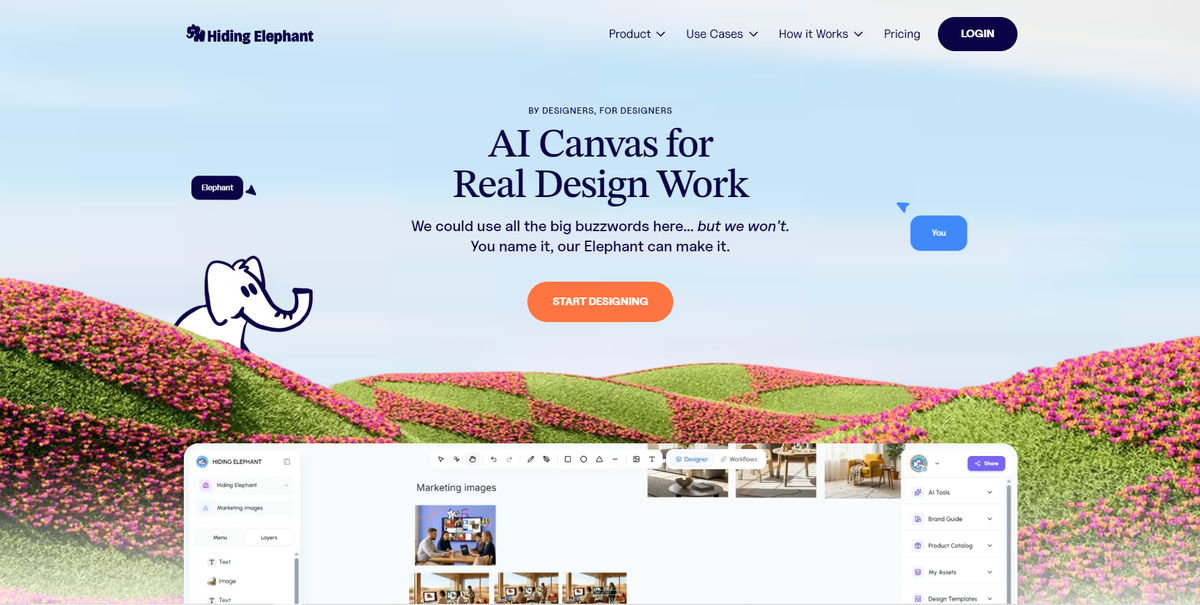
AI design tools are moving far beyond simple text-to-image generation.
The strongest platforms now help designers generate ideas, refine visuals, work with layouts and vector assets, create variations, apply brand context, automate repetitive tasks, and prepare content for different channels.
But no tool is best at every part of that process.
Some platforms specialize in native vector generation. Others provide deep node-based control over AI models. Traditional design applications remain difficult to beat for detailed manual editing, while newer AI workspaces are focused on connecting more of the creative production process in one place.
This guide compares the best AI design tools for teams that need more than a prompt box.
Generating the first image is no longer the hard part. Connecting generation, editing, brand context, and delivery is.
The best AI design tools at a glance
The right choice depends on where your current creative process slows down.
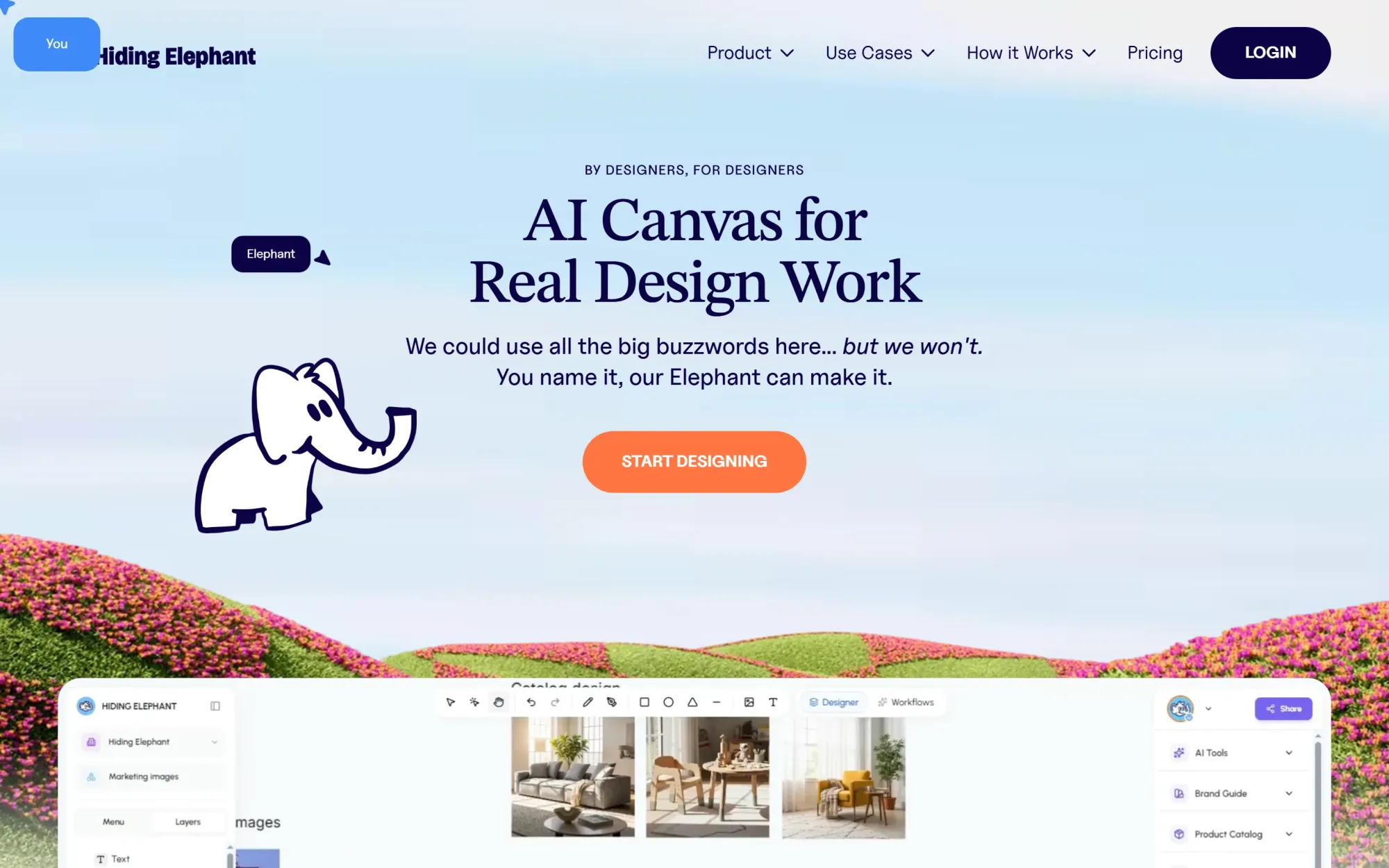
Hiding Elephant is our top overall choice for teams that want to combine AI generation, hands-on design control, brand context, and reusable production workflows in one workspace.
It is not the most advanced standalone vector editor in this comparison. Adobe Illustrator remains stronger for deep manual vector work, while Recraft is particularly effective at generating editable vector assets.
Hiding Elephant’s advantage is the broader workflow around the design: generating, refining, adapting, automating, collaborating, and preparing on-brand content for production.
| Tool | Best for | Image generation | Design and vector control | Workflow automation |
|---|---|---|---|---|
| Hiding Elephant | End-to-end branded creative production | Strong | Strong | Strong |
| Figma Weave | Advanced multi-model workflows | Strong | Strong | Excellent |
| FLORA | Collaborative generative exploration | Strong | Moderate | Excellent |
| Recraft | AI vector generation | Strong | Excellent | Moderate |
| Kittl | Branding, merchandise and graphic design | Strong | Strong | Moderate |
| Adobe Firefly + Illustrator | Deep professional editing | Strong | Excellent | Moderate |
| Krea | Real-time AI generation | Strong | Limited | Strong |
| Freepik Spaces | Broad collaborative AI workflows | Strong | Limited | Strong |
| Canva | Accessible marketing production | Strong | Moderate | Moderate |
| ComfyUI | Technical generative pipelines | Strong | Limited | Excellent |
This article is published by Hiding Elephant. We have tried to evaluate each product according to its strongest use case rather than presenting Hiding Elephant as the best choice for every type of work.
What we mean by an AI design tool
For this guide, an AI design tool should do more than generate a visually impressive image.
We evaluated each platform across six areas:
- Image generation: Can it create and modify useful raster images from prompts and references?
- Hands-on editing: Can designers refine the output directly instead of repeatedly generating from scratch?
- Vector capabilities: Can it create, import, vectorize, or edit scalable graphic assets?
- Workflow automation: Can teams connect repetitive creative steps into reusable processes?
- Brand and production control: Can the platform maintain consistency across products, campaigns, and formats?
- Collaboration and delivery: Can work be shared, reviewed, exported, optimized, or published efficiently?
Not every tool needs to excel in all six areas.
A dedicated vector platform may be the right answer for an illustrator. A node-based AI environment may be better for a technical creative team. A marketing organization may care more about templates, brand controls, and resizing than detailed path editing.
The goal is to understand which tool is best for each type of work.
1. Hiding Elephant
Best overall for end-to-end creative production
Hiding Elephant is an AI creative production workspace designed for the work that happens between an initial idea and a finished, production-ready visual.
It combines AI generation with a hands-on design canvas, brand and product context, collaboration, and reusable workflow automation.
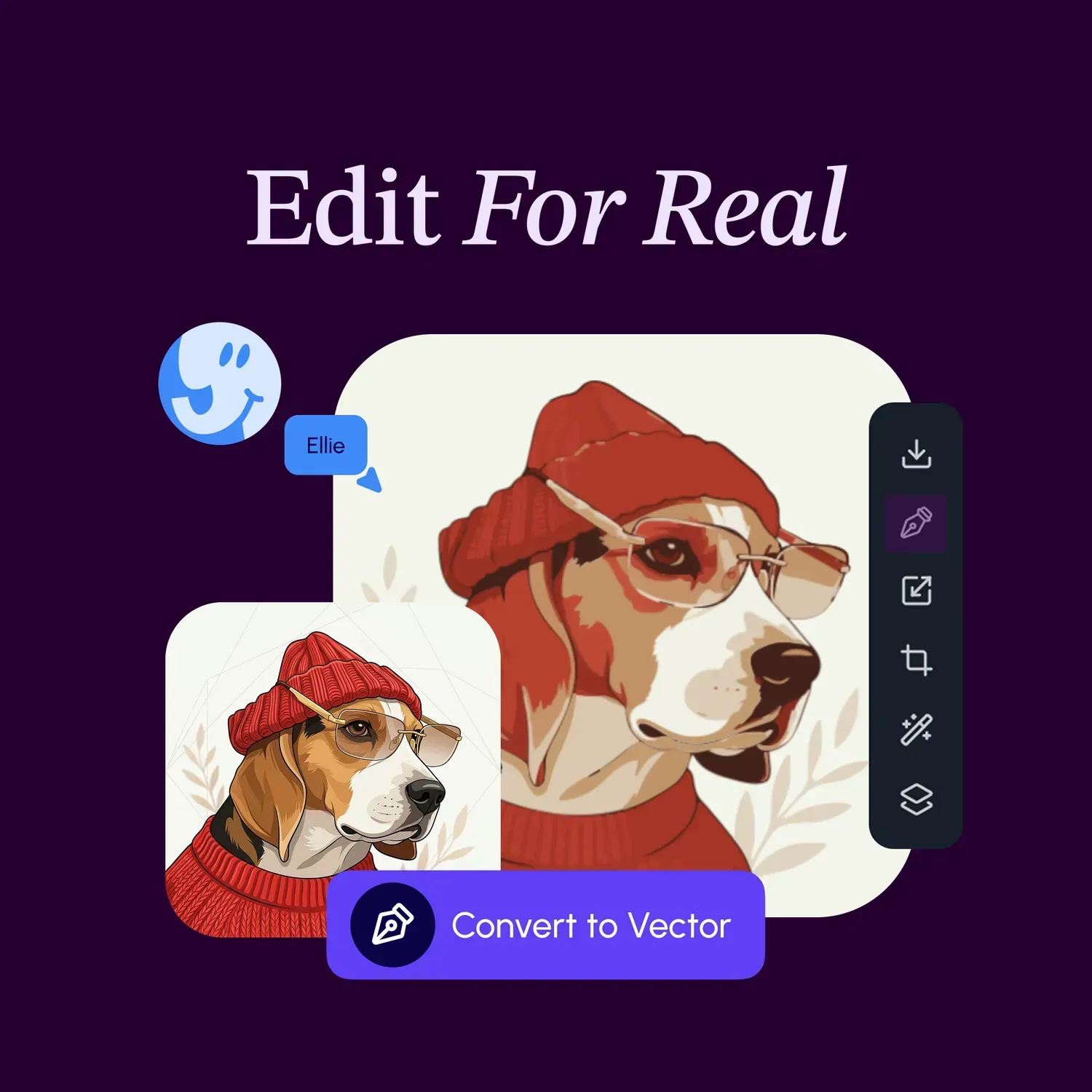
Designers can generate visual directions, refine compositions, work with text and vector assets, vectorize raster content, edit elements on the canvas, and prepare the result for different formats without treating AI generation as a separate step from design.
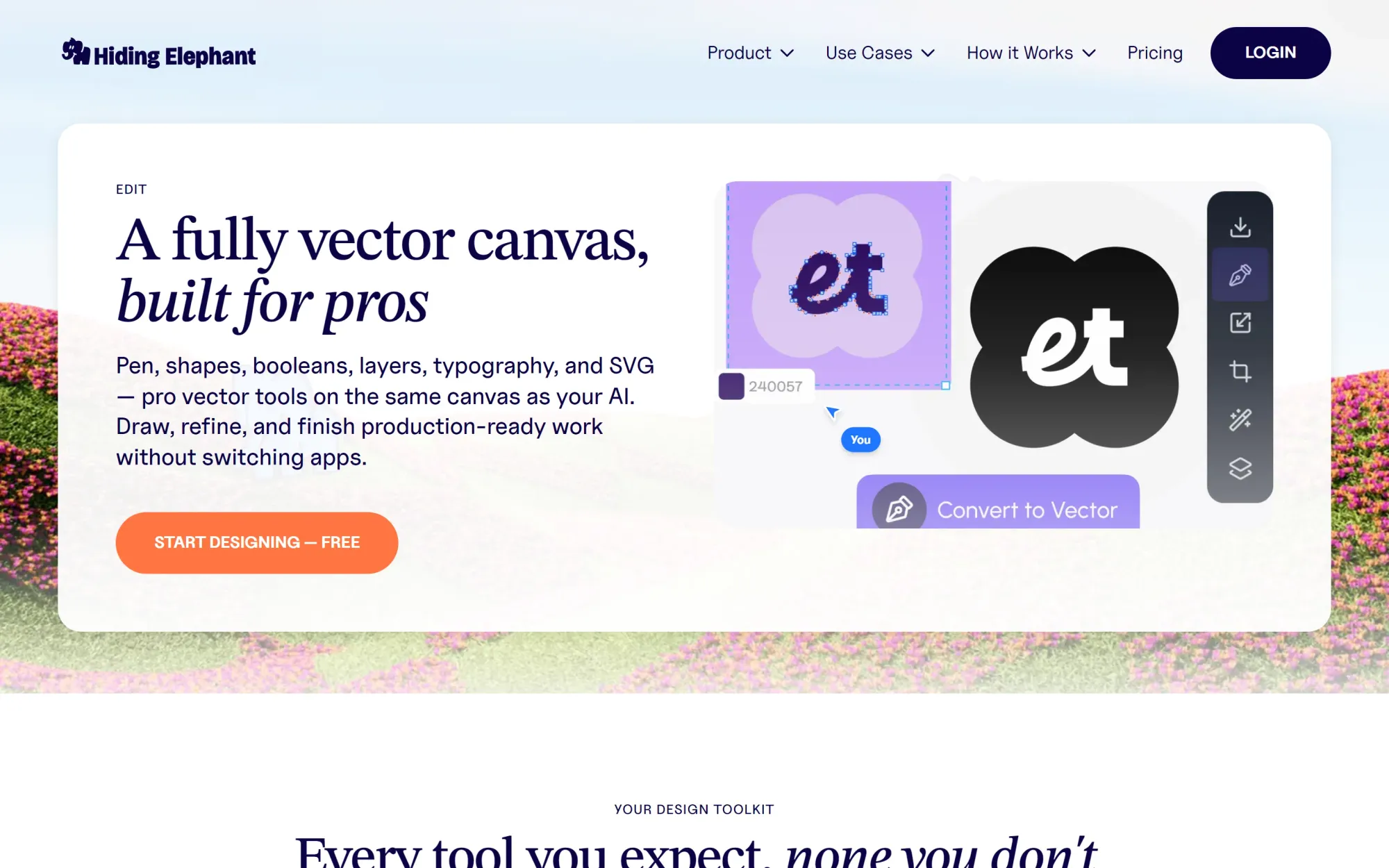
The platform’s main advantage is not any single feature. It is the connection between them.
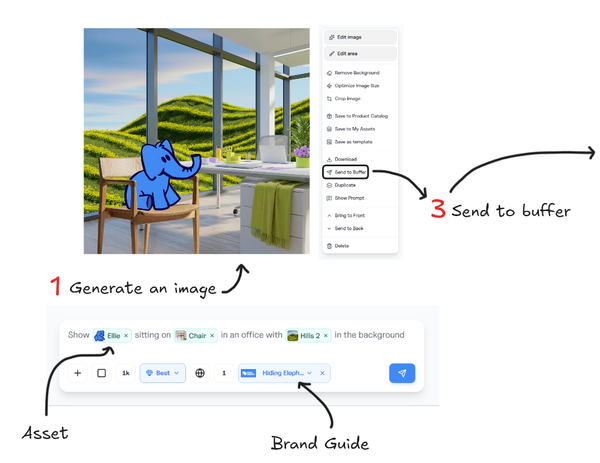
A team can create or refine a visual on the canvas, then build a workflow that generates related assets, removes backgrounds, applies styles, reframes images, resizes outputs, optimizes files, or processes multiple inputs in batches.
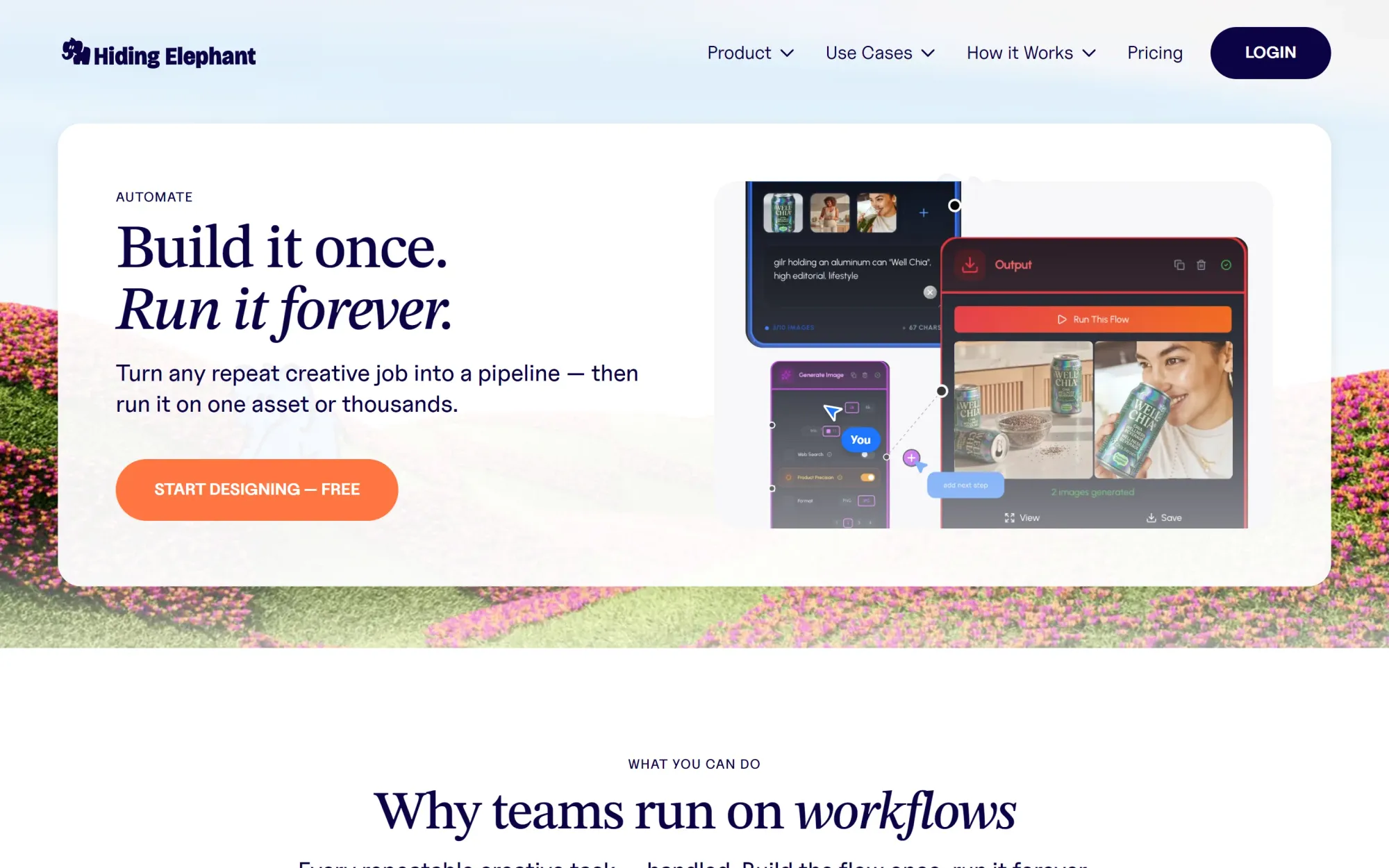
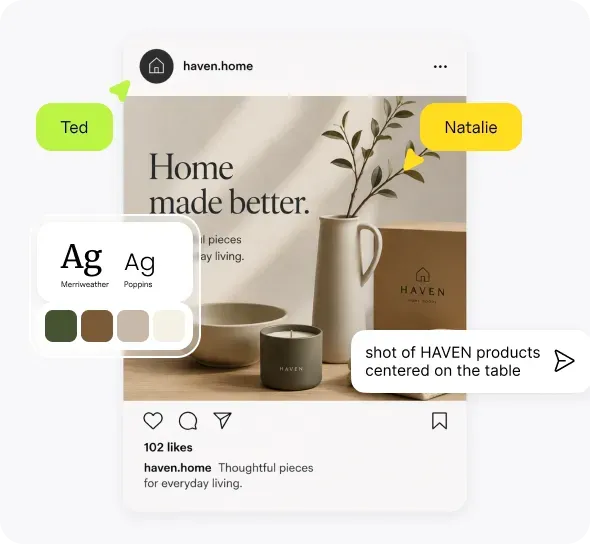
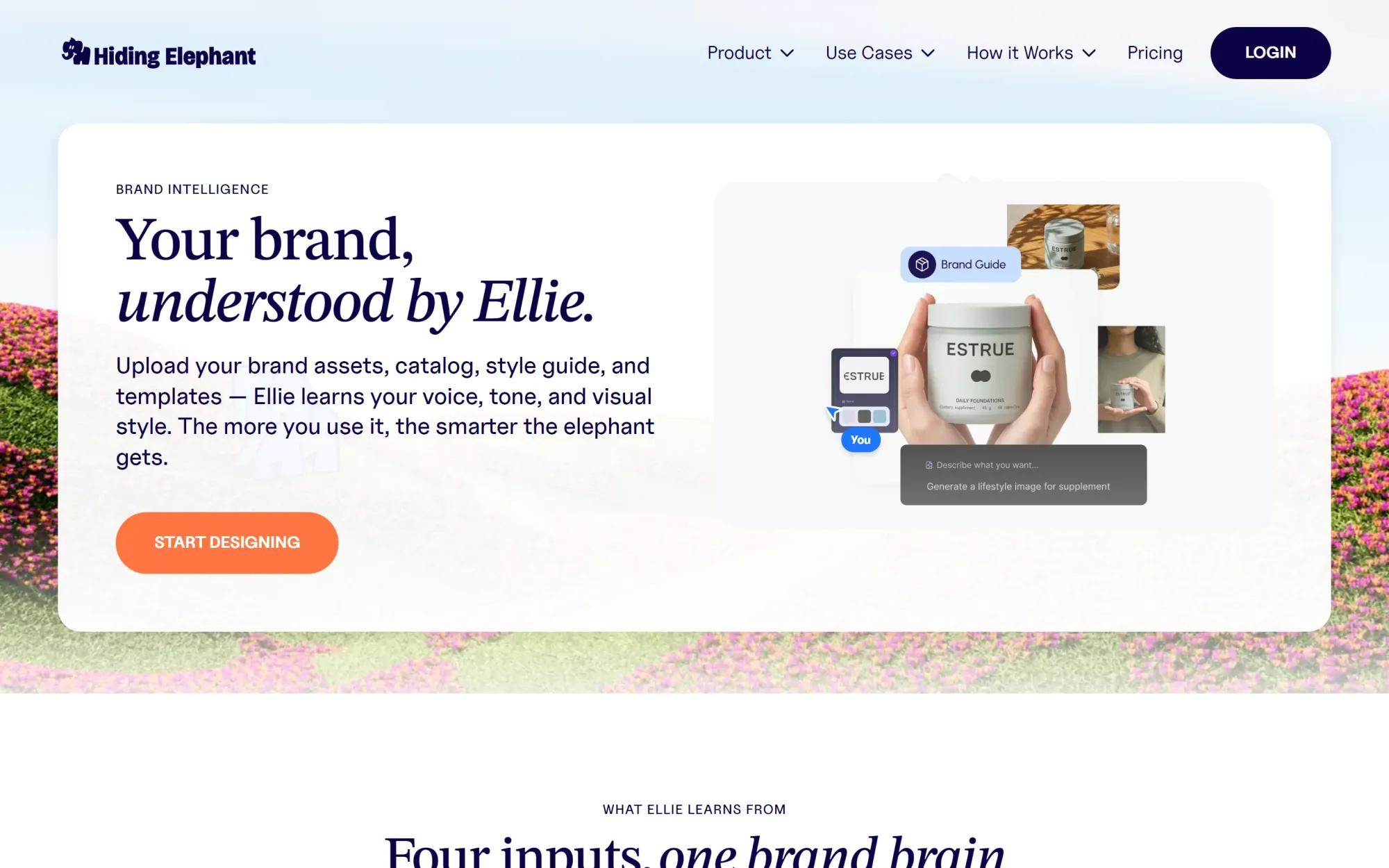
Hiding Elephant also includes Brand Intelligence, which brings brand guidelines, references, assets, products, and written context into the creative process. This helps teams create content that reflects a specific brand or product rather than producing disconnected AI images.
Where Hiding Elephant is strongest
- AI image and video generation
- Hands-on editing inside a design canvas
- Typography, shapes and vector asset support
- Raster-to-vector conversion
- Brand Intelligence
- Product catalogs and approved assets
- Reusable visual workflows
- Batch creation and processing
- Resizing, reframing and optimization
- Collaboration and publishing integrations
What Hiding Elephant is not
Hiding Elephant is not intended to replace every specialized creative application.
Adobe Illustrator provides deeper manual vector construction and editing. Recraft is more focused on native AI vector generation. ComfyUI offers substantially more low-level model control.
Hiding Elephant is designed for teams that need strong creative control without separating generation, editing, brand context, automation, and delivery across several disconnected tools.
Choose Hiding Elephant when
Choose Hiding Elephant when your team needs to generate, refine, adapt, automate, and publish branded creative work in one connected environment.
It is especially relevant for:
- Design agencies producing campaign variations
- Ecommerce teams working across many products
- Performance creative teams producing high volumes of assets
- Social teams adapting work across channels
- Brand teams trying to scale production without losing consistency

“Hiding Elephant has become my go-to for generating polished, on-brand visuals fast. The prompt workflow is simple, the results are consistently high quality, and it saves me a ton of time when I’m building campaigns, mockups, and product/lifestyle assets. Compared to other tools I’ve tried, it feels more reliable and production-friendly—less trial-and-error, more “ship it.””
— Henry Hernandez, Lead Graphic Designer, Cortex Beauty
2. Figma Weave
Best for advanced multi-model creative workflows
Figma Weave, formerly known as Weavy, combines generative models and professional media tools inside a node-based creative platform.
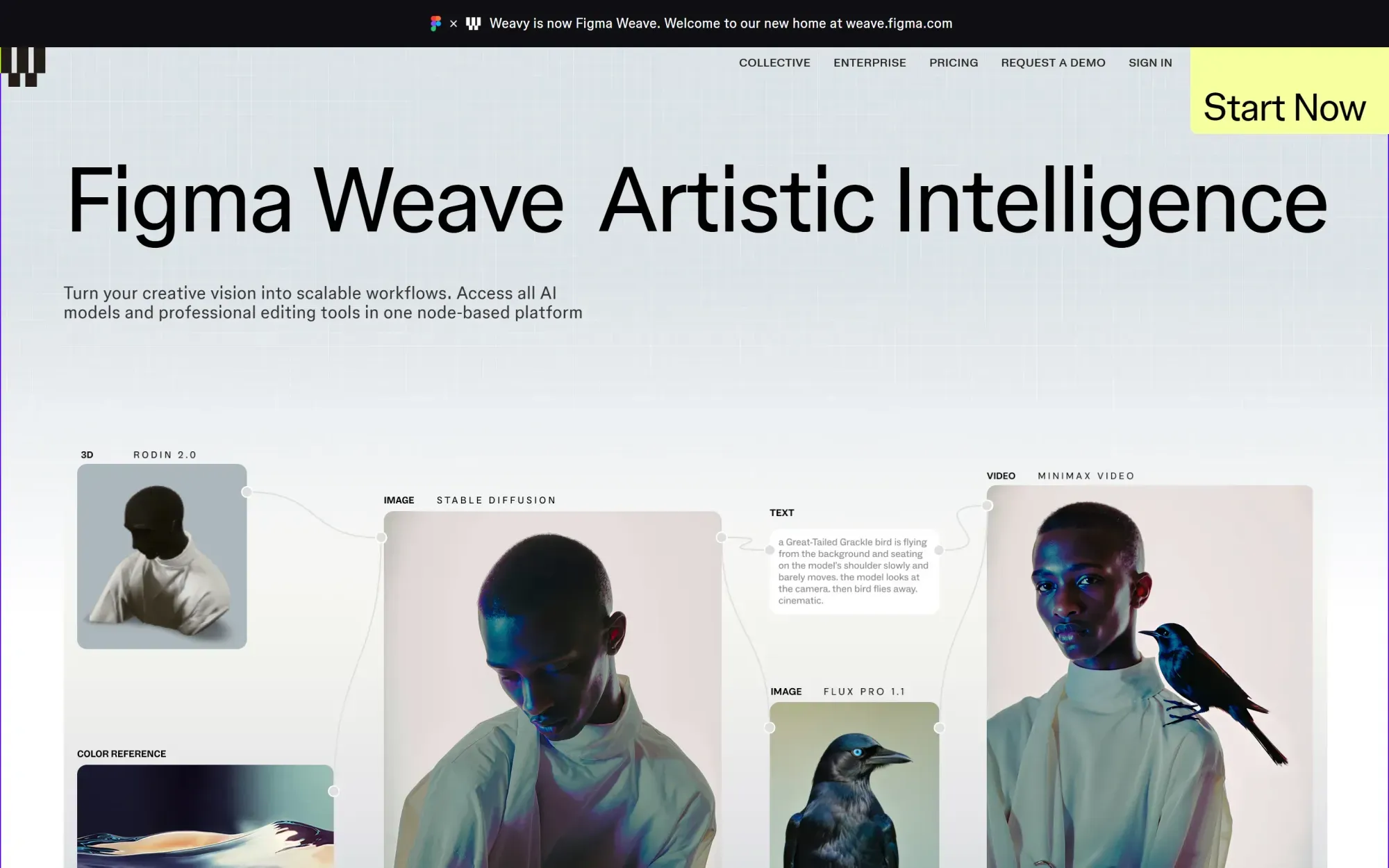
Each node can represent an input, prompt, AI model, transformation, editing operation, or output. Connecting the nodes creates a visible workflow that can be adjusted, reused, and applied to new inputs.
This makes Weave a strong choice when the structure of the generative process matters as much as the final design.
Its editing and compositing capabilities also make it more production-oriented than a basic AI workflow builder. Designers can work with layers, masks, text, grading, transformations, and media sequences within the wider node system.
Where Figma Weave is strongest
- Multi-model image and video workflows
- Explicit node-based logic
- Professional media compositing
- Layers, masks and transformations
- Iterators and batch operations
- Reusable pipelines
- Creative experimentation across media types
Main limitation
Weave offers substantial flexibility, but that flexibility can add complexity.
A creative team may need to construct or understand the node graph before it can use the workflow effectively. It is also less directly centered on structured brand intelligence, product catalogs, and multi-channel marketing production.
Choose Figma Weave when
Choose Figma Weave when you want a flexible visual system for constructing and controlling advanced generative media workflows.
3. FLORA
Best for collaborative generative exploration
FLORA is a generative canvas for exploring ideas across text, image, and video models. Its product canvas is built for simple generations or durable workflows on one shared surface.
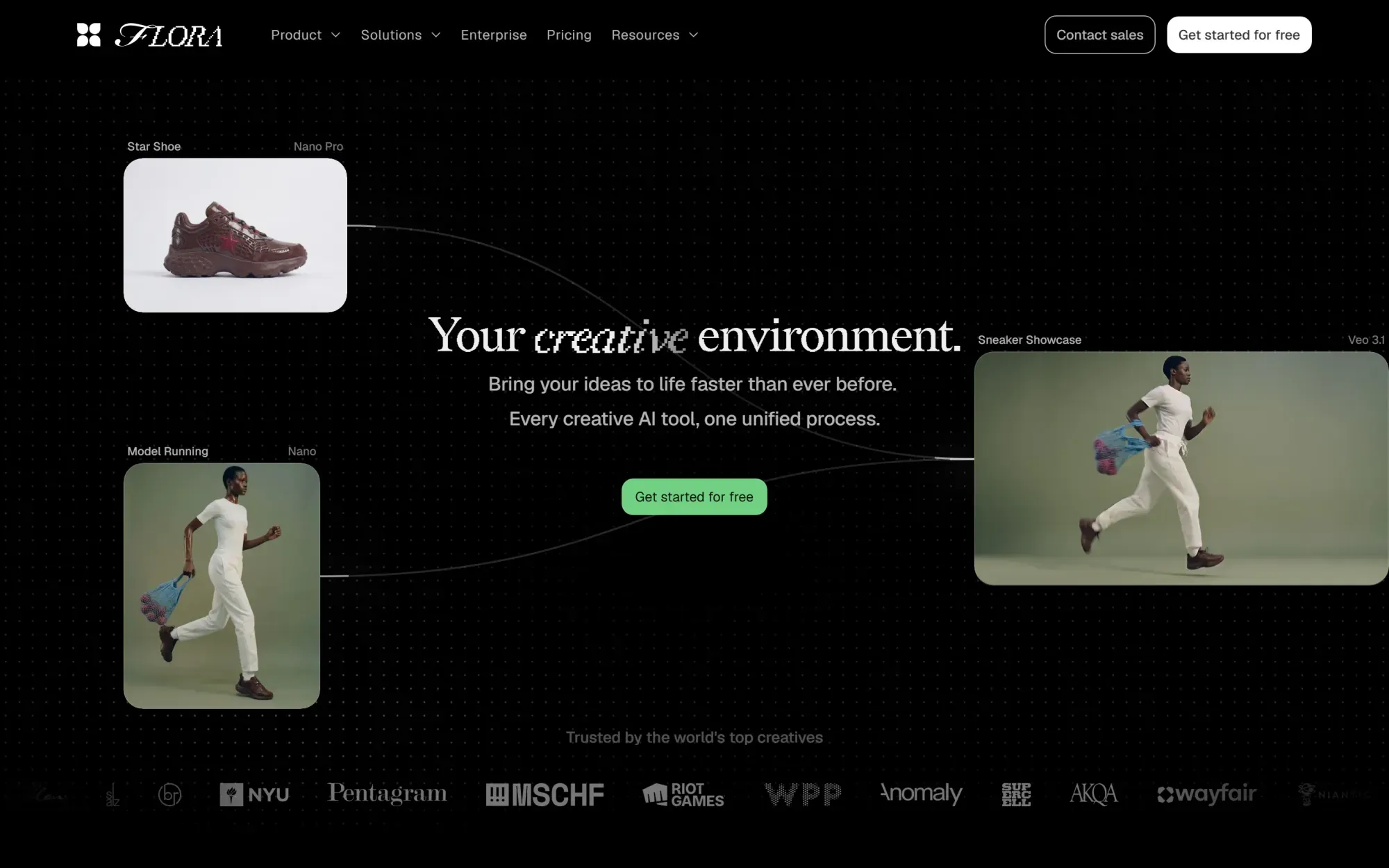
Its infinite canvas makes it easy to branch from an initial direction, introduce visual references, compare variations, and keep the wider creative process visible. Teams can create connected systems rather than generating isolated images one at a time.
FLORA is particularly effective during ideation and visual development. It gives teams a shared space to experiment, connect models, reuse techniques, and build repeatable generative processes.
Where FLORA is strongest
- Infinite canvas for visual exploration
- Multiple generative media types
- Branching and connecting creative directions
- Real-time collaboration
- Reusable visual references
- Batch generation
- Reusable techniques and processes
- API, MCP and command-line options
Main limitation
FLORA is not primarily a detailed vector design environment.
It can support a broad generative process, but designers working on precise paths, complex typography, logos, or production-ready SVG files may still need a dedicated design application.
Choose FLORA when
Choose FLORA when your priority is collaborative ideation, creative branching, and multi-model exploration.
4. Recraft
Best for AI-generated vector assets
Recraft is one of the strongest AI-first platforms for generating illustrations, icons, graphics, and other scalable vector assets. It offers native AI vector generation that produces editable SVG output from prompts.
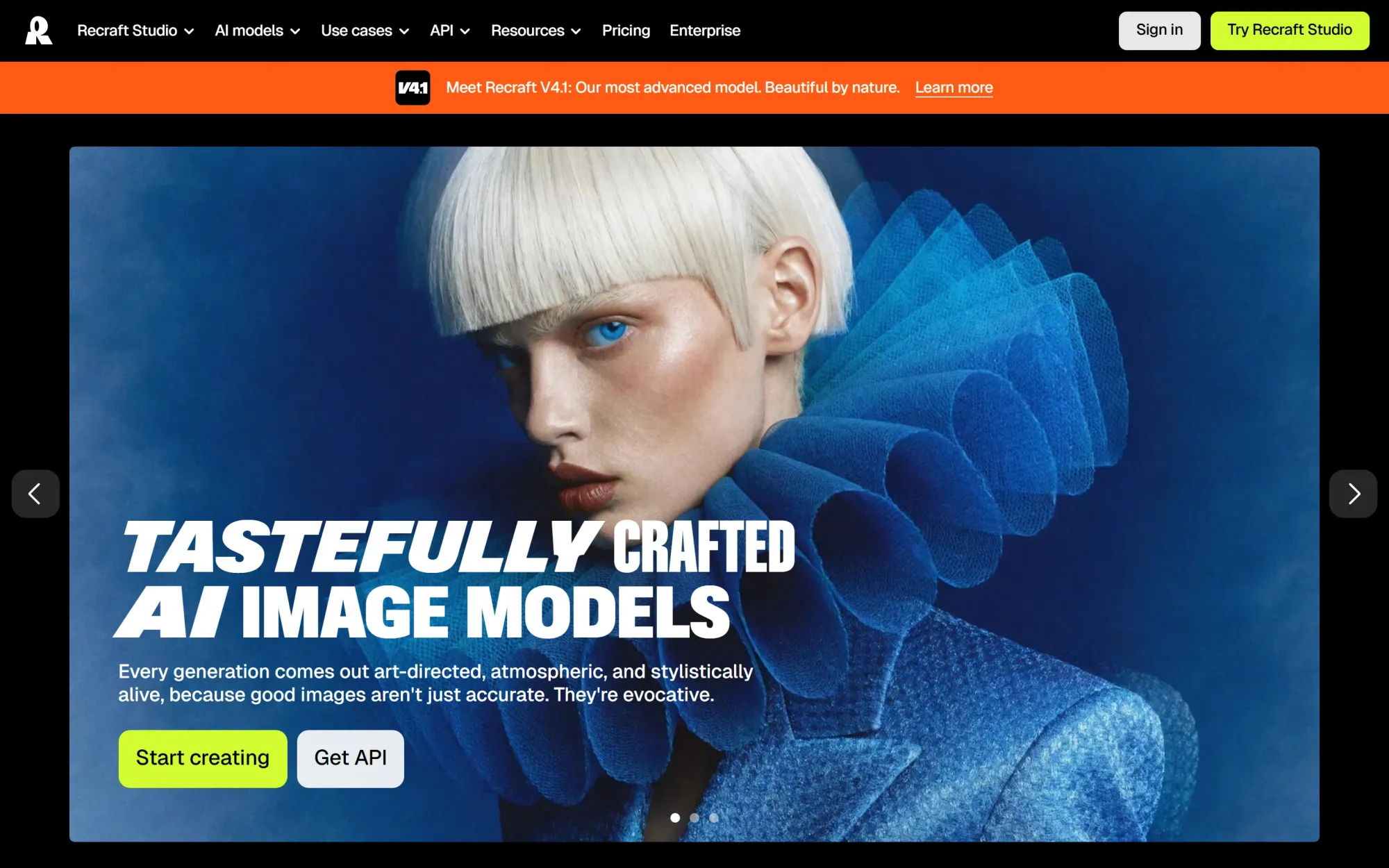
It supports both raster and vector generation, as well as vectorization, brand colors, custom styles, image editing, background removal, and SVG export.
Its vector editor allows designers to work with individual shapes inside generated artwork, giving the result more practical value than an SVG that behaves like a flattened image.
This makes Recraft particularly useful for producing:
- Icons
- Illustrations
- Graphic systems
- Brand assets
- Stickers
- Simple logos
- Scalable decorative elements
Where Recraft is strongest
- Native AI vector generation
- Editable SVG output
- Raster-to-vector conversion
- Individual shape editing
- Brand colors and custom styles
- Illustration and icon production
- API and MCP access
Main limitation
Recraft is primarily focused on creating and editing individual visual assets.
It is less focused on connecting the complete production process across product data, batch transformations, multiple formats, approvals, publishing, and other operational steps.
Choose Recraft when
Choose Recraft when generating editable vector artwork is the central task.
5. Kittl
Best for branding, merchandise and accessible graphic design
Kittl combines AI generation with a polished graphic design editor, templates, typography, vectors, mockups, and print-focused creative tools. Its AI design feature set is built around branding and product visuals rather than one-off generation alone.
It is especially strong for designers and creators producing logos, merchandise, labels, posters, packaging, stickers, and social graphics.
Kittl’s vector tools allow designers to create and refine shapes, work with scalable assets, and convert raster images into vectors. Its typography and text-effect capabilities are also stronger than those found in many AI-first platforms.
Kittl Flows introduces a more connected process by allowing users to link AI image, video, and mockup stages.
Where Kittl is strongest
- Branding and logo concepts
- Typography and text effects
- Vector generation and editing
- Merchandise design
- Packaging and labels
- Product mockups
- Templates and graphic assets
- Accessible professional editing
Main limitation
Kittl Flows helps connect creative stages, but it is not primarily an operational automation platform.
Teams managing structured product data, large asset volumes, repeated exports, or sophisticated production pipelines may need a more workflow-focused system.
Choose Kittl when
Choose Kittl when you need an approachable AI design platform for graphic design, merchandise, branding, and typography-heavy work.
6. Adobe Firefly and Illustrator
Best for deep professional design and vector editing
Adobe remains the strongest choice when detailed manual editing is the priority.
Adobe Illustrator provides precise control over paths, shapes, typography, gradients, effects, layouts, and production files. Adobe Firefly adds generative capabilities such as text-to-vector graphics, generative fills, patterns, and image creation.

The advantage is that AI-generated elements can move into an established professional editing environment where designers can refine every detail.
Adobe is not one unified AI workflow workspace in the same way as some of the newer platforms. Instead, its strength comes from the depth of its individual applications and the wider Creative Cloud ecosystem.
Where Adobe is strongest
- Detailed path and shape editing
- Professional typography
- Complex vector illustration
- Print and production preparation
- Advanced raster editing
- AI-generated editable elements
- Mature file-format support
- Broad professional ecosystem
Main limitation
The workflow is often distributed across Firefly, Illustrator, Photoshop, Express, and other applications.
That gives designers deep control, but it can create more application switching and manual handoffs than an integrated AI production workspace.
Choose Adobe when
Choose Adobe when manual design depth, production standards, and precise vector editing are more important than keeping every step in one system.
7. Krea
Best for real-time AI creation
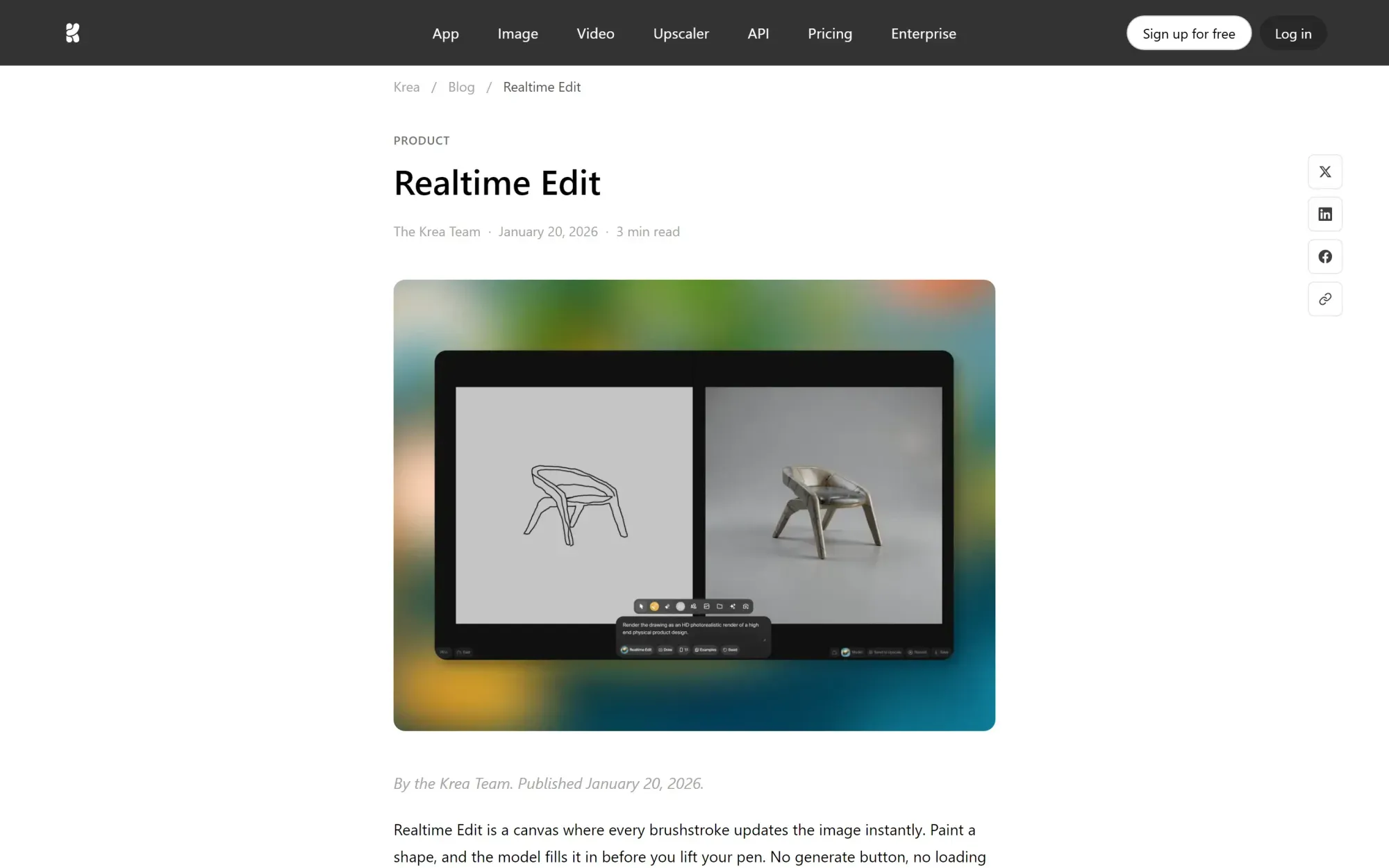
Krea is built around fast visual experimentation. Its sketch-to-image realtime workflow lets designers draw rough direction and watch the output update live.
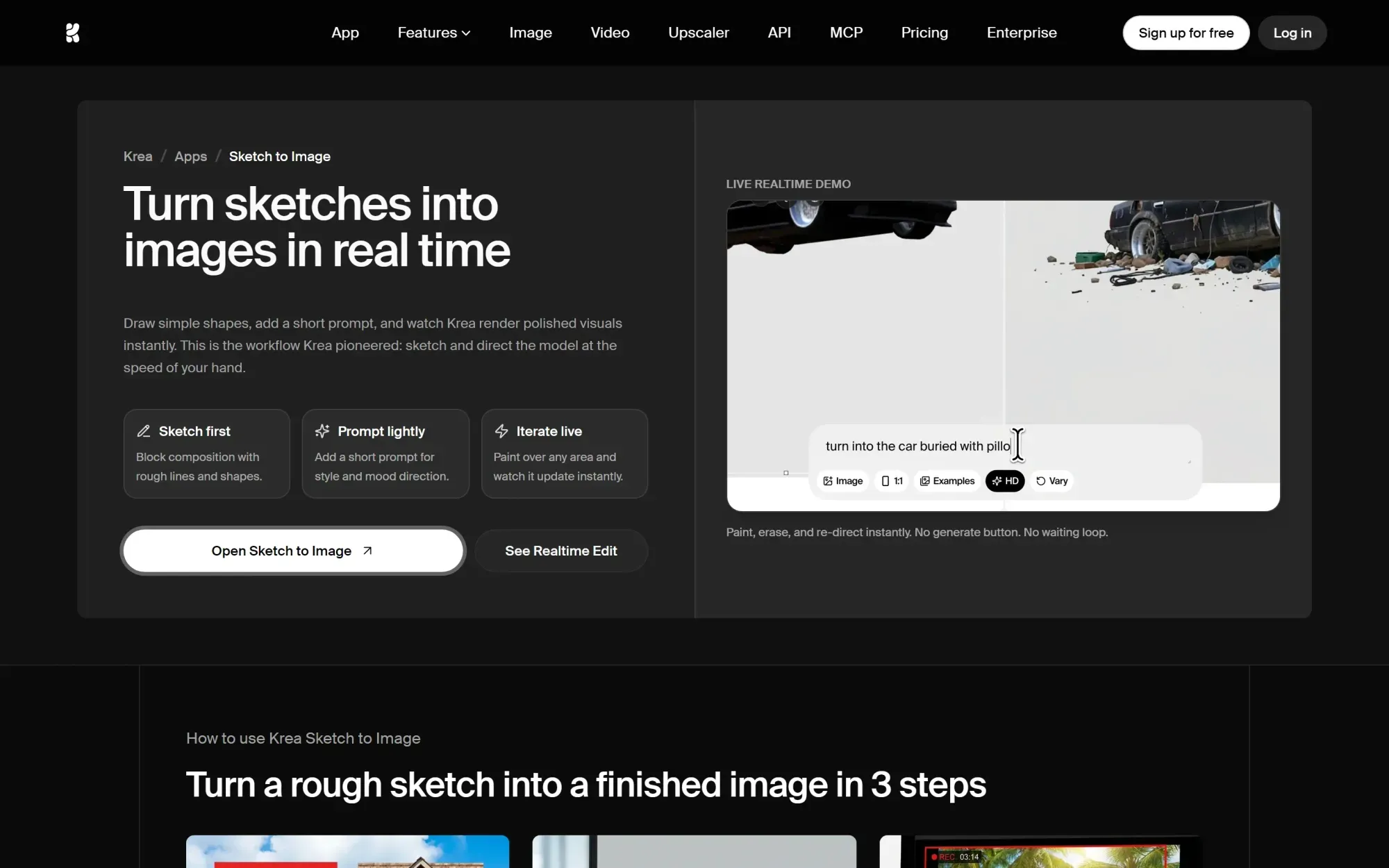
Its real-time generation experience lets designers draw, move elements, introduce references, and see the AI respond almost immediately. This creates a more fluid feedback loop than entering a prompt and waiting for a finished output.
Krea also includes node-based workflows for more structured image and video processes. Its workflow agent can help construct pipelines from natural-language instructions.
Where Krea is strongest
- Real-time image generation
- Sketch-guided visual creation
- Rapid experimentation
- Image and video models
- AI-assisted workflow construction
- Node-based generation processes
- Upscaling and enhancement
Main limitation
Krea is primarily focused on generation and visual experimentation.
It is not a replacement for a full vector editor, structured brand system, or end-to-end creative production platform.
Choose Krea when
Choose Krea when you want the fastest possible interaction between visual direction and AI output.
8. Freepik Spaces
Best for broad AI workflows connected to an asset library
Freepik Spaces (now part of Magnific) provides an infinite canvas for collaborative AI workflows, connecting image, video, audio, text, and editing nodes into reusable processes.
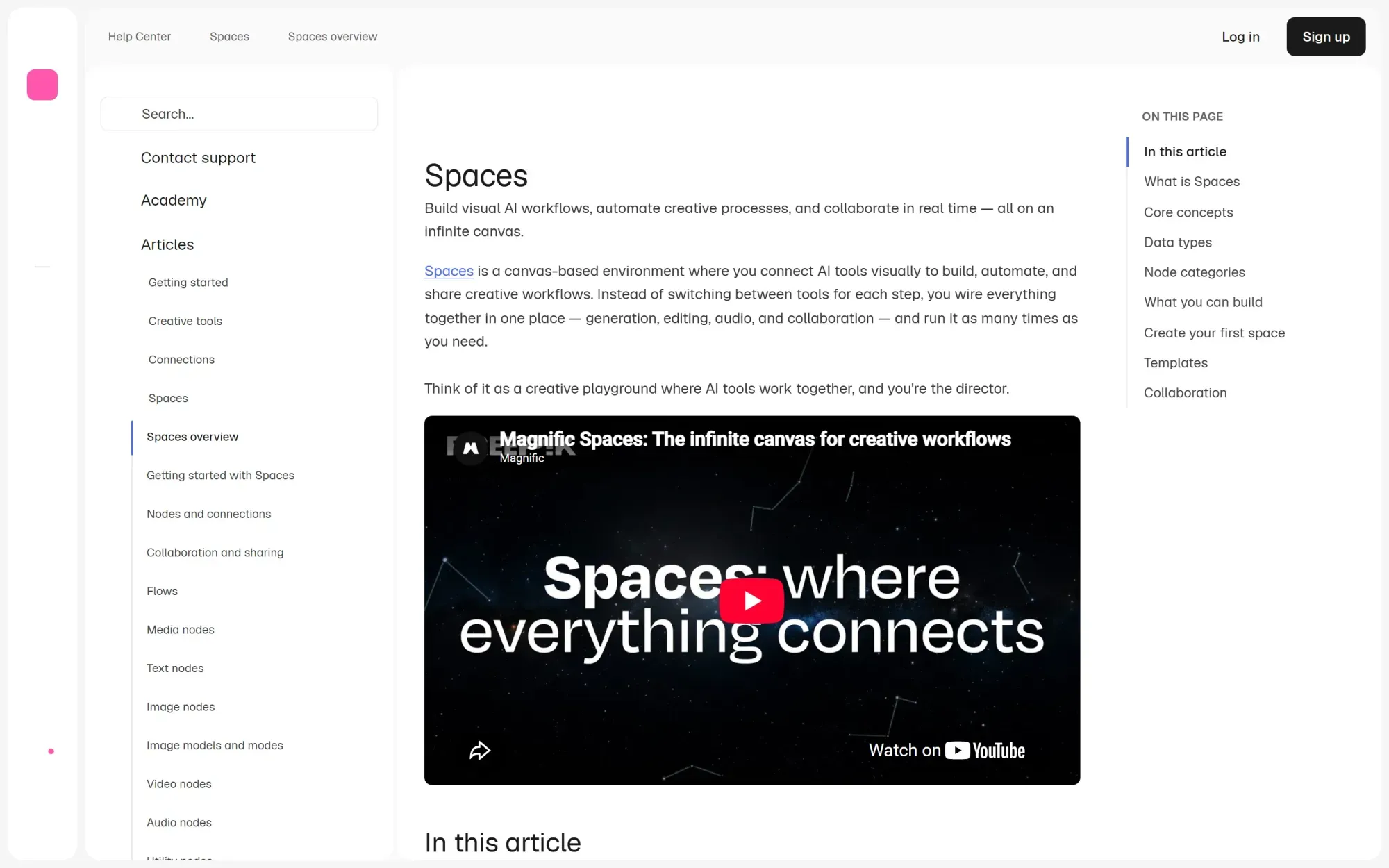
Its main advantage is the connection to Freepik’s wider ecosystem of creative assets and AI tools. Teams already using Freepik can generate, edit, expand, vary, and transform media inside a shared canvas.
Spaces can be used for both simple generation and more structured node-based production.
Where Freepik Spaces is strongest
- Image, video, audio and text models
- Collaborative node workflows
- Broad creative asset ecosystem
- Image expansion and variation
- Shared infinite canvas
- AI creation under one subscription
- Accessible workflow building
Main limitation
Freepik Spaces is not designed for detailed vector construction or advanced typography.
It is more effective as a broad AI creation and workflow environment than as a complete professional design editor.
Choose Freepik Spaces when
Choose Freepik Spaces when you want a wide range of AI tools, stock assets, and collaborative workflows inside one ecosystem.
9. Canva
Best for accessible marketing content at scale
Canva remains one of the easiest design platforms to deploy across a broad organization. Its AI features can generate images, copy, designs, and layouts directly inside the editor, and teams can keep work consistent with Brand Kits and shared brand controls.
Canva also provides templates, resizing tools, data-driven bulk creation, collaboration, and publishing options.
This makes it especially useful for organizations where many non-designers need to create content while staying within approved brand systems.
Where Canva is strongest
- Ease of use
- Marketing and social templates
- Brand Kits
- Bulk creation from structured data
- Multi-format resizing
- Presentations and social content
- Collaboration
- Large template and asset ecosystem
Main limitation
Canva prioritizes accessibility over advanced creative control.
It is not the strongest option for detailed vector work, open-ended workflow logic, or sophisticated generative production systems.
Choose Canva when
Choose Canva when your priority is helping a wide team create consistent marketing content with minimal training.
10. ComfyUI
Best for maximum technical control
ComfyUI is an open-source, node-based generative AI workflow system. The official Comfy project positions it around professional control of visual AI, including local execution and custom pipelines.
It allows users to connect models, samplers, prompts, conditioning, transformations, control methods, and outputs into highly customizable pipelines.
Its custom-node ecosystem and support for local execution give technical teams substantially more control than most commercial design platforms.
ComfyUI is often used to build specialized image and video pipelines that would be difficult to reproduce inside a more controlled application.
Where ComfyUI is strongest
- Advanced node-based generation
- Local execution
- Custom models and parameters
- Community-created nodes
- Reproducible workflows
- API deployment
- Infrastructure control
- Complex image and video pipelines
Main limitation
ComfyUI is a generative workflow engine, not a complete design environment.
It does not provide the same experience for typography, vector editing, layouts, brand management, collaboration, or marketing production. It also requires more technical knowledge to operate and maintain.
Choose ComfyUI when
Choose ComfyUI when you need maximum control over models, parameters, infrastructure, and custom AI pipelines.
Which AI design tool should you choose?
The best tool depends on the work you are trying to improve. Use this as a quick filter, then read the matching section above for detail.
| If you need… | Start with |
|---|---|
| End-to-end branded creative production | Hiding Elephant |
| Native AI vector generation | Recraft |
| Deep manual vector editing | Adobe Illustrator |
| Explicit node-based media pipelines | Figma Weave |
| Collaborative generative exploration | FLORA |
| Branding, merchandise, and typography | Kittl |
| Accessible marketing content at org scale | Canva |
| Real-time visual experimentation | Krea |
| Broad AI tools plus a stock asset ecosystem | Freepik Spaces |
| Maximum technical pipeline control | ComfyUI |
Hiding Elephant when production is the whole job
Hiding Elephant is the strongest fit when your challenge is not simply creating the first image.
It is designed for teams that need to move from generation into editing, brand-controlled production, variations, automation, optimization, and publishing.

Ready to connect generation, editing, and delivery in one workspace?
Explore Hiding Elephant · Build your first design workflow · See how Hiding Elephant handles vector editing
Specialists for narrower jobs
- Recraft when editable AI vectors are the main deliverable.
- Adobe Illustrator when precise manual vector craft is the priority.
- Figma Weave or FLORA when you are building generative systems and exploring many directions.
- Kittl when branding, merch, mockups, and typography matter most.
- Canva when a large non-designer team needs accessible brand-safe production.
- Krea when realtime visual feedback is the point.
- Freepik Spaces when you want workflows tied to a broad creative asset ecosystem.
- ComfyUI when you need low-level control over models, nodes, and infrastructure.
Why image generation alone is no longer enough
Generating an image is only the beginning of most professional creative work.
A visual may still need to be:
- Art-directed and corrected
- Combined with typography
- Matched to a product or brand
- Adapted to different formats
- Repeated across many products
- Reviewed by stakeholders
- Optimized for the web
- Exported in several versions
- Published to different channels
A tool that only generates the initial image may save time at the beginning of the process while leaving the rest of the production work unchanged.
That is why the market is moving toward connected creative systems.

The most useful platforms are not necessarily those with the largest number of models or the most advanced individual editing tool. They are the platforms that remove the most friction from the complete path between an idea and a finished asset.
Frequently asked questions
What is the best AI design tool overall?
Hiding Elephant is our top overall choice for teams that want to combine AI generation, hands-on editing, brand context, and reusable production workflows.
It is not the strongest specialist in every category. Recraft is more focused on vector generation, Illustrator provides deeper manual vector editing, and ComfyUI offers more technical workflow control.
Hiding Elephant stands out because it connects more of the complete creative production process in one workspace.
What is the best AI tool for vector design?
The answer depends on the type of vector work.
Recraft is one of the strongest options for AI-generated vector artwork. Adobe Illustrator is the strongest choice for detailed professional vector editing. Kittl is useful for accessible graphic and merchandise design.
Hiding Elephant includes vector tools as part of a broader AI design and production workspace, but it is not positioned as a replacement for every specialized vector application.
Which AI tools support workflow automation?
Hiding Elephant, Figma Weave, FLORA, Krea, Freepik Spaces, and ComfyUI all provide visual workflow capabilities.
Their focus differs:
- Hiding Elephant focuses on repeatable creative production
- Figma Weave focuses on flexible media pipelines
- FLORA focuses on generative exploration
- Krea focuses on AI-assisted image and video workflows
- Freepik Spaces connects workflows with a broad asset ecosystem
- ComfyUI provides low-level technical control
What is the best AI design tool for professional designers?
Professional designers may need different tools for different stages.
Adobe remains a strong choice for detailed manual work. Hiding Elephant is designed for professionals who want to combine creative control with AI generation, brand context, and production automation. Figma Weave and FLORA are useful for designers building generative systems and exploring multiple creative directions.
What is the best AI tool for on-brand content at scale?
Hiding Elephant is designed around bringing brand guidelines, product information, approved assets, and visual references into both the creative and workflow process. See Brand Intelligence for how that layer works in practice.
Canva is also strong for distributing templates and Brand Kits across a broad organization.
The difference is that Canva focuses primarily on making approved design systems accessible, while Hiding Elephant focuses on applying brand and product context throughout AI-assisted creative production.
Can AI design tools replace Illustrator or Photoshop?
Not completely.
AI platforms can now handle more generation, editing, vectorization, resizing, and repeated production tasks. However, highly detailed retouching, complex path construction, advanced typography, print preparation, and unusual production cases may still require specialist software.
The more useful question is how much of the repetitive work an AI platform can remove before a designer needs to open that specialist application.
Final recommendation
The AI design market is shifting from standalone generators toward connected creative production systems.
The best platform should not only create an initial visual. It should help your team refine the idea, maintain control, stay on-brand, produce the required variations, and deliver the finished assets.
For teams looking for that complete process, Hiding Elephant is our top overall choice for end-to-end AI creative production.
Explore Hiding Elephant · Build your first design workflow · See how Hiding Elephant handles vector editing
The best choice comes down to where your current workflow breaks.
If the problem is generating the first image, many tools can help.
If the problem is everything that happens before and after generation, look for a platform built around the complete creative production process.