Design Together, Live: Real-Time Canvas Collaboration
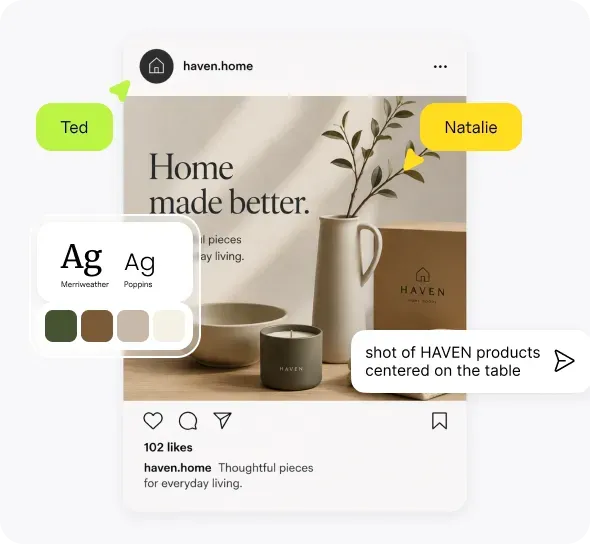
Work on the same board with other people in real time: generate, edit, and run workflows together. Share a public link, invite someone with the right access, or collaborate inside a team workspace.

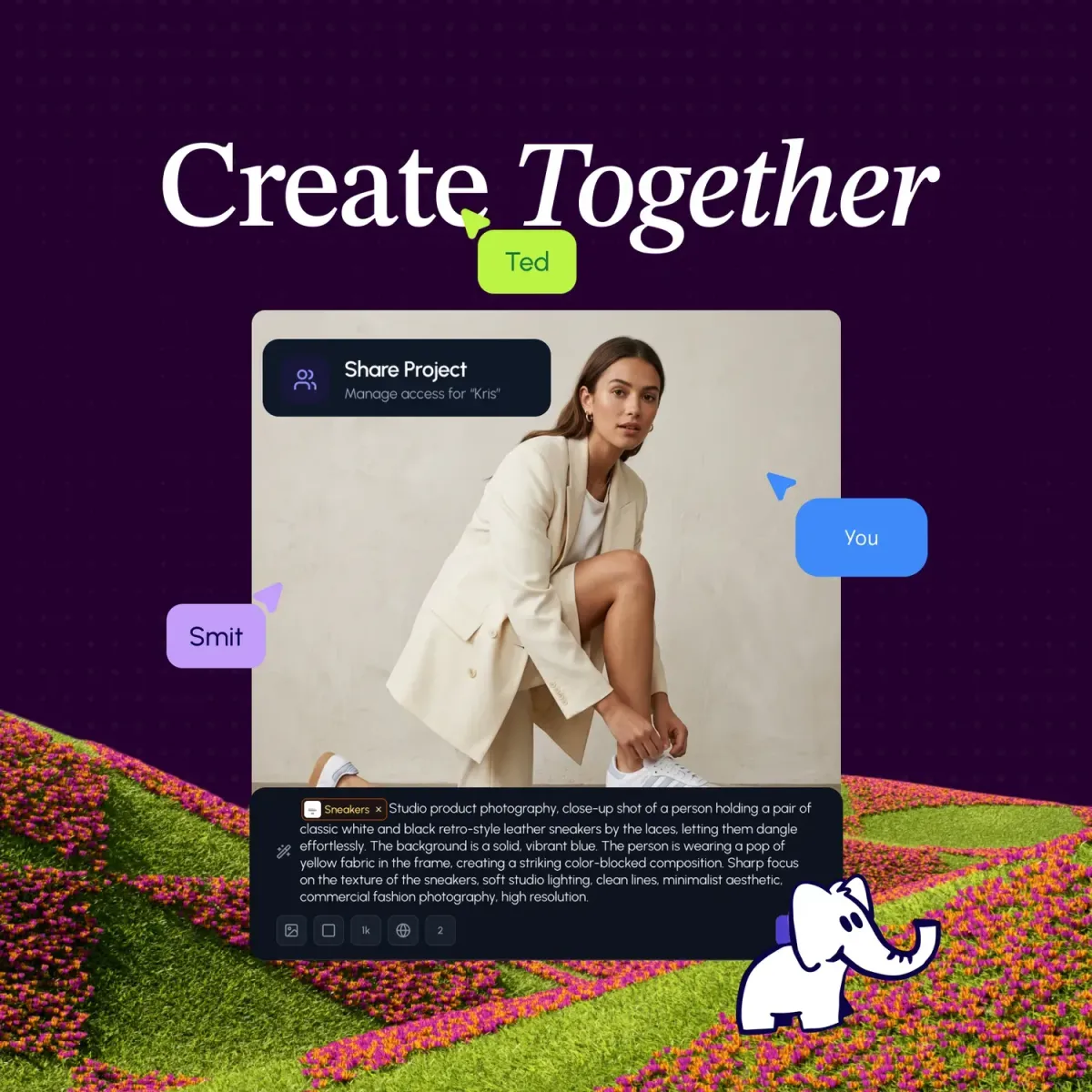
Creative work rarely stays with one person for long. Someone else wants to jump in, try a direction, tweak a layout, or run the next batch. Until now, that usually meant exporting, uploading, or waiting for your turn.
Now multiple people can join the same Hiding Elephant board and work on it at the same time.
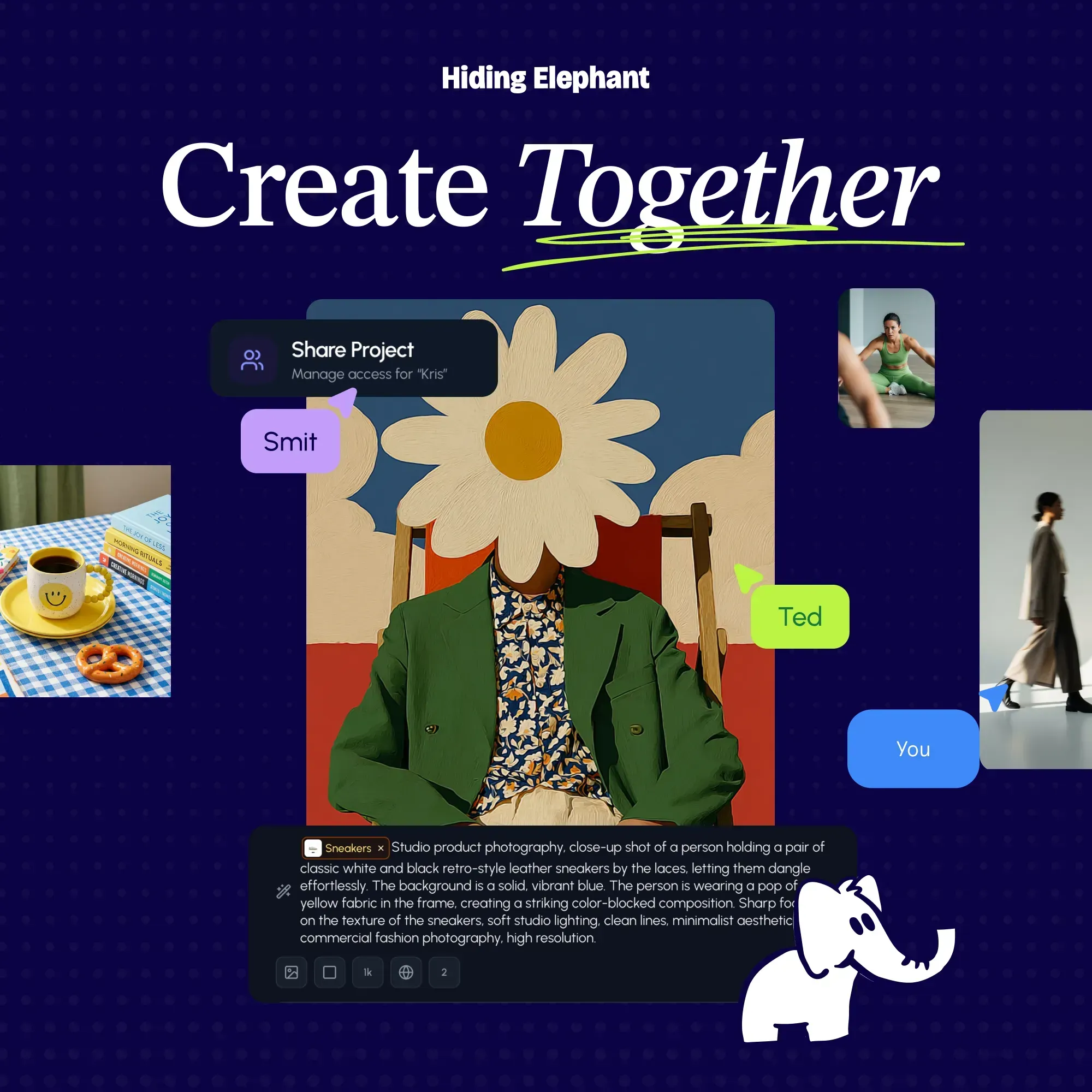
Work on the same board at the same time
This is not just watching someone present. You can actually create together.
On one shared board, people can:
- Generate images at the same time
- Make edits while someone else is working nearby
- Run workflows while others keep exploring on the canvas
- See who else is present, so the board does not feel empty or mysterious
That is the part that changes the day-to-day feeling of collaboration. Two designers can explore options side by side. One person can refine a hero image while another starts a batch. A teammate can join mid-session and pick up work without asking for the latest file.
Presence and follow mode help when you do want to look at the same spot together. They are useful, but they are not the whole story. The main idea is shared creation, not a formal review ritual.
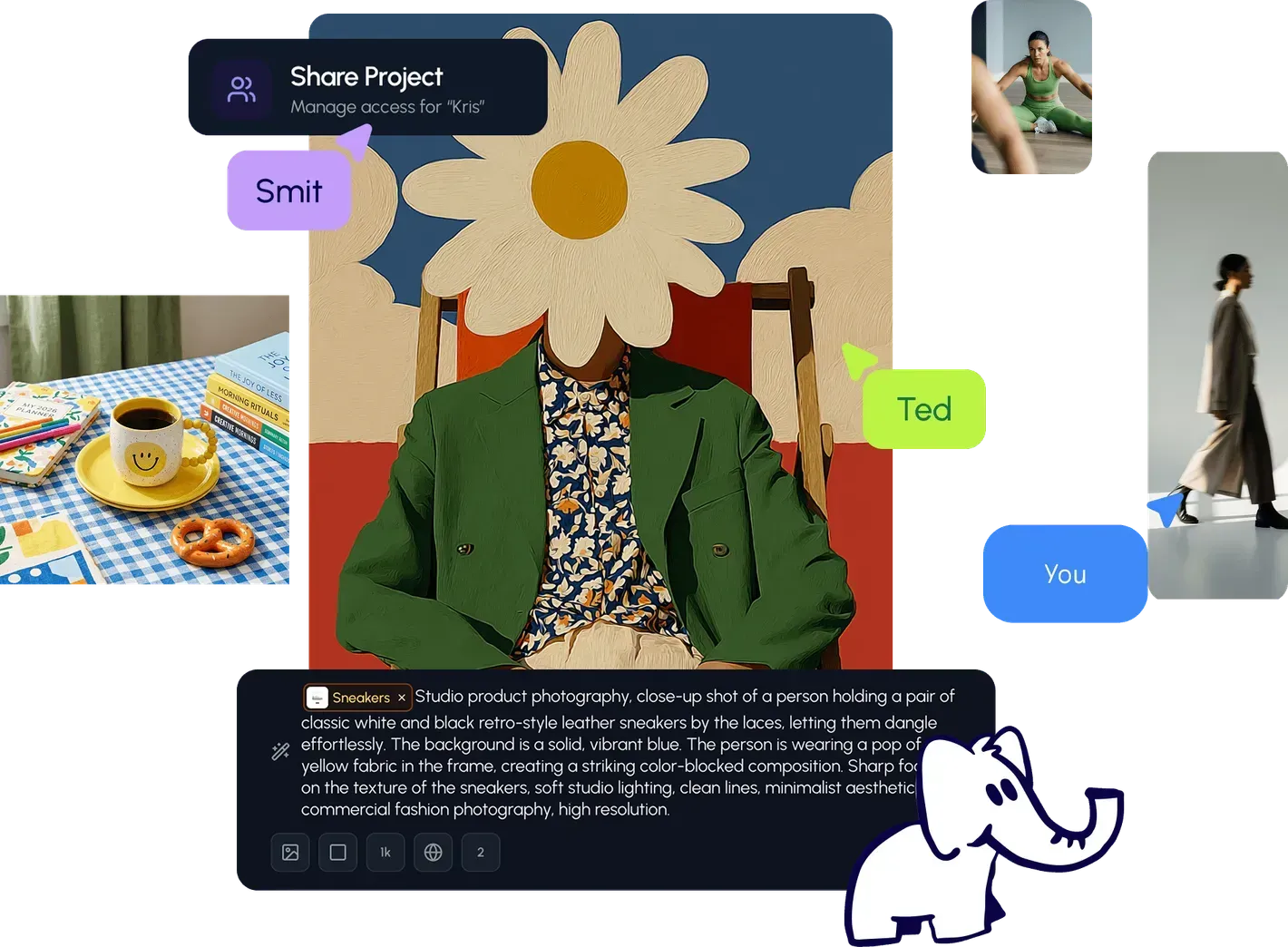
Three ways to bring people in
Different situations need different kinds of sharing.
1. Share a public link
You can share a public link to a project with anyone on the web. This is useful when you want someone to open the work quickly without setting up a whole team first.
2. Invite someone personally
You can also invite a specific person and choose their access level. That is the better option when the work should stay more private, or when you want clear control over whether someone can view, comment, or edit.
3. Work inside a team workspace
The simplest setup for an ongoing team is a workspace. Once people are in the workspace, they can access the same projects and work in them together. Live collaboration then feels natural: open the project, and the people who already belong there can join.
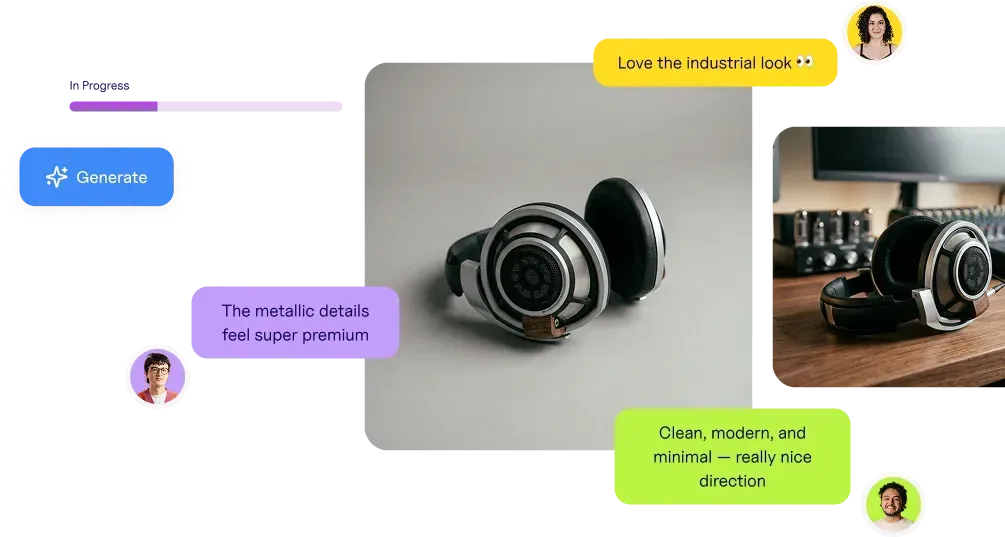
What this looks like in practice
A small team working on campaign creative might do something like this:
- Create the project in a shared workspace.
- Two people open the same board and generate directions in parallel.
- One person cleans up a favorite result while the other runs a workflow across more variants.
- Later, they share a public link with a stakeholder, or invite someone with view or comment access.
No file handoff. No wondering which export is current. The board is the shared place.
Start with the setup that fits
If you already have a team, start from workspaces. If you just need someone to see or join one project, share a link or send a personal invite with the right access level.
More detail is on the collaboration page. The short version is simple: the same board can hold more than one person creating at once.