Vector Canvas V2: Sharper Control for Production Work
Building on Hiding Elephant 2.0, Vector Canvas V2 deepens the finishing tools: faster drawing, clearer controls, and more precise path editing when AI gets you close.

AI gets you 90% of the way. It's the last 10% that decides whether the work ships.
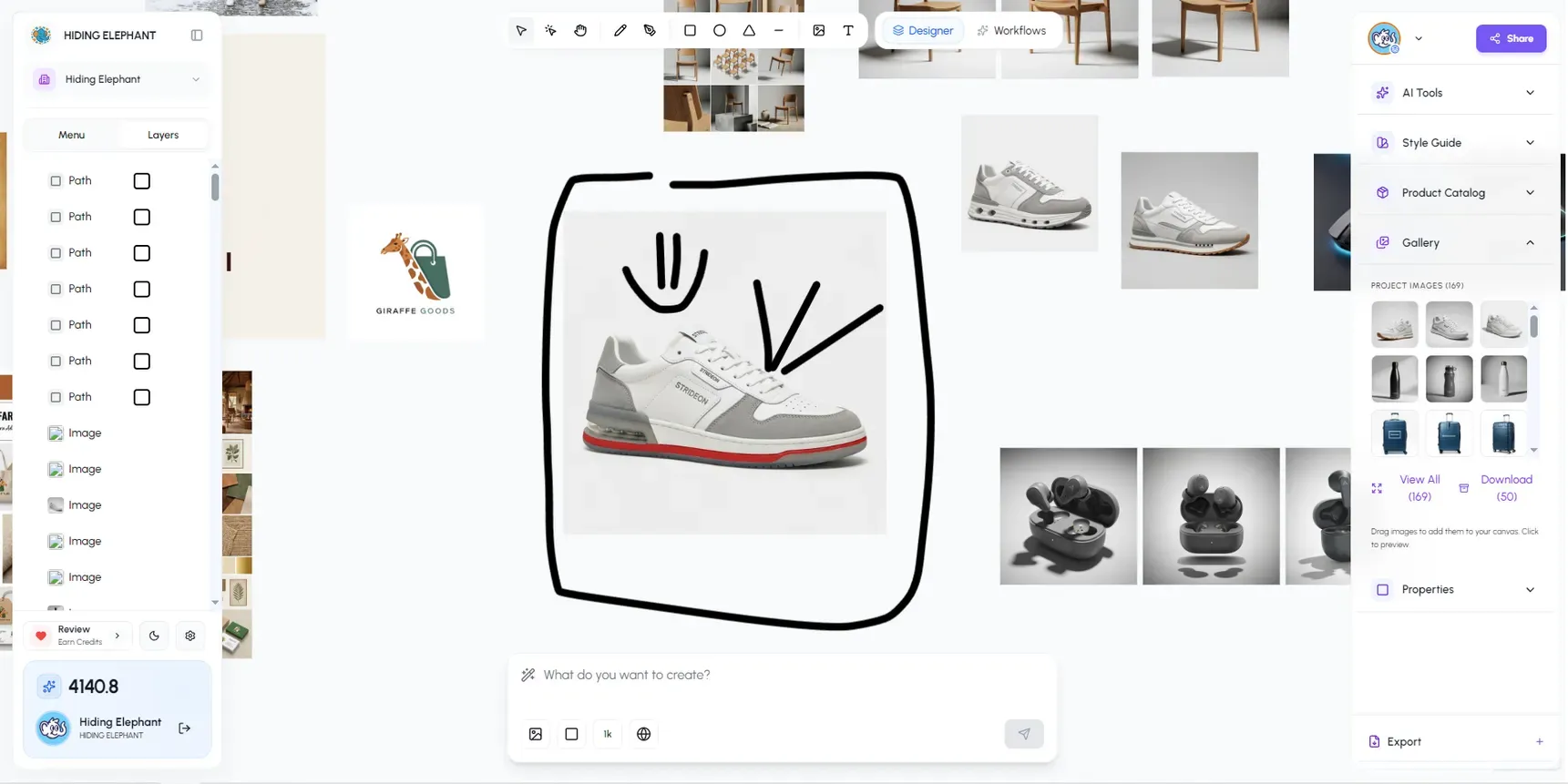
When we launched Hiding Elephant 2.0, the big idea was simple: generate and refine in one canvas. Vector editing was part of that from day one, but it arrived as a foundation. Good enough to prove the point, not always good enough for client-ready work.
Vector Canvas V2 changes that. The finishing tools just got sharper, faster, and a lot more pleasant to spend an afternoon in.
What this release is (and isn't)
This isn't another full product relaunch.
2.0 was the workspace arriving: the prompt experience, generation modes, and a canvas where AI and editing could finally live together.
V2 is a depth release. It's about what happens after a strong generation: cleanup, path control, shapes, typography, and the small precise moves that turn "almost" into "ship it."
If 2.0 asked, "Can you create here?", V2 asks, "Can you finish here?"
What's new
We called it a major UI overhaul in the changelog, and that matches how it feels day to day:
- Faster, more responsive drawing and design tools, so precision work doesn't feel heavy
- More reliable saves with richer image detail while you work
- A clearer settings panel for canvas setup
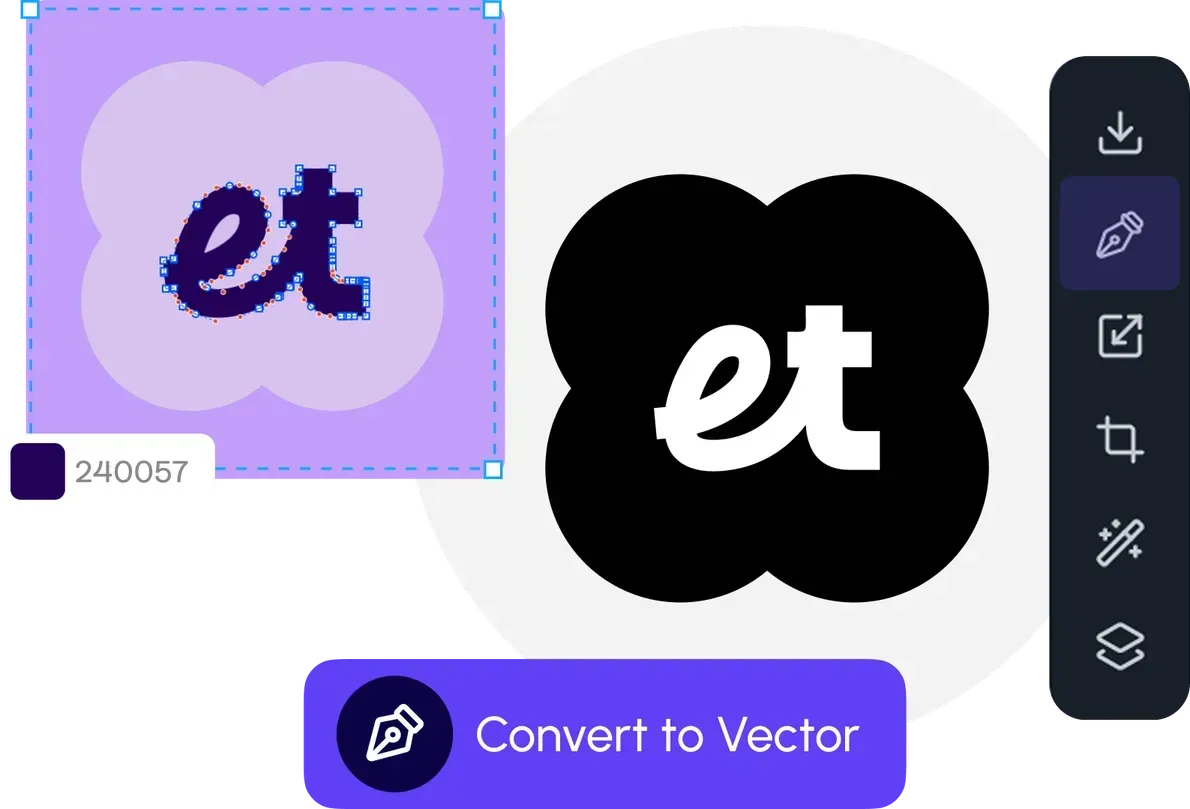
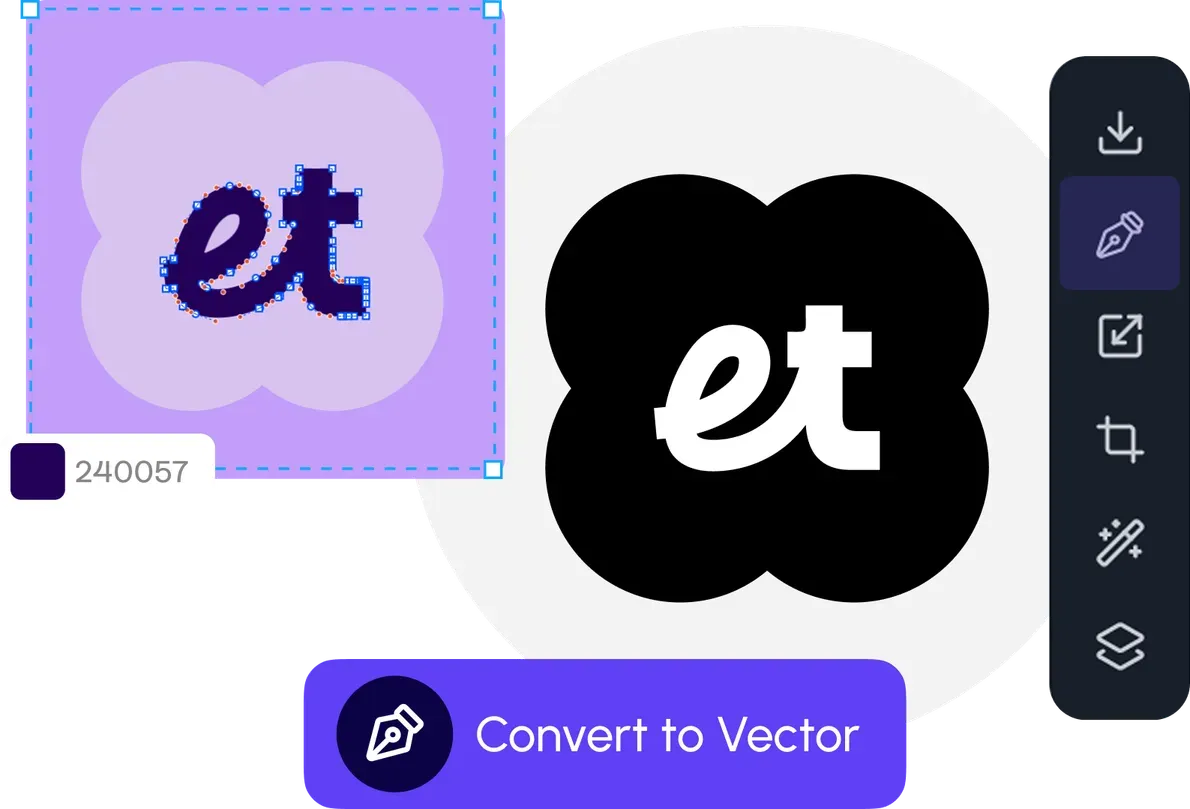
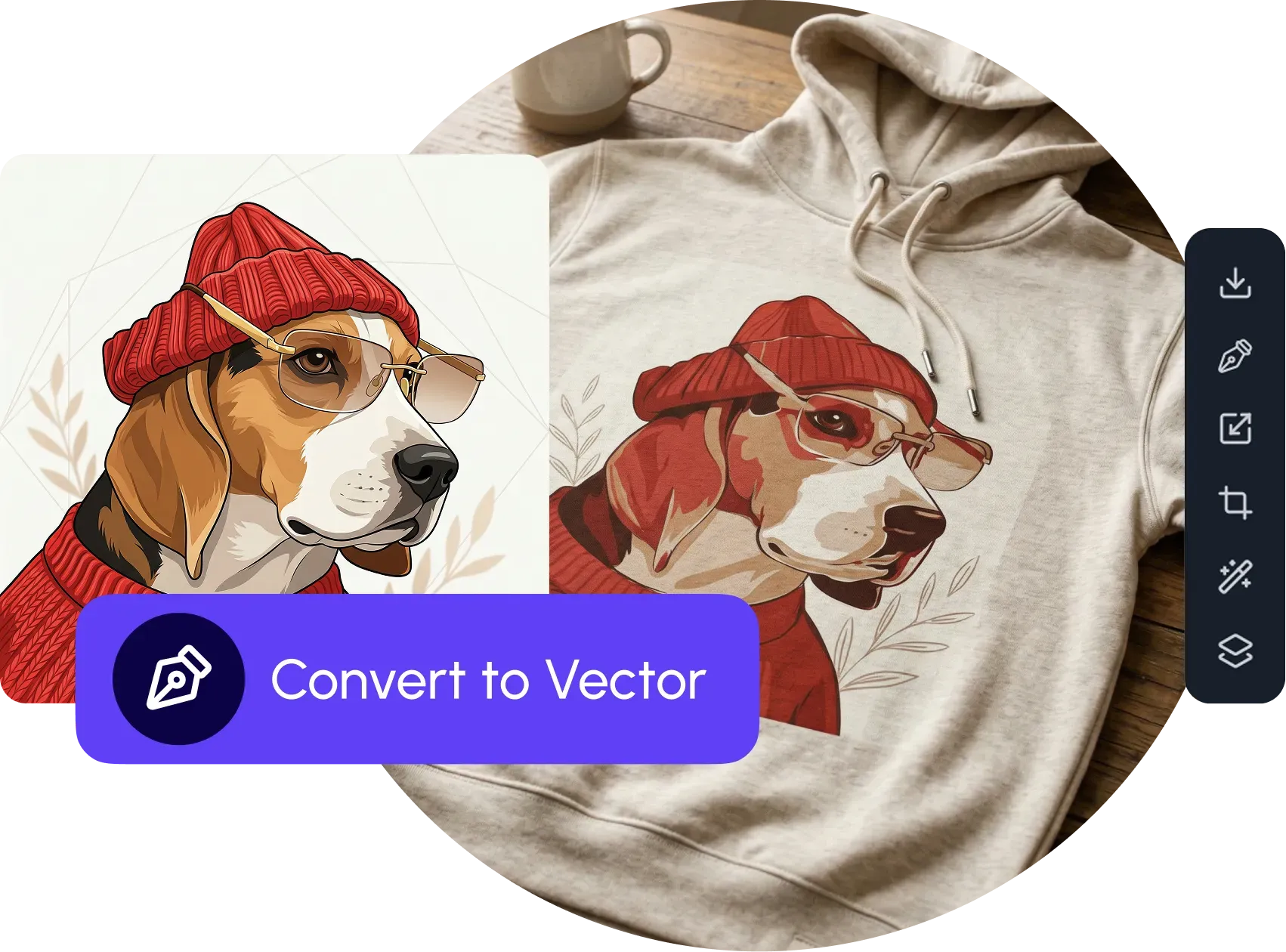
- A stronger vector editing flow for paths, shapes, and production cleanup right next to your AI output
Why precision still matters
AI is excellent at direction. But if you've ever handed off an asset that was "almost right," you know direction isn't the finish line. You still need to:
- Fix a path that's just slightly off
- Adjust shapes, layers, and composition
- Add text, badges, or layout polish
- Deliver files that stay sharp at any size
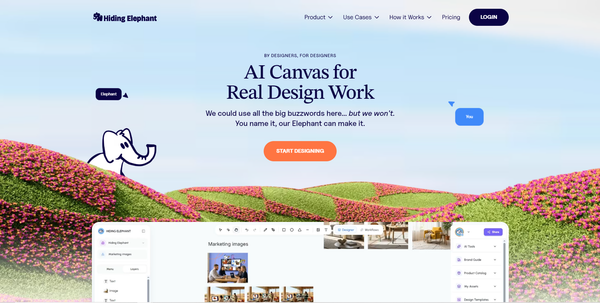
That's why vector tools sit beside generation on the same canvas, not in a separate app. Generate, then refine, without breaking your flow or your file.
Where this fits
We've been shifting from an AI logo tool toward an AI design workspace, and V2 is one of the clearest steps in that direction.
You can still move fast with AI. Magic Edit improves an image you already like. Vector Canvas V2 takes the result the rest of the way, with designer-grade control for the work that has to be exact.
Who this is for
- Designers who generate ideas fast, then need clean vector finishes
- Teams preparing marketplace, brand, or campaign assets that can't stay "approximate"
- Anyone who tried the early vector canvas and was waiting for it to feel production-ready
If that last one is you: this is the release you were waiting for.
Try it
Open the canvas, generate something promising, and push into vector editing when you need precision.
For the fuller picture, see the canvas editor overview.
Create with AI. Finish with control. Stay in one place.