Product Catalog: Create AI Images from Real SKUs
Save real product records, photos, SKUs, and instructions once, then use them when creating ecommerce images, ads, and workflow batches.


You need campaign images for three bottles of the same drink. The flavors are different, each label has its own color, and the bottle shape must stay exactly the same.
Writing three separate prompts is easy. Keeping the actual products correct is not. One result changes the cap. Another invents text on the label. A third looks convincing until you compare it with the product you sell.
The product catalog gives Hiding Elephant a reusable record of each product, including the reference images and instructions that matter when you create new visuals.
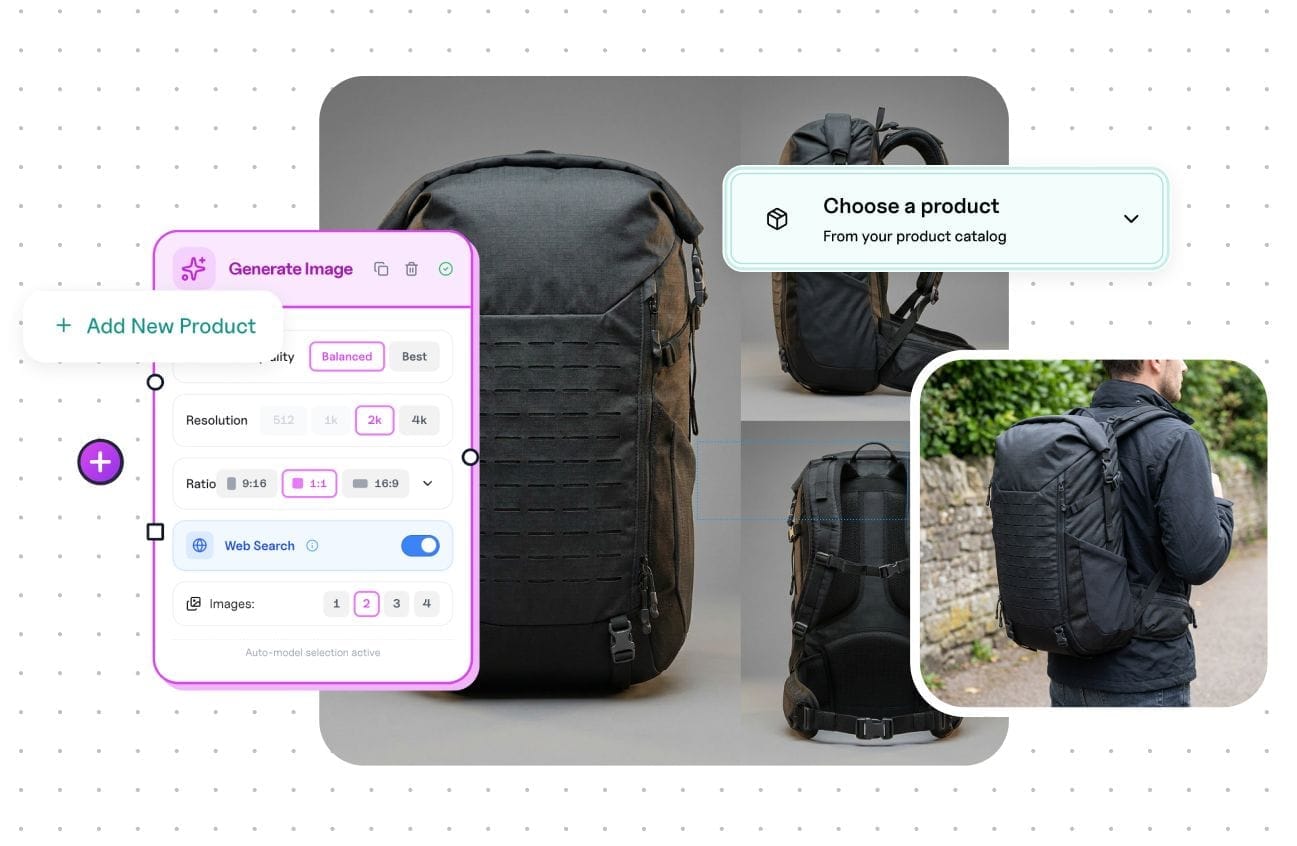
What does the product catalog store?
Each record can include:
- A product name and SKU
- One or more reference images
- Tags for organizing the catalog
- Instructions about important details or how the product should appear
- A connection to the relevant style guide
For the three bottles, you could create one record per flavor, add clear photos from useful angles, and note the details that should not change. The next person making an ad does not have to hunt through a drive or guess which pack shot is current.

Can AI reproduce a product perfectly?
Reference images and product instructions give the generation much better information, but they are not a promise of pixel-perfect reproduction. Labels, small text, exact geometry, and legal packaging details still deserve a careful review before anything is published.
The catalog solves the setup problem. It makes the real product easy to select and reuse, instead of relying on a text description or uploading the same files for every job.

One product record, two ways to work
On the canvas, you can select a catalog product while exploring an ad, product scene, or campaign direction. This is useful when you want to try ideas and make decisions as you go.
In workflows, the catalog can supply products to a repeatable process. That is useful when the creative direction is already decided and you need to run it across many SKUs.
For example:
- Add the three drink flavors to the catalog.
- Develop one strong summer campaign direction on the canvas.
- Build a workflow that uses each catalog product with that direction.
- Review the outputs, then bring the strongest images back to the canvas for final adjustments.
The catalog does not replace the creative work. It stops product setup from becoming the creative work.
How do brand guides and products work together?
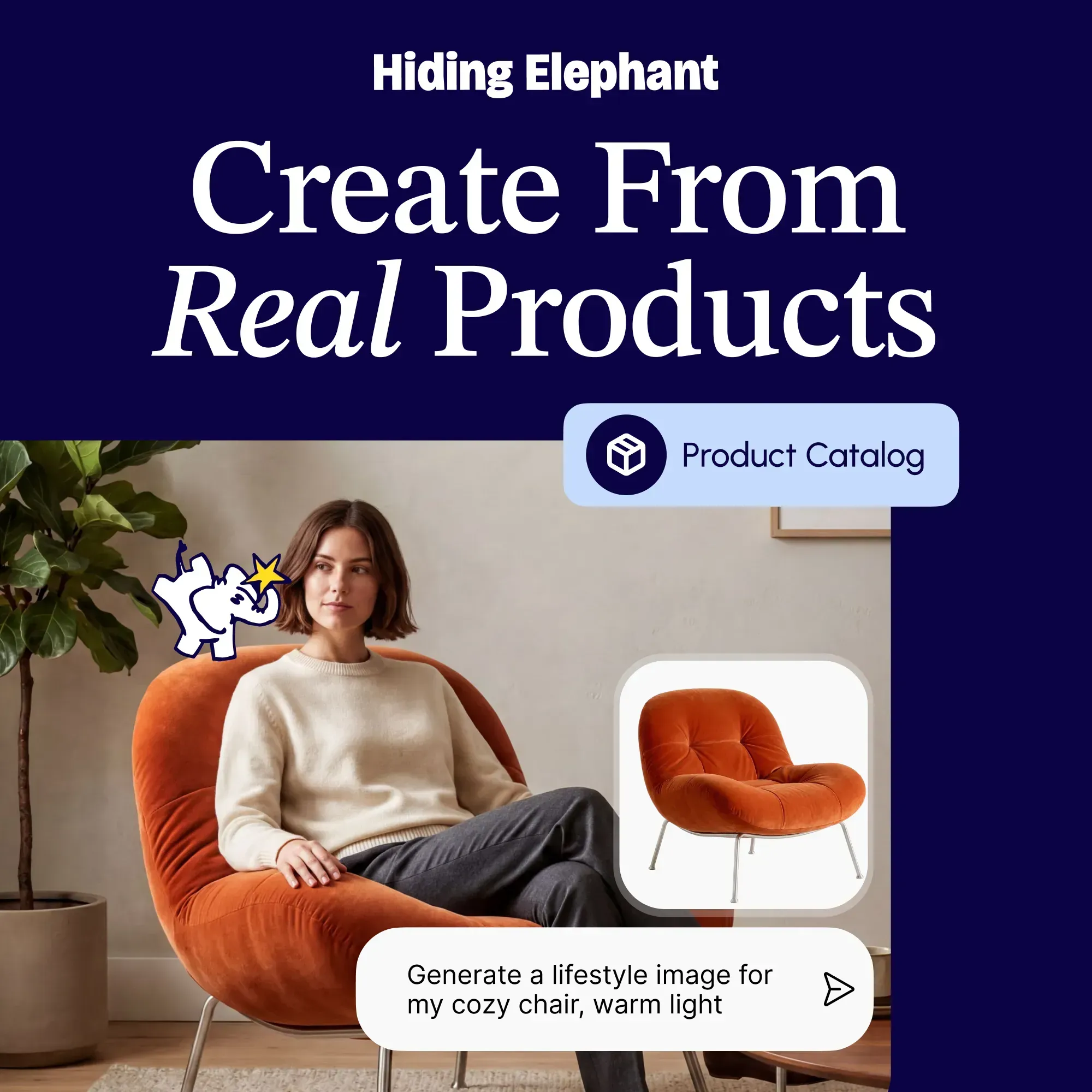
A product record answers, "What are we selling?" A brand guide answers, "What should this brand look and feel like?"
Connecting both gives a generation the product photos and SKU instructions alongside the approved colors, logos, references, and visual rules. This is part of Brand Intelligence, the wider system for reusing brand and product information across Hiding Elephant.
If you already set up brand guides, linking product records to that brand context is where catalog work gets especially strong.
Setting up the first products
Start with a small group of products that you create content for frequently. Add clean reference photos, use recognizable SKU names, and write down only the product details that a generation should not improvise.
You can manage those records in the product catalog. Once they are there, your team can reuse the same product information for a single canvas idea or a larger workflow run.
That is the practical difference: less time explaining the product again, and more time deciding what to make with it.