
Browse the Public Workflow Gallery
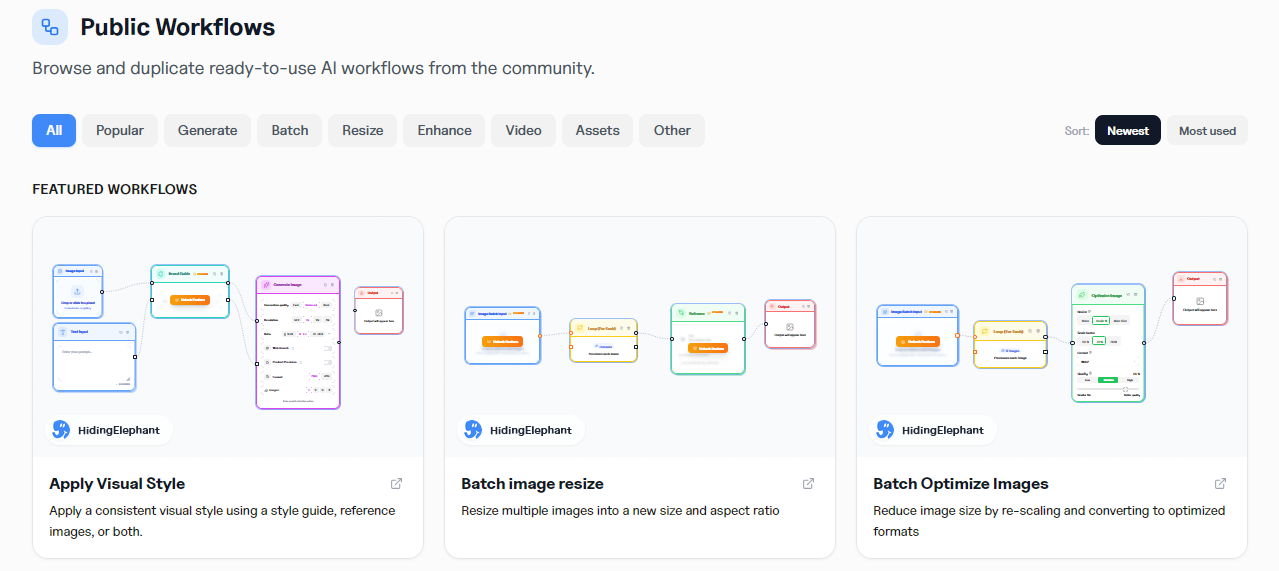
Discover community workflows, duplicate proven recipes into your account, and save your own templates to the gallery when a process is worth sharing or reusing.

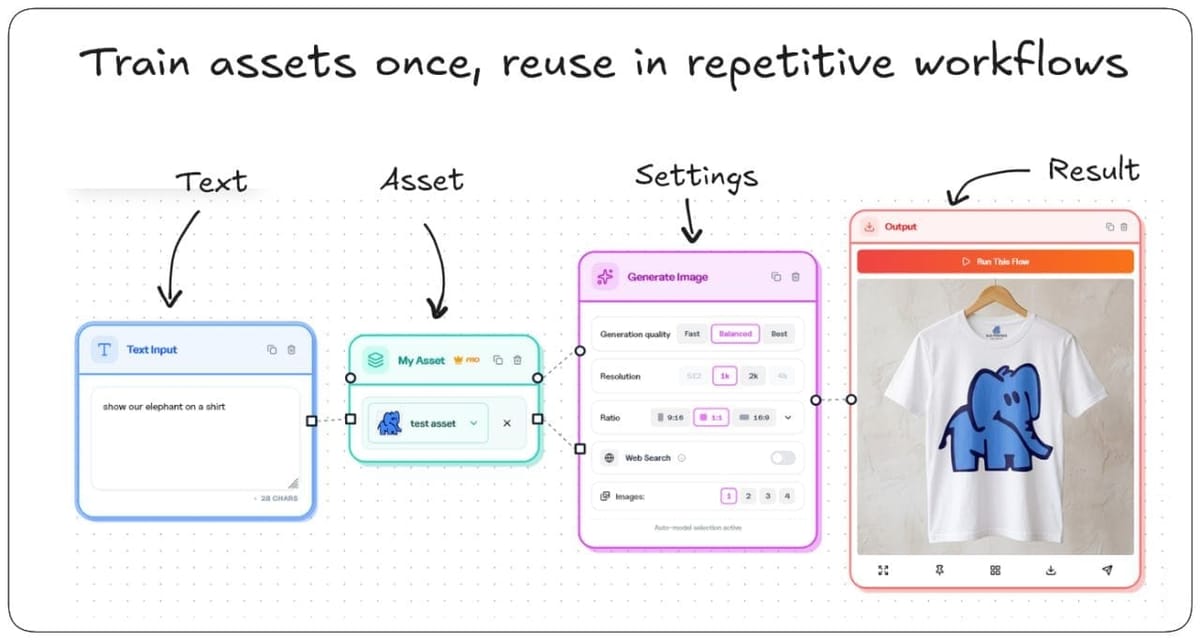
Building a good workflow takes time. The second time you need a similar process, you should not have to rebuild it from memory.
That is why Hiding Elephant has a public workflow gallery: a place to browse ready-made automations, borrow what works, and keep your own templates close when a flow is worth repeating.

Start from something that already works
After workflows launched, teams could design their own production systems. The next gap was discovery.
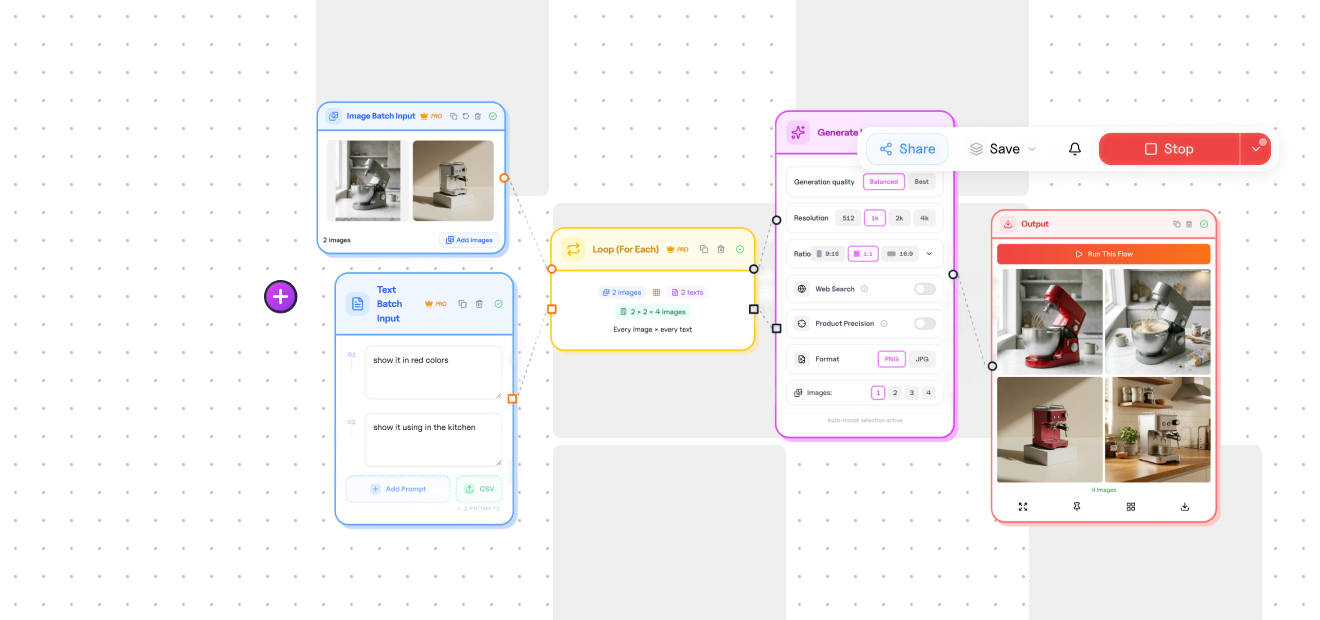
Not everyone wants to invent the first pipeline from a blank board. Sometimes you just need a solid starting point: batch product images, reframe for channels, clean backgrounds, generate variants, or stitch a short process your team already understands.
In the public workflows gallery, you can browse community templates and duplicate one into your account. From there it becomes your workflow. Adjust the steps. Point it at your products or prompts. Save the version that fits your team.
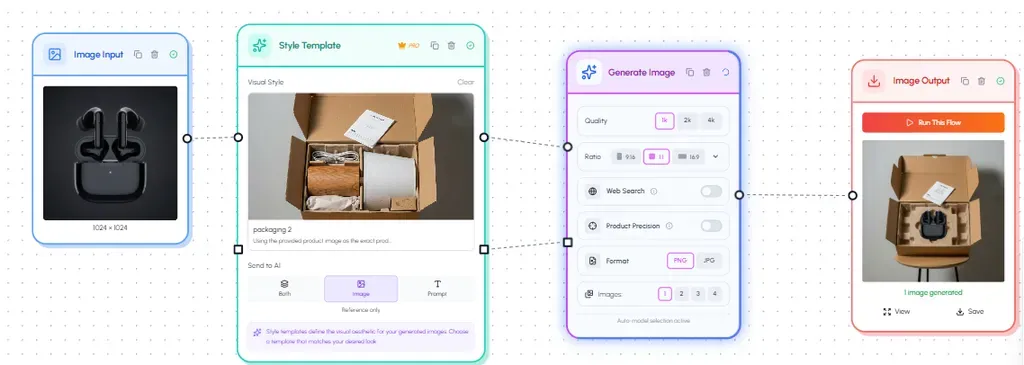
Duplicate is the useful part
Browsing is inspiration. Duplicating is the practical move.
When you copy a public workflow, you are not stuck admiring someone else's setup. You get a working structure you can edit:
- Keep the steps that match your process
- Swap inputs for your catalog, prompts, or assets
- Remove what you do not need
- Run it, review the outputs, and refine
That turns a public recipe into internal infrastructure.
Save your own templates to the gallery
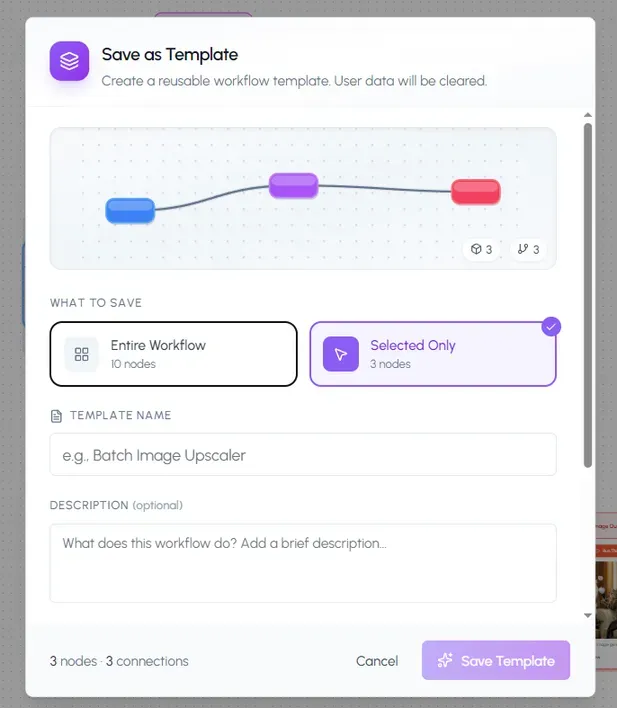
The gallery is not only for finding other people's work. When you build a workflow that your team will run again, you can save it as a template and put it in the gallery.
That matters for a few common cases:
- A process you want to reuse next week without rebuilding it
- A client or product pipeline your team should share
- A proven flow worth making easier for teammates to find
Think of it as the difference between "we figured this out once" and "this is how we do it here."
A simple loop for teams
- Browse the gallery for a close match, or start from a blank workflow.
- Duplicate or build until the steps match the job.
- Run it on a small batch and fix anything that needs attention.
- Save your own template when the process is solid.
- Share it with the team so the next person does not start from zero.
If your team already works in a shared workspace, templates become even more useful. The process lives next to the people who need it.
Where to begin
Open the workflows gallery, pick one template that is close to a task you do often, and duplicate it. Or take a flow you already trust and save it so the next run is easier than the first.
Good workflows should be easy to find, easy to copy, and easy to keep.